AI art generator
AI Cartoon Generator for Mascots, Stickers and Fun Characters
Cartoon characters trade realism for personality: exaggerated proportions, readable expressions and shapes you could recognize from across a room. Use this page to design mascots, sticker sets and cheerful characters for a business, a classroom or a channel of your own.
Made with OpenDream
How it works
- 01
Exaggerate one thing
Pick the feature that carries the personality, such as an oversized head, tiny legs or huge eyebrows, and push it. Cartoon charm usually comes from a single bold distortion.
- 02
Keep shapes and colors simple
Ask for thick outlines, flat colors and a white or solid background. Simple art shrinks to an app icon or sticker without turning into mush.
- 03
Cut it out for use
Run the Remove Background tool to get a transparent mascot, then upscale it when it is headed for print or merchandise.
Why create AI cartoon generator with OpenDream
Business and team mascots
A friendly animal or object character for a website, packaging or a team jersey. Design it in one neutral pose first, then move on to action poses.
Sticker and emoji sets
The same character with several expressions in one run, each isolated on white and ready to cut out.
Classroom and kids' content
Cheerful, clearly readable characters for worksheets, slides and reading corners.
Clay-style cartoons
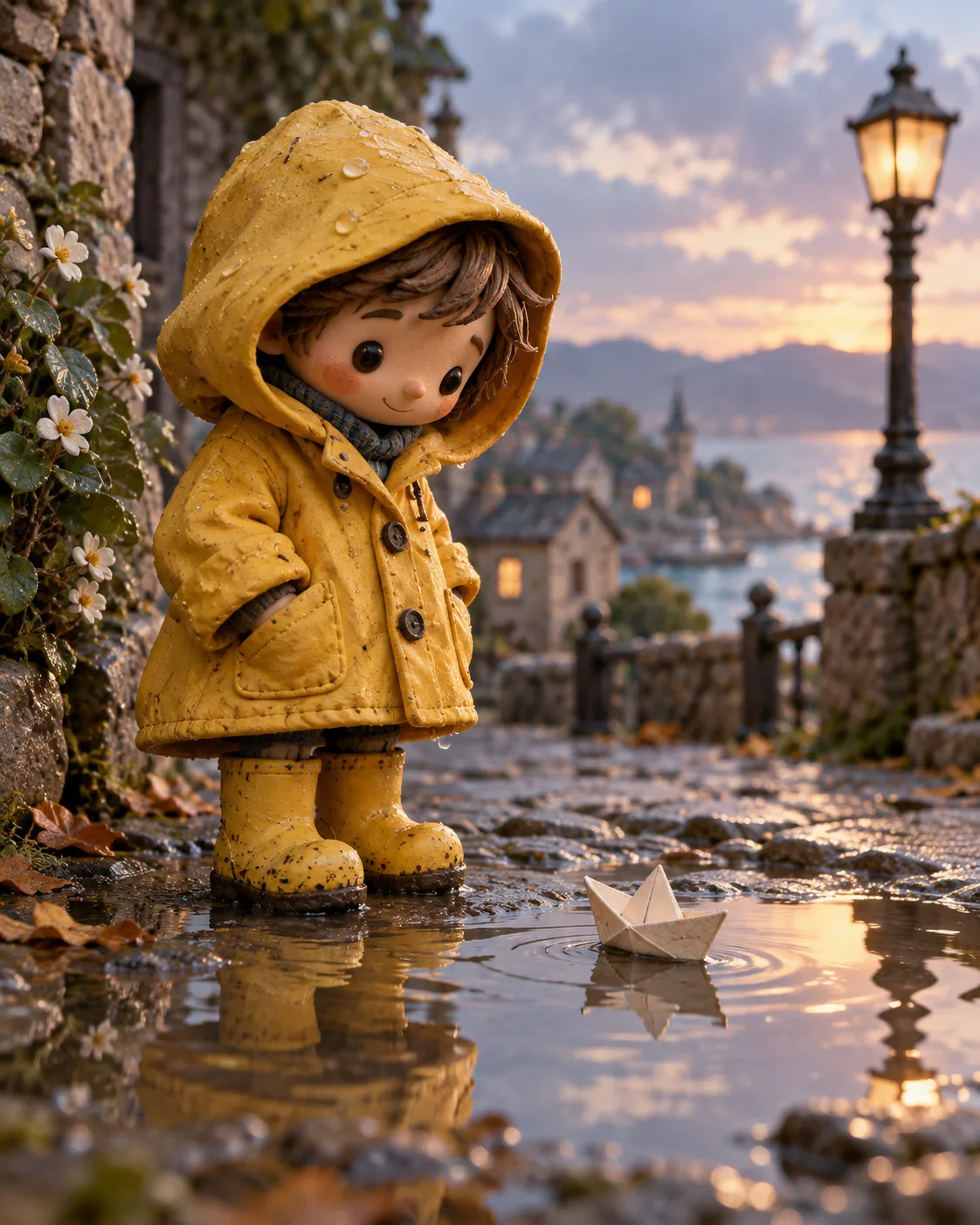
The Clay Character template turns a cartoon design into a tactile, stop-motion-style figure for a different finish.
What makes a cartoon character work
Cartoon design relies on appeal: a character that is pleasant to look at and instantly readable. The quickest route is a strong primary shape, such as a pear, a bean or a box, with the head and body built from it. Tell the model that shape outright, 'a round bean-shaped body with stubby arms', and the result will feel designed instead of drawn at random.
Faces should be simple enough to change mood with a few lines. Dot eyes or large ovals, a clear mouth shape and bold eyebrows give a full emotional range. When you need a set, generate the expressions together in one prompt so proportions stay matched, then keep the ones that read at small size.
Line and color define the finish. Thick, even outlines and flat fills suit stickers and signage; no outlines with soft shading suit children's apps; a slightly wobbly hand-drawn line feels friendly and informal. Limit a mascot to three main colors plus black and white, which makes it far easier to reproduce in print, embroidery or a one-color stamp.
A mascot should look like itself from any angle. Once the design is settled, ask for front, side and back views, then use those as reference images when you generate new poses. For a finished asset, remove the background, check the edges at full size and upscale before sending it to a printer.
Prompt examples
Coffee bean mascot
Cartoon mascot of a cheerful coffee bean character with a round bean-shaped body, stubby arms, dot eyes, big grin and a tiny paper hat, thick black outlines, flat brown and cream colors, plain white background, front view
A simple body shape and few colors make the mascot easy to reuse on packaging and small icons.
Try this promptCat sticker sheet
Sticker sheet of one original cartoon cat character with six expressions: happy, sleepy, grumpy, shocked, laughing, lovestruck, each isolated on white with a thick white sticker border, bold outlines, flat pastel colors
Generating every expression together keeps the cat's proportions consistent across the set.
Try this promptOwl classroom helper
Friendly cartoon owl teacher character holding a pointer, oversized round glasses, tiny feet, soft rounded shapes, no outlines, gentle shading, bright but not neon colors, plain light yellow background, clear readable pose
Soft shapes without outlines suit children's materials and project well on classroom screens.
Try this promptMountain goat team mascot
Cartoon mascot of an original mountain goat with curled horns in a determined pose, one hoof raised, bold outlines, three-color palette of forest green, gold and white, dynamic but simple shapes, white background, suitable for a jersey patch
A three-color limit keeps the design reproducible in embroidery and screen printing.
Try this promptToaster robot turnaround
Character turnaround of an original cartoon robot mascot shaped like a toaster with springy legs, front, side and back views, consistent proportions, flat colors, thick outlines, plain white background
Three views give you reference images for generating fresh poses later.
Try this prompt
Start from a template
Frequently asked questions
- Can I use a generated mascot for my business?
- Yes, commercial use is part of every paid plan. If the mascot will become a trademark, have it reviewed and consider redrawing it as a clean vector file.
- How do I get a transparent background?
- Generate on a plain white or solid background, then open the image in the Remove Background tool. Solid, contrasting backdrops give cleaner edges than busy scenes.
- Is a cartoon the same as a comic here?
- Not quite. This page is about single characters and mascots. For panel layouts and inked storytelling pages, see the comic generator.
- Can I show my mascot in different poses?
- Create a turnaround first and supply it as reference images, then describe the new pose in plain words. References keep the character recognizable, though small details may need a quick fix in the editor.
Keep exploring
Ready to create?
Pick a plan and you only spend credits on images you actually receive.
Start creating