OpenDream AI Art Generator Create what you imagine.
OpenDream AI turns any idea into extraordinary AI art using leading image-generation models.
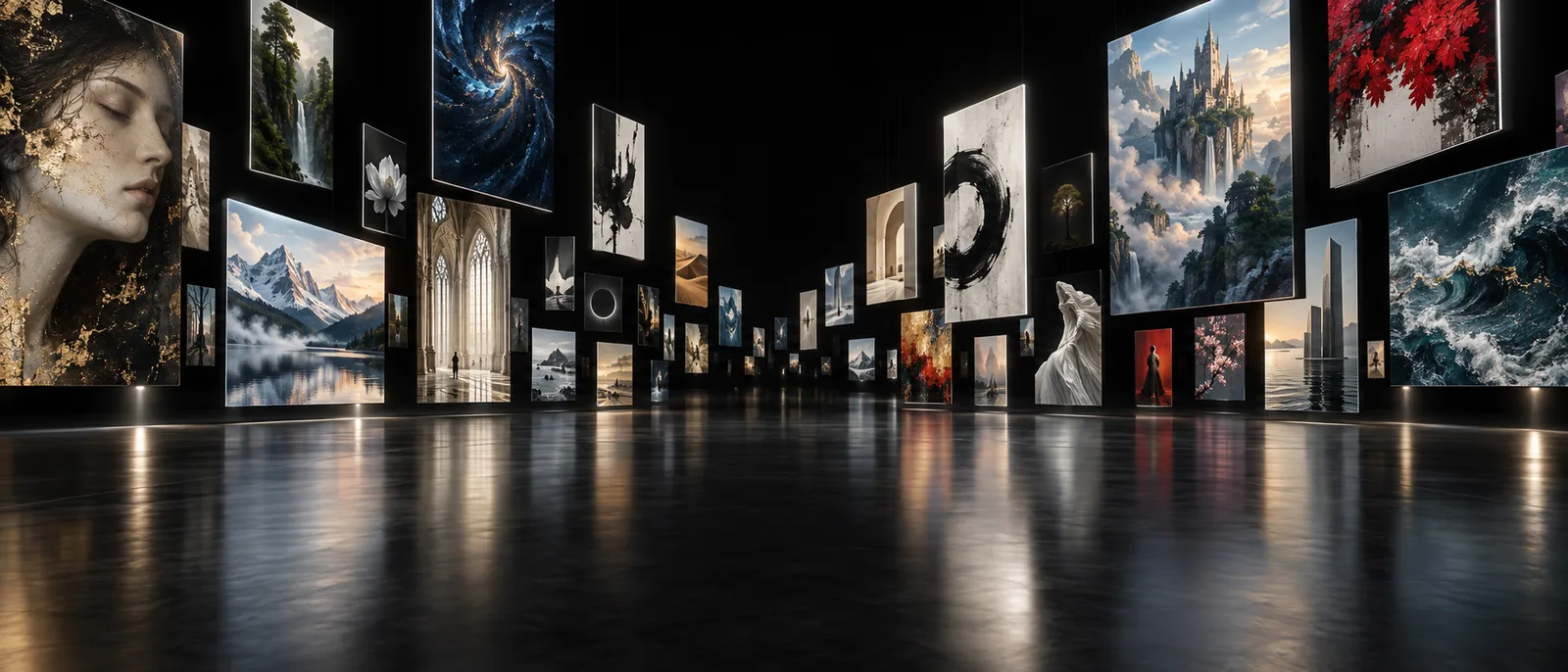
Gallery
Explore OpenDream AI Art
Explore exceptional AI art, discover new ideas, and remix anything that inspires you.
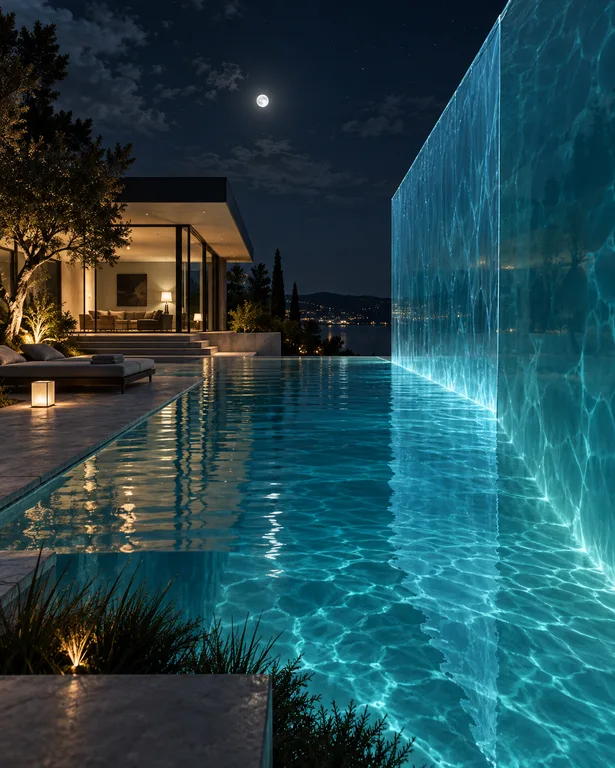
Wall of Water
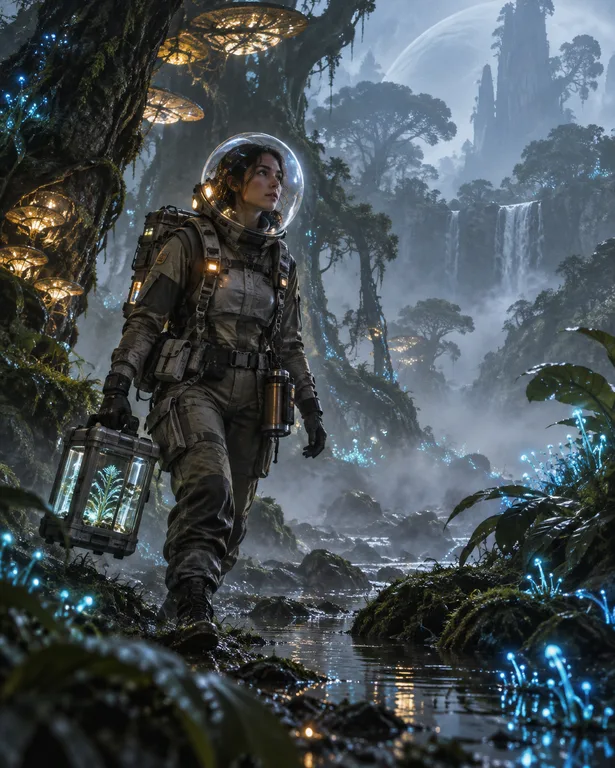
Explorer of the Glowing Jungle
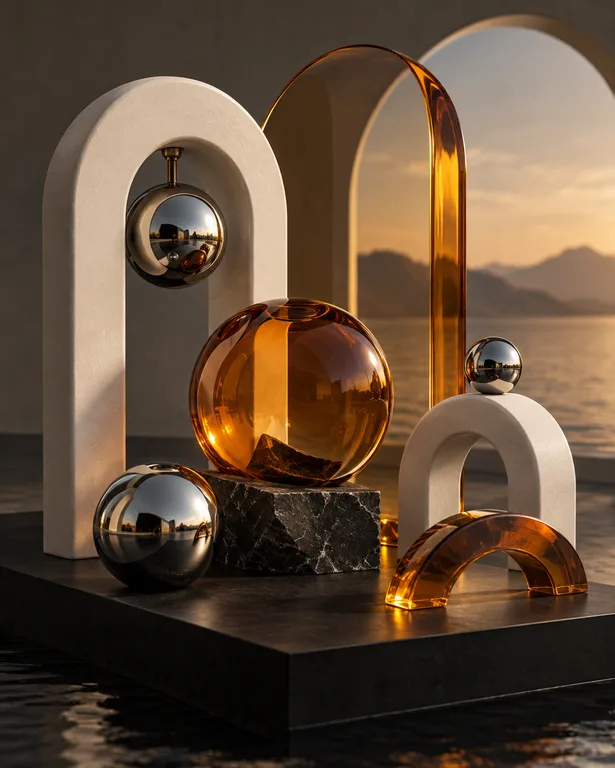
Chrome, Amber and Stone
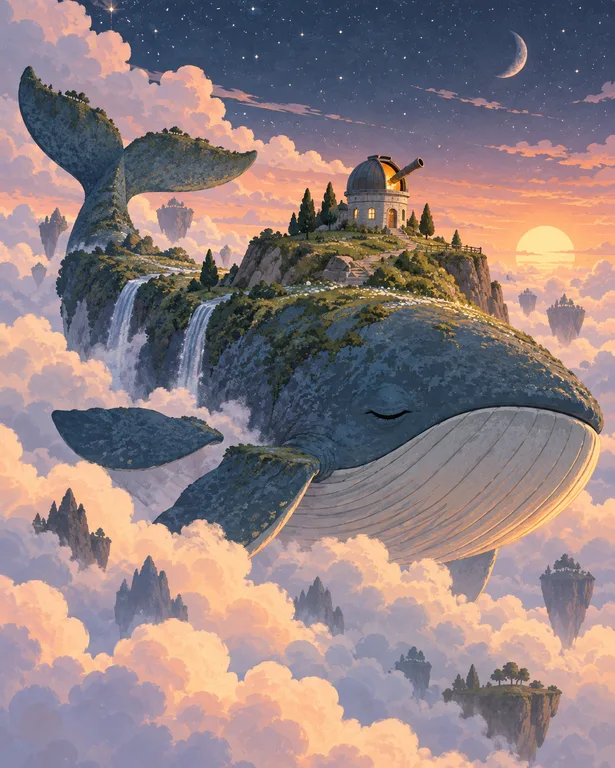
The Whale Island
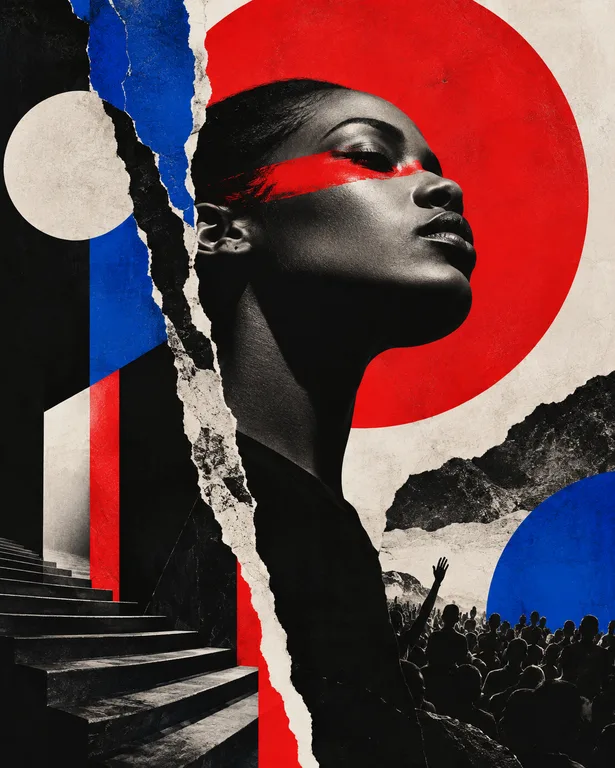
Profile in Red and Blue
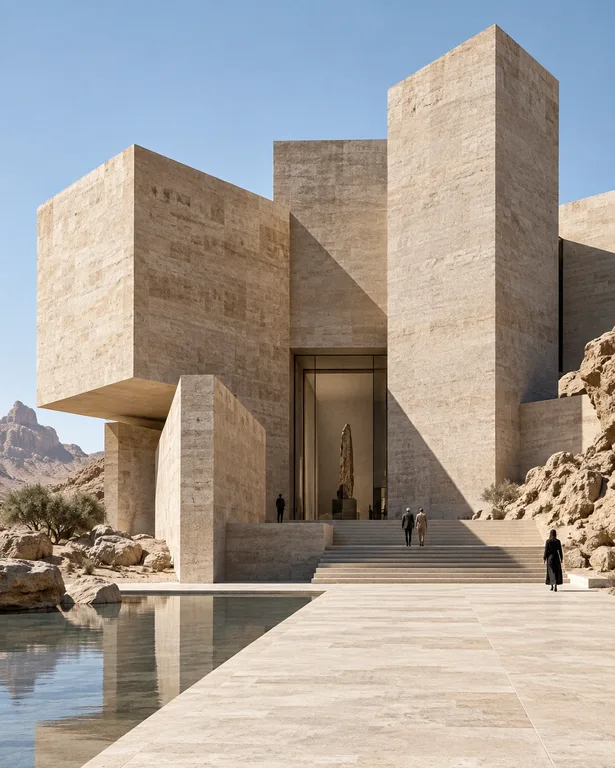
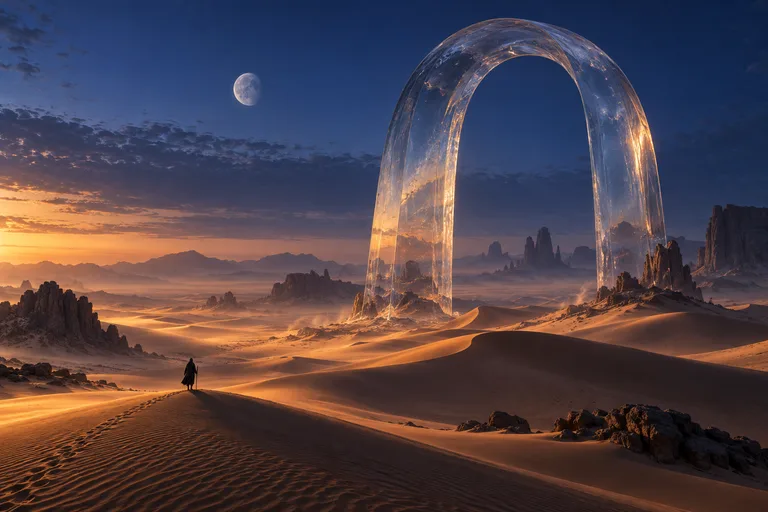
Sandstone Monoliths
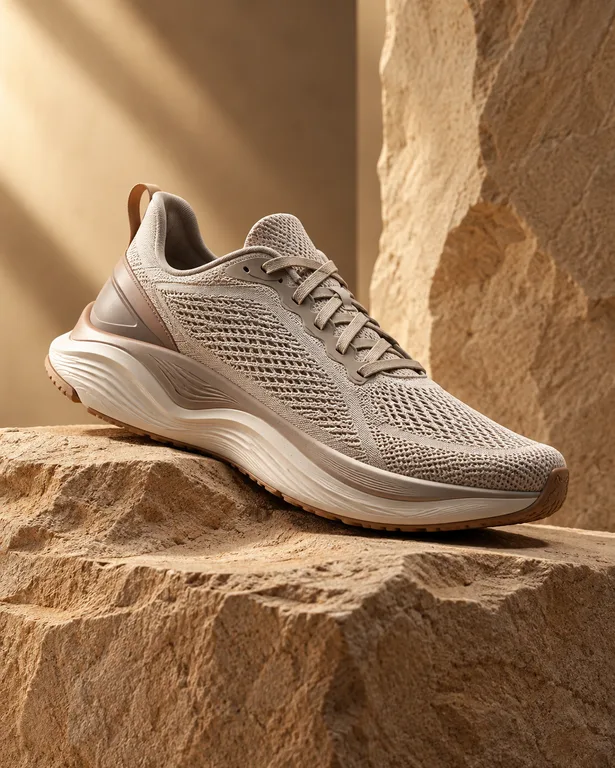
Sneaker on Sandstone
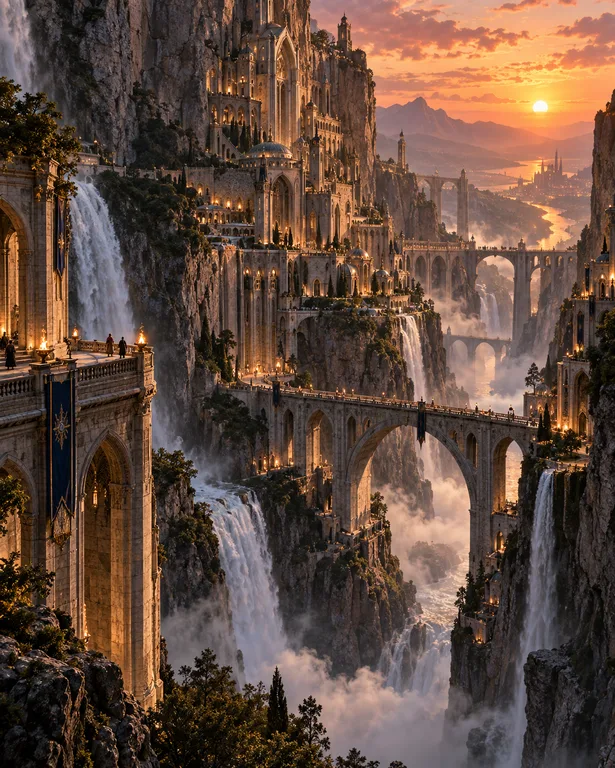
City of Falling Water
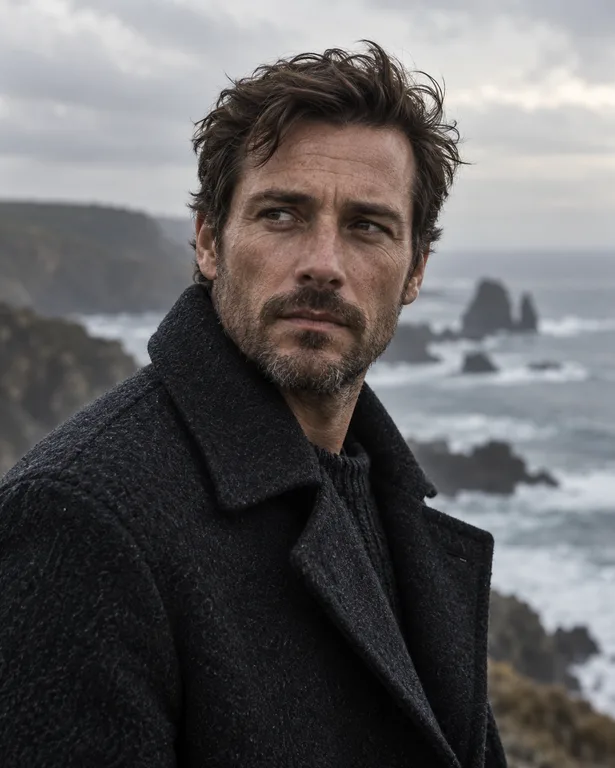
The Coastline Portrait
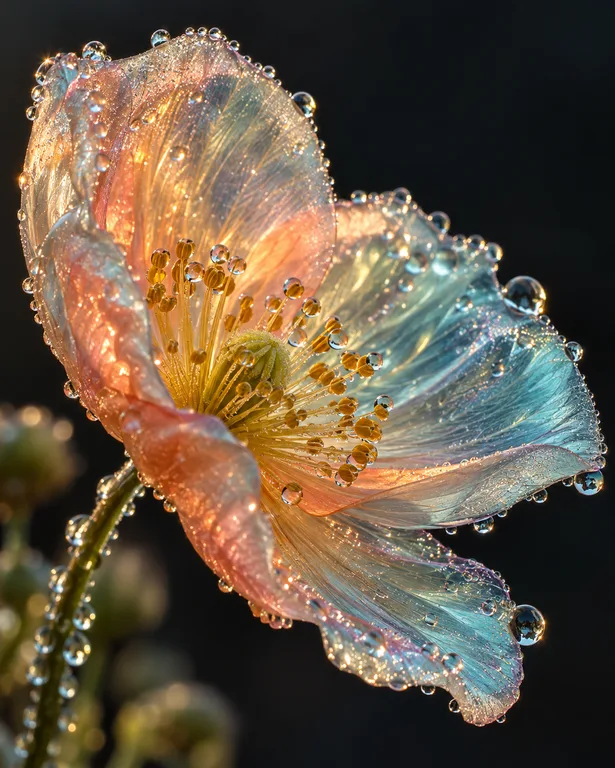
Dew on an Iridescent Bloom
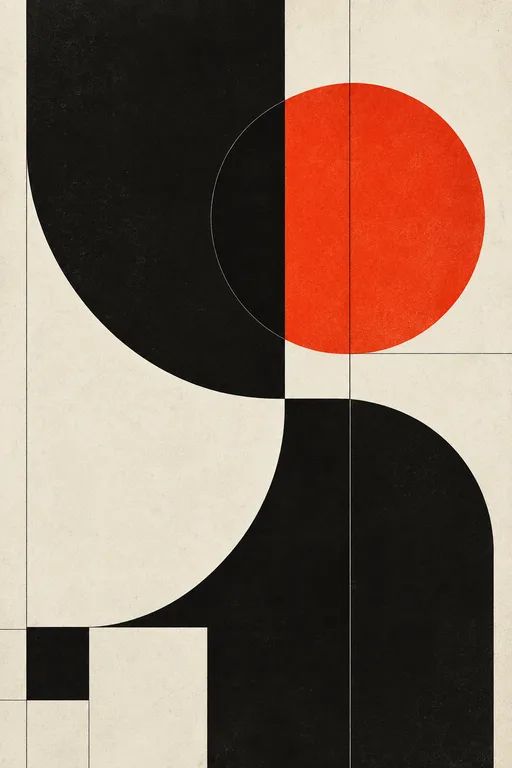
Red Sun, Black Curves
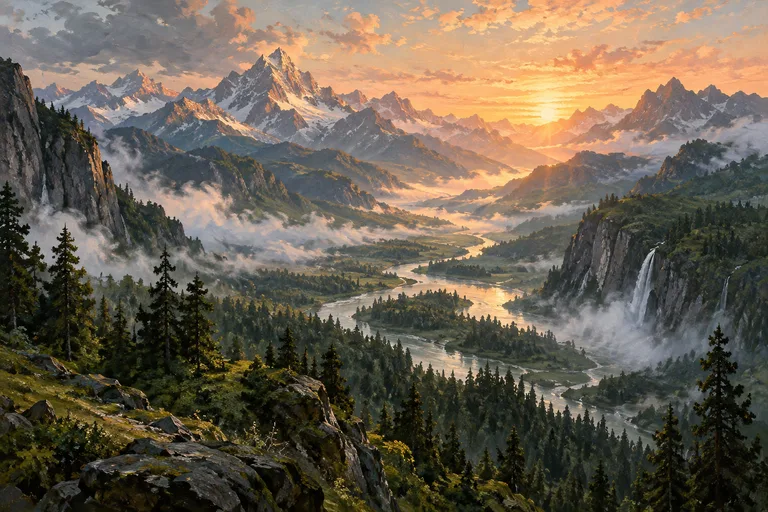
Golden Valley Evening
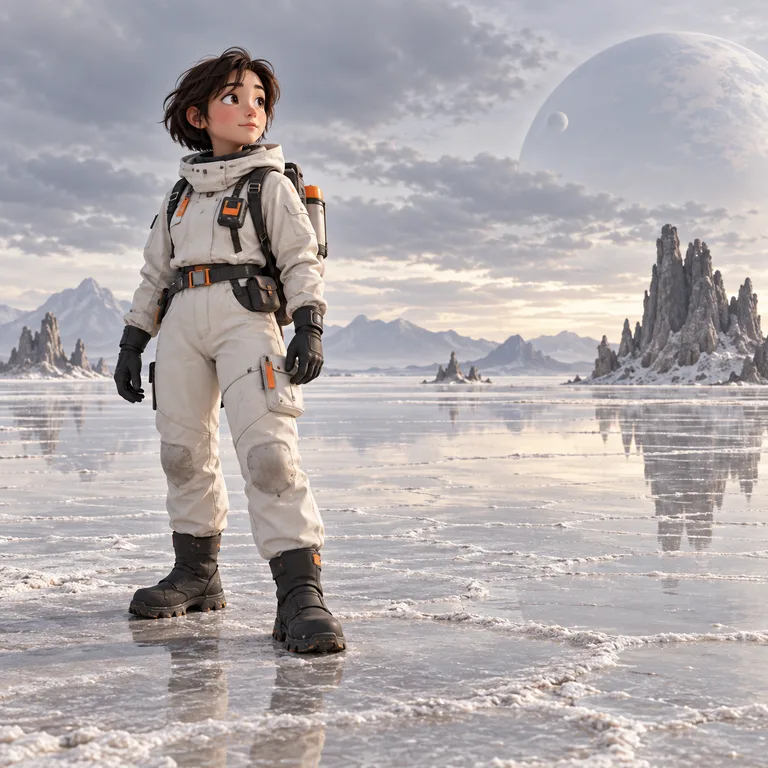
Little Astronaut on the Salt Flats
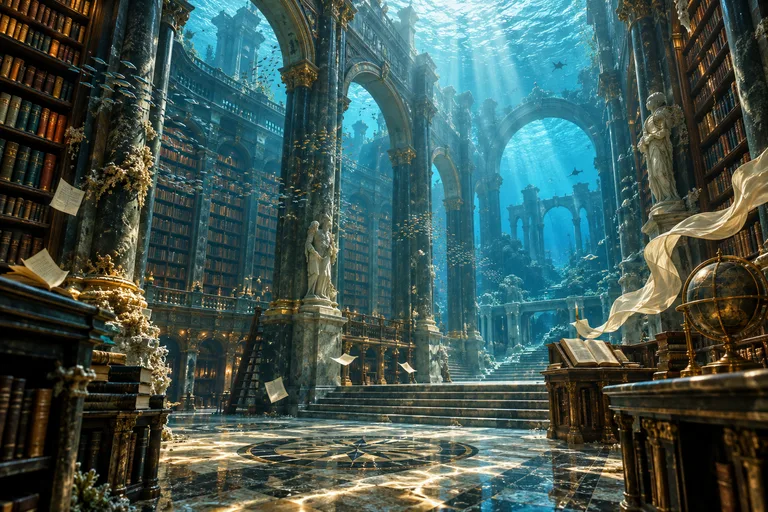
The Drowned Library
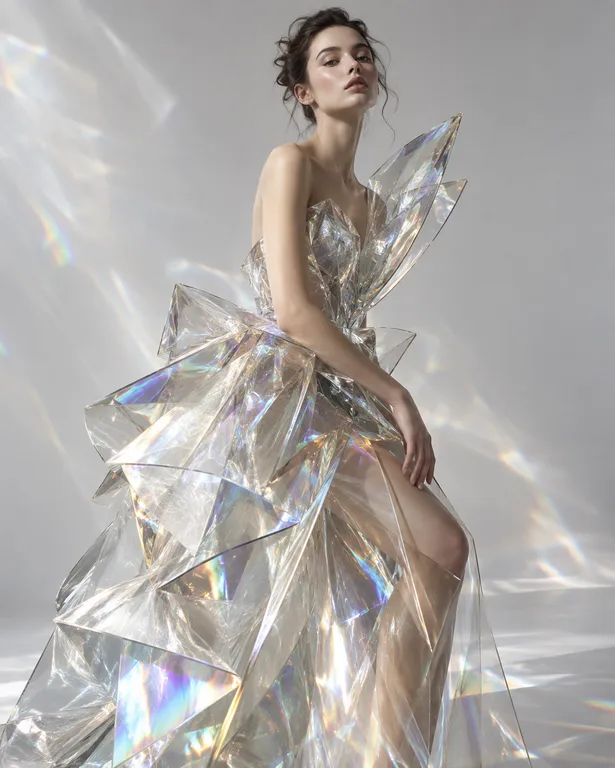
Crystal Couture
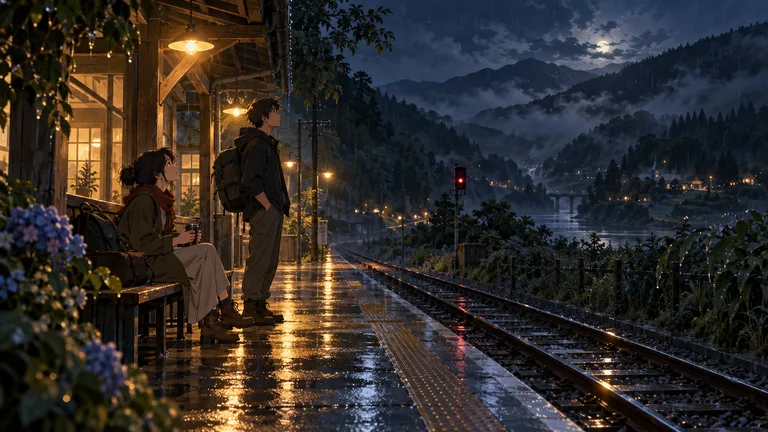
Last Train Through the Mountains
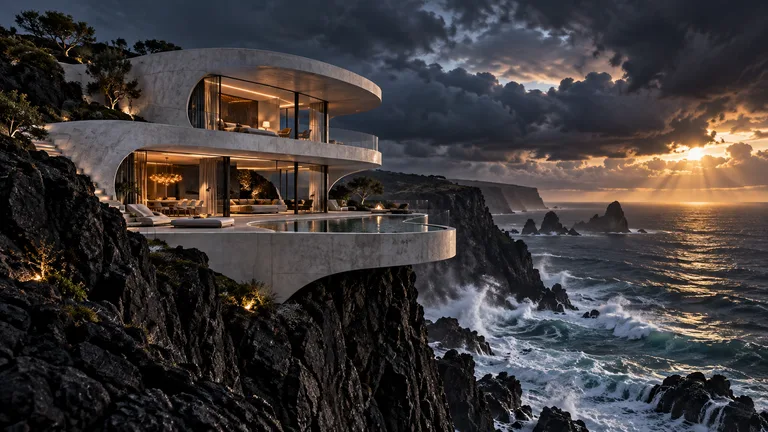
Cliffside House at Sunset
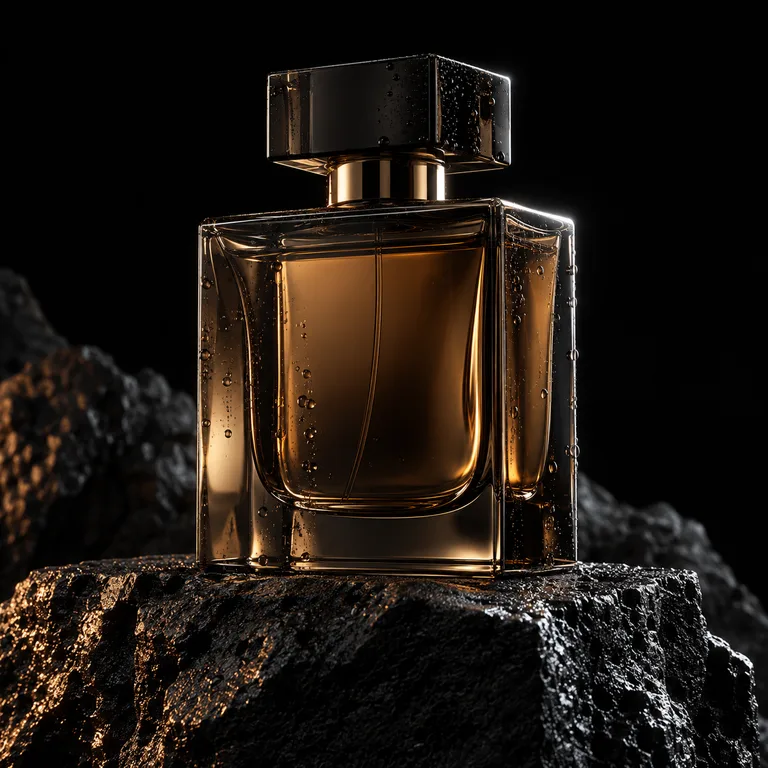
Amber Perfume on Volcanic Stone
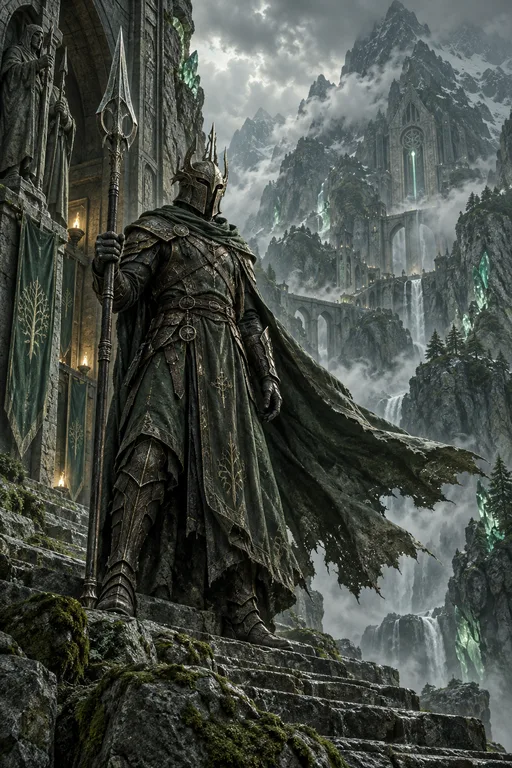
Guardian of the Mountain Sanctuary


Create anything
Turn Any Idea Into AI Art
Portraits, worlds, products, posters — start from what you want to make.
Models
Create With Leading AI Image Models
One studio, many models. Smart mode picks the right one — or choose yourself.
Editing
Edit and Transform Images With AI
Upload a photo or pick any creation, then describe the change. Every edit is a new version — your original stays untouched.
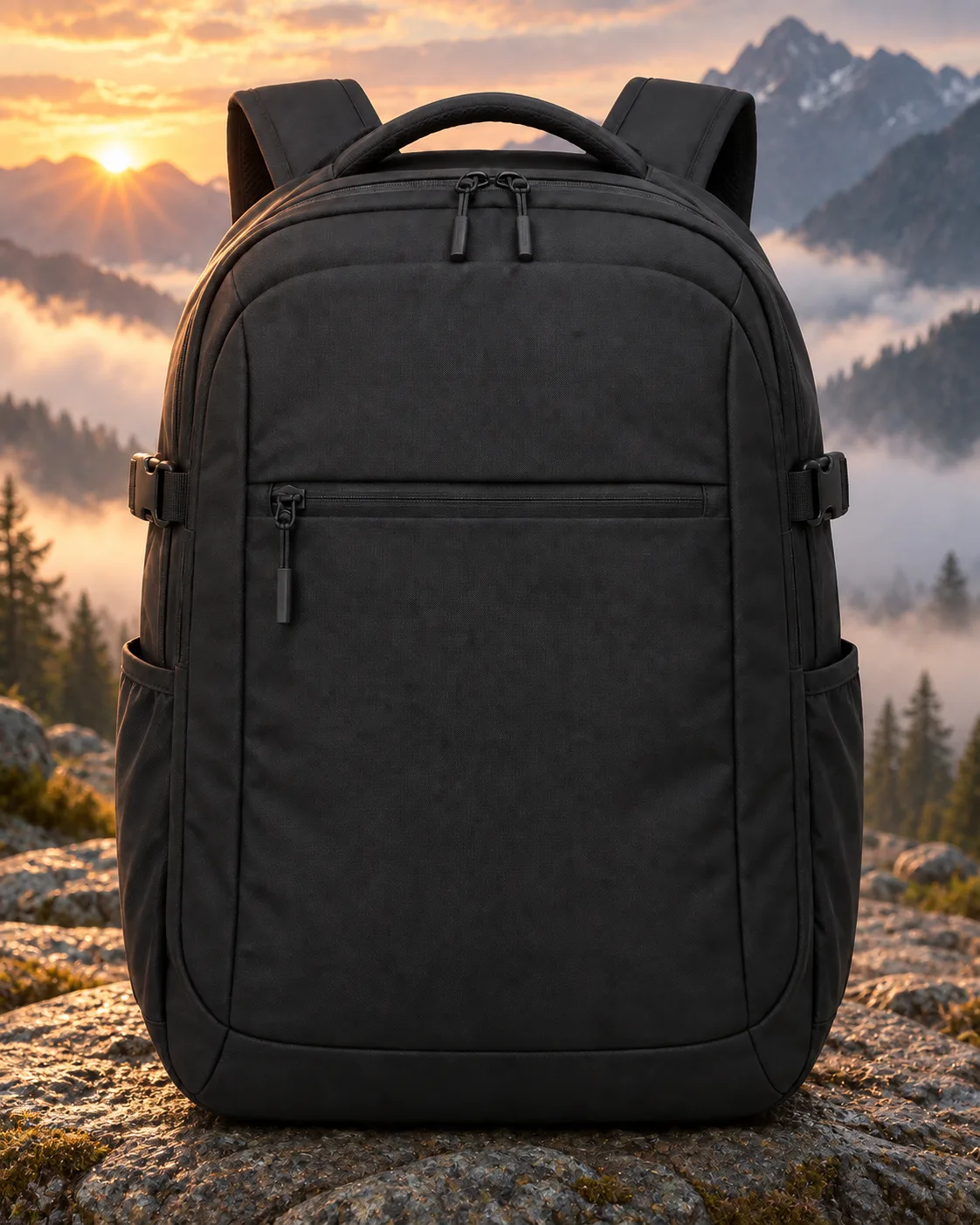
Templates
Start From AI Art Templates
Proven prompts with the model, style and framing already chosen.
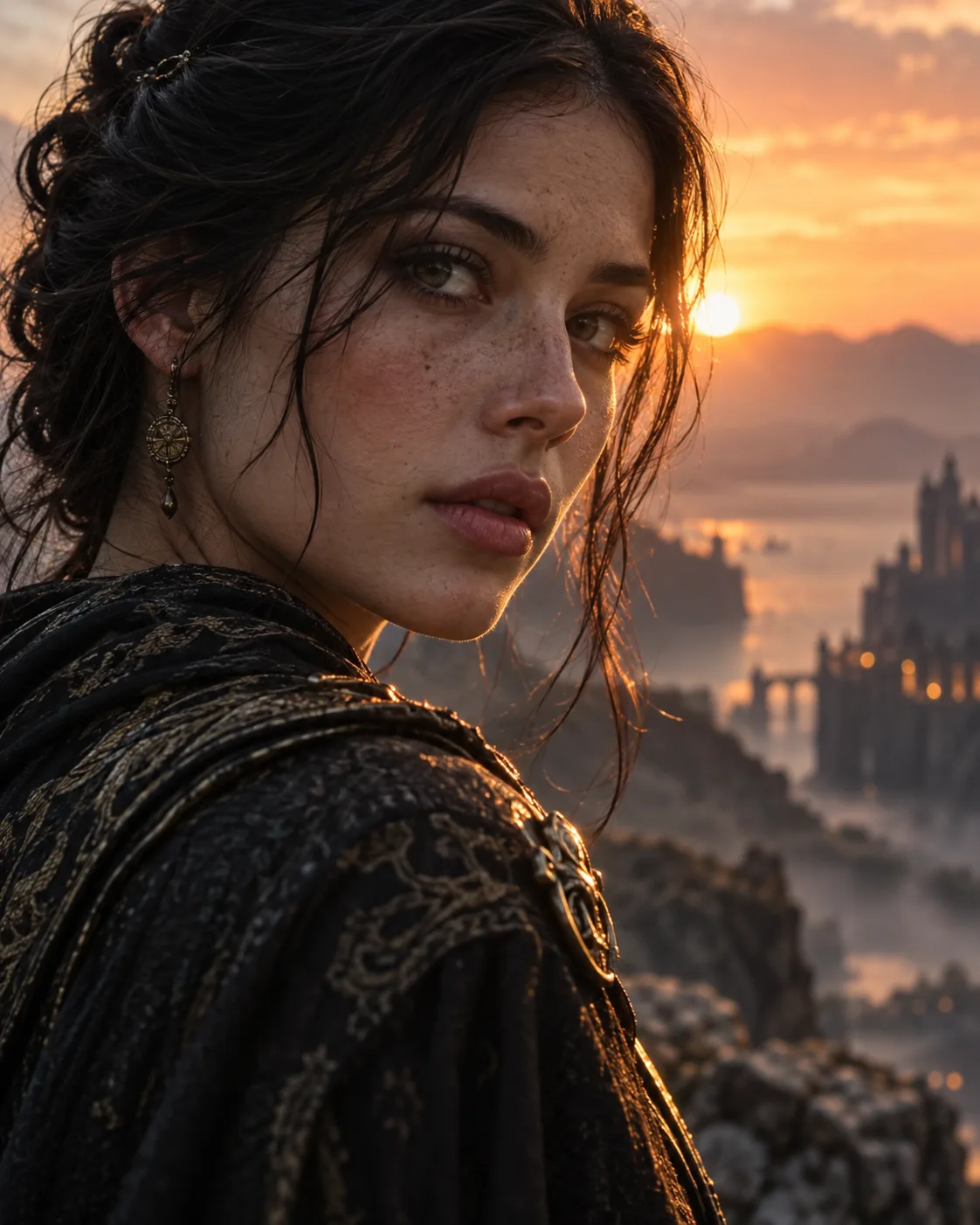
Cinematic Portrait
Filmic close-up portraits with soft rim light and atmospheric haze.
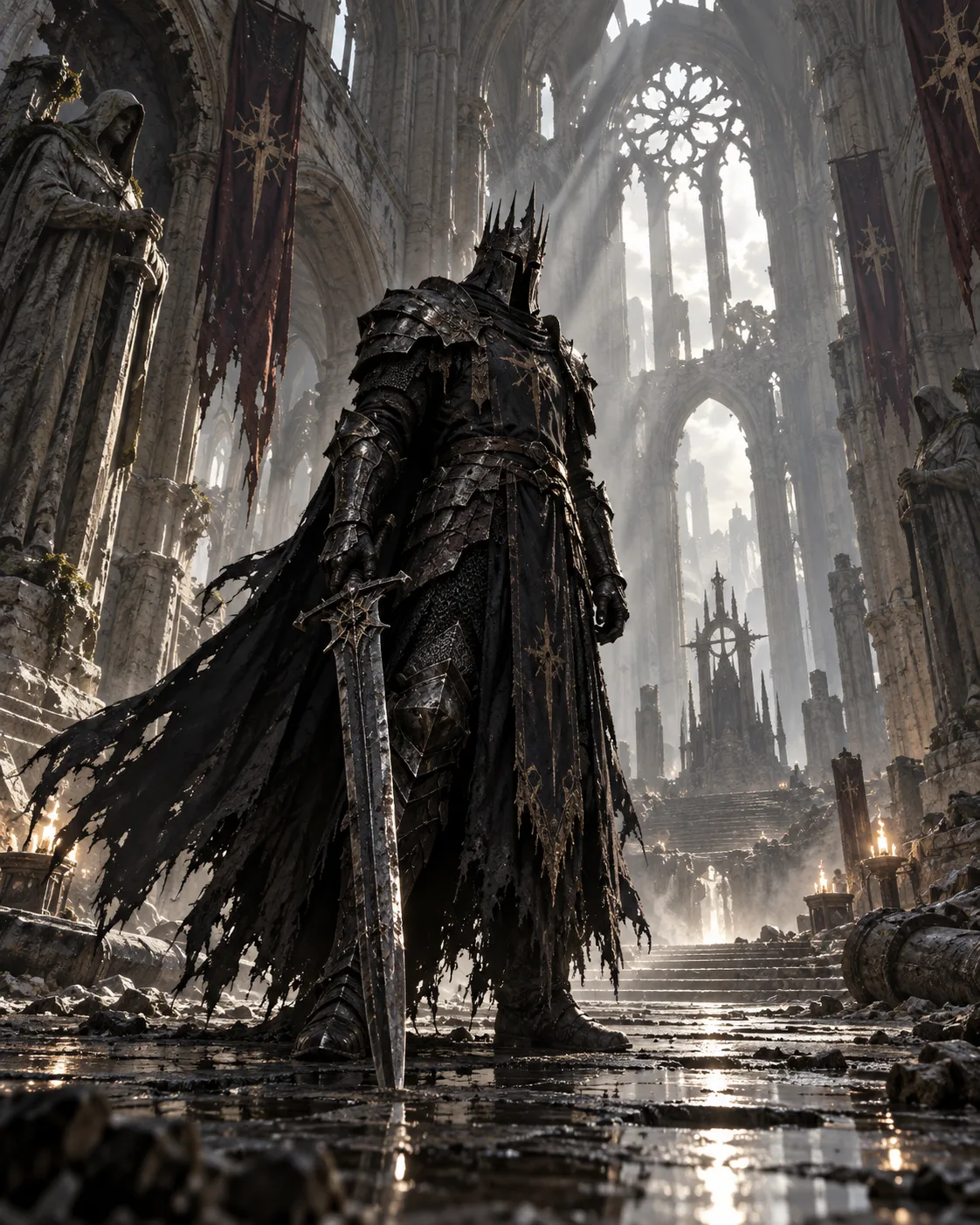
Dark Fantasy Knight
Grounded dark-fantasy warriors in epic, dusty light.
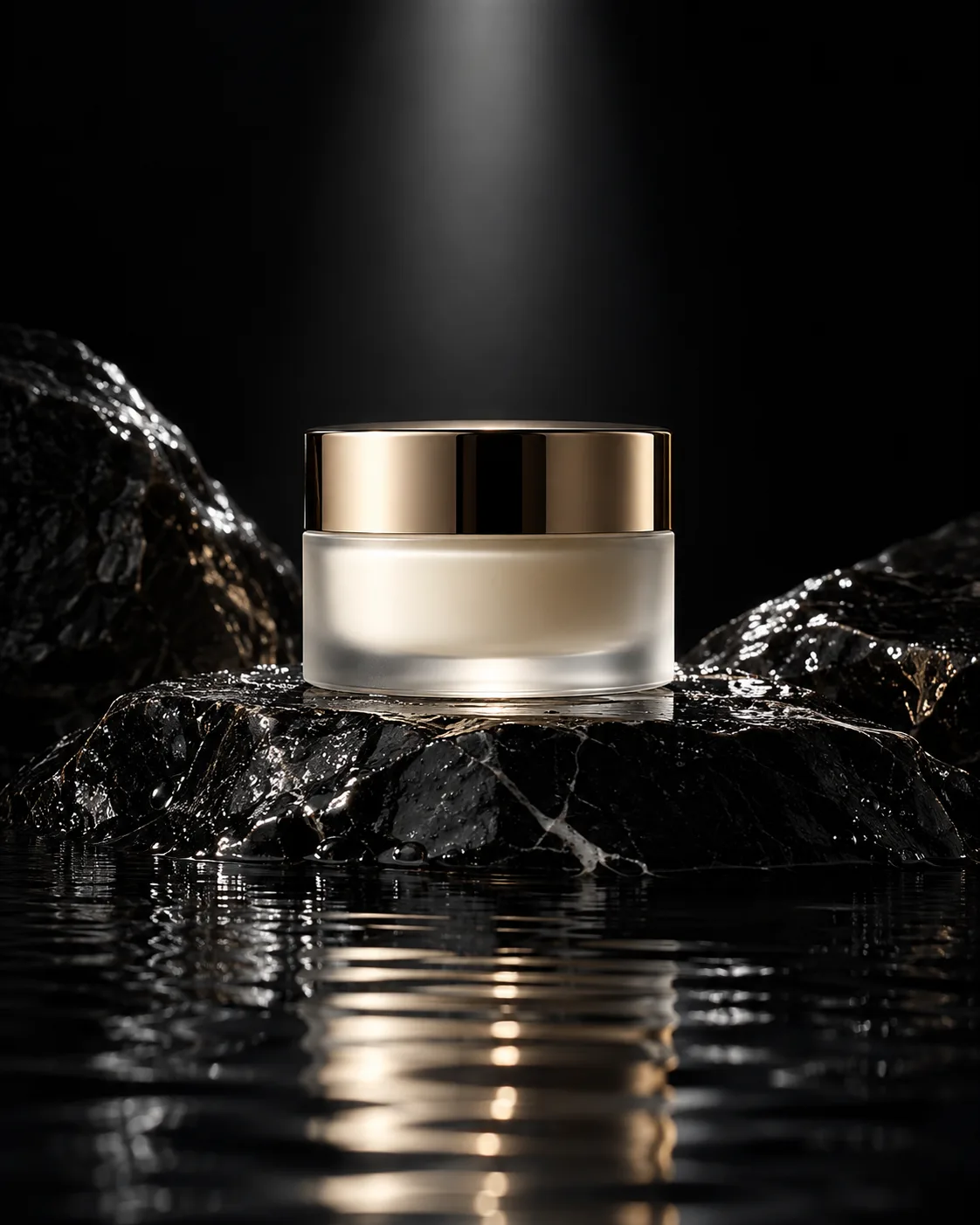
Luxury Product
Premium studio product shots on dark stone.
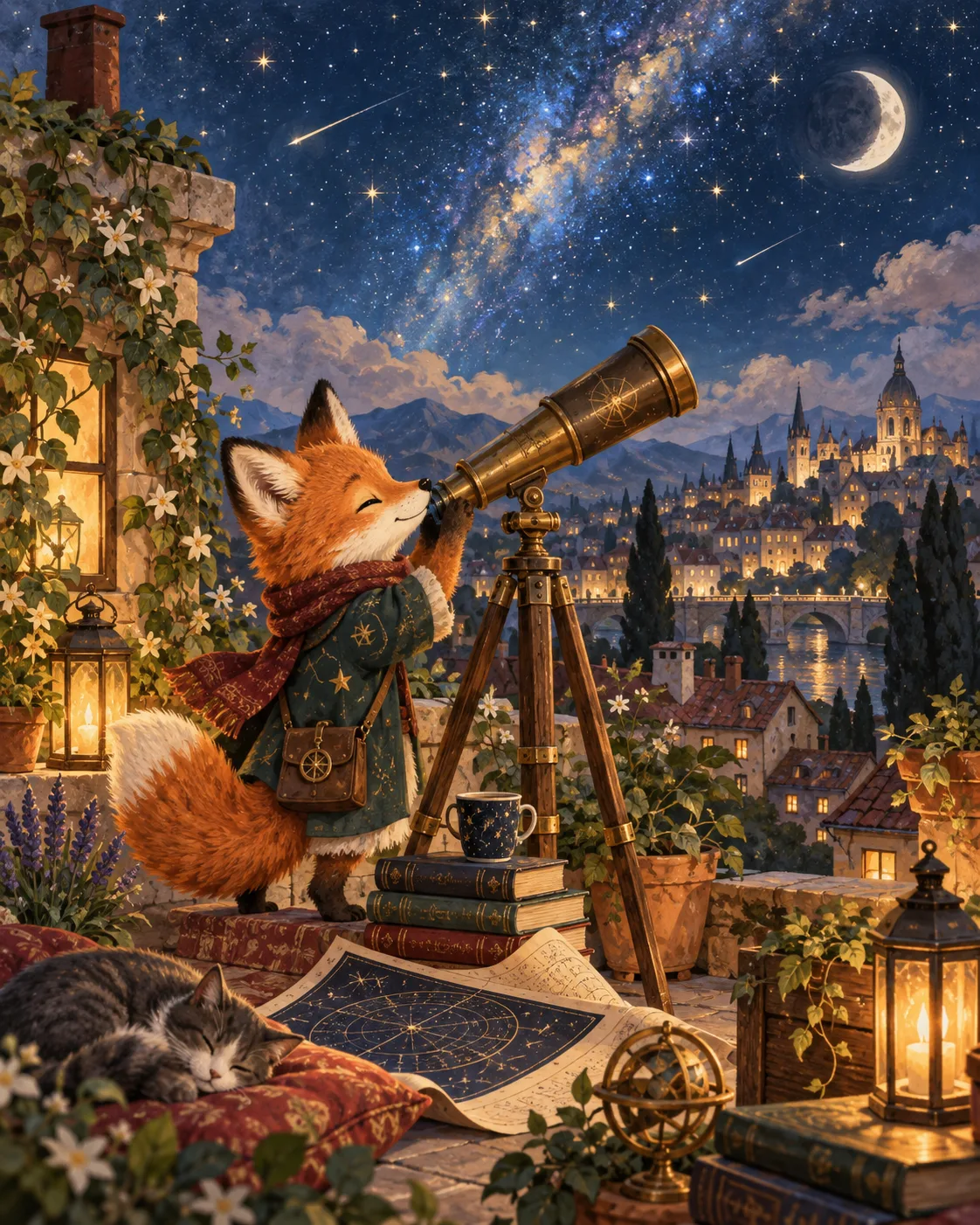
Storybook Illustration
Friendly, sophisticated storybook scenes.
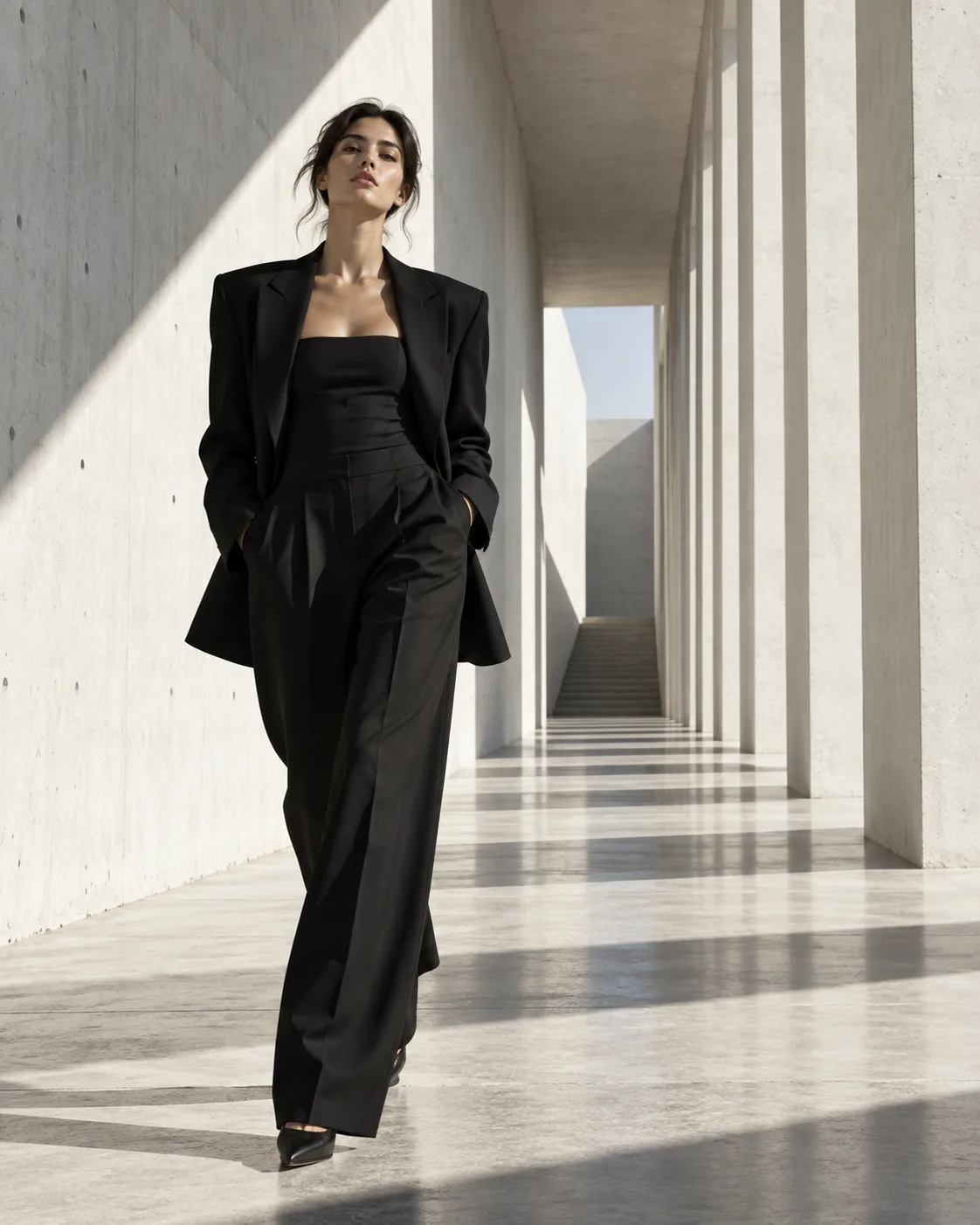
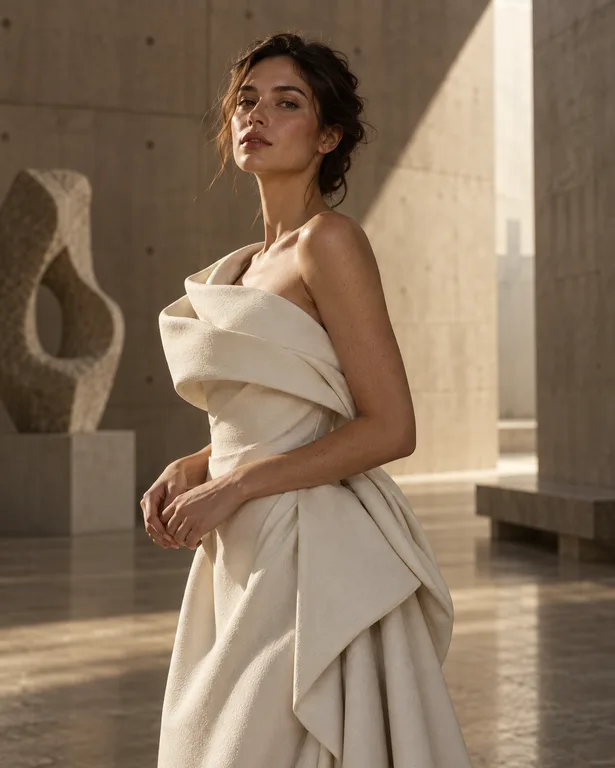
Fashion Campaign
Clean high-fashion campaigns in brutalist spaces.
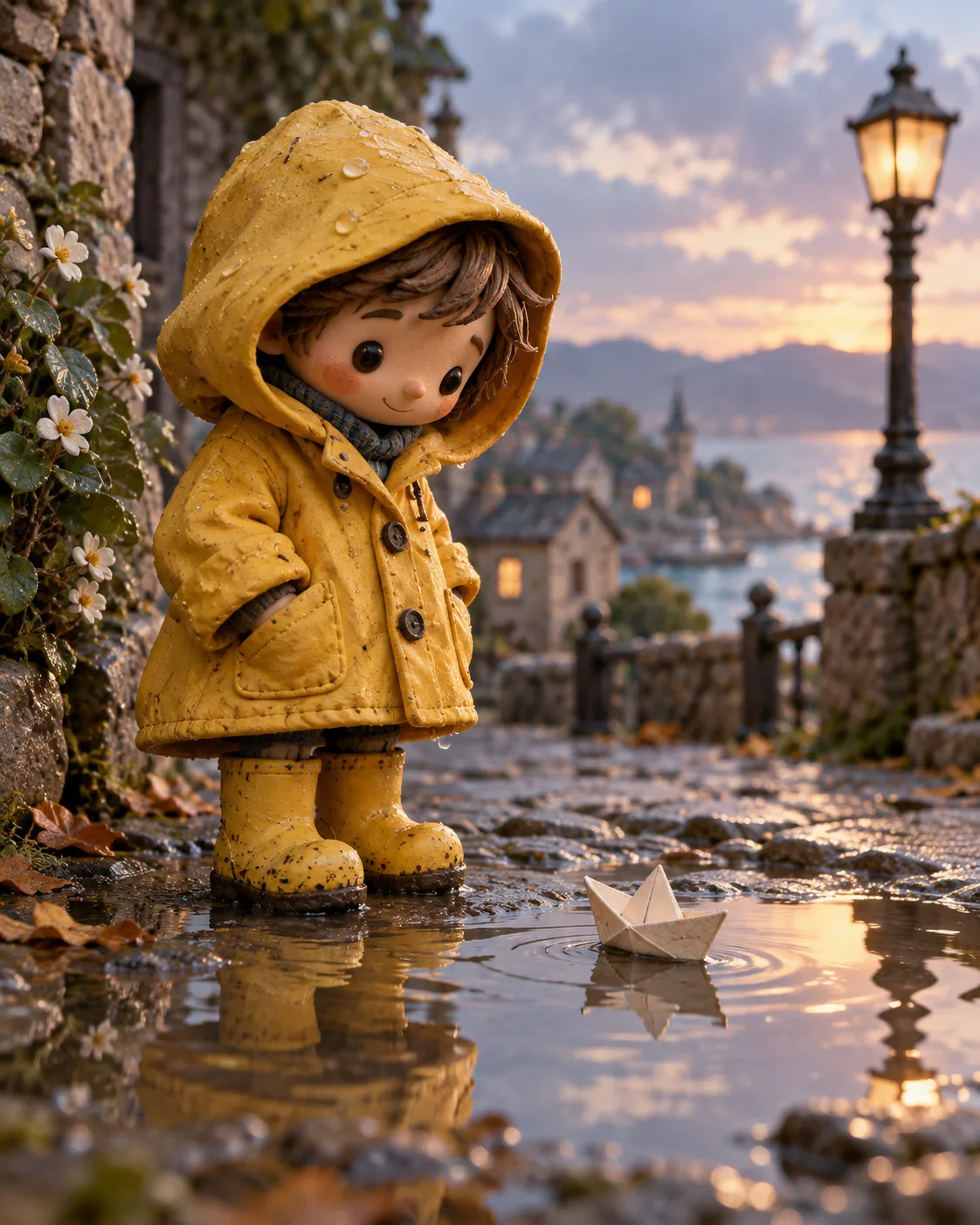
Clay Character
Handcrafted stop-motion clay characters.
How it works
How OpenDream AI Works
- 01
Describe or upload
Write an idea in plain words, start from a template, or add reference images.
- 02
Generate
Smart mode routes to the best model. See the credit cost before you create — pay only for images you get.
- 03
Refine and share
Edit, upscale, remix and organize. Publish to the gallery when you're proud of it.
Everything in one studio
More than a prompt box
Smart mode
Describe the idea once. Smart mode picks the model best suited to it.
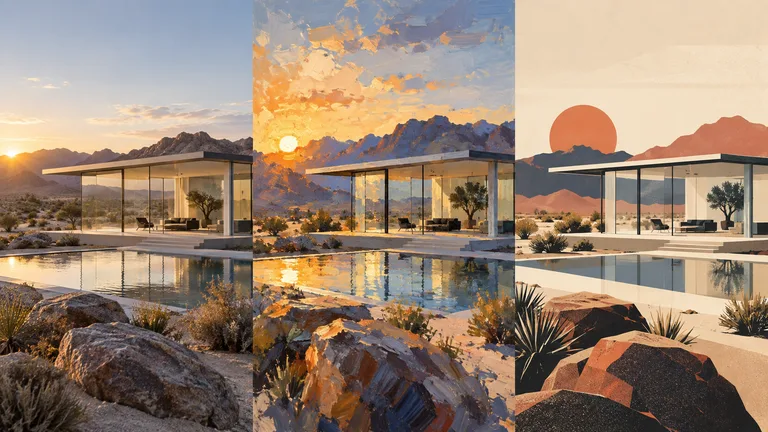
Compare models
See the same idea from different models side by side, then keep the best.
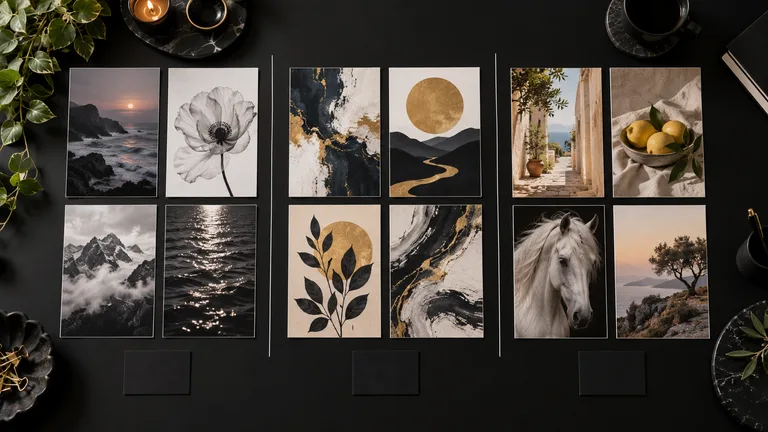
Stay organized
Projects and collections keep references, versions and finals together.
Smart model routing
Describe what you want; Smart mode picks the best model for portraits, text, products or art.
Plain-language editing
Replace backgrounds, swap objects and relight scenes by describing the change.
Upscale
Enlarge images with crisp, recovered detail.
Remove background
Clean cut-outs with a transparent PNG in one step.
Templates & styles
Proven starting points with the right model and framing already chosen.
Remix anything
Start from any public artwork whose creator allows remixing.
Projects & collections
Keep references, generations and notes organized by piece of work.
Non-destructive history
Every edit is a new version. Your originals are never overwritten.
Pricing
Plans from $4.99 a week. Credits only when you create.
Creator
$4.99 / week
350 credits a week · monthly and yearly too
Pro
$9.99 / week
800 credits a week · monthly and yearly too
FAQ
Frequently Asked Questions
- What is OpenDream AI?
- OpenDream AI is an AI art generator and image editor. Describe an idea — or upload an image — and create art with leading image models, then refine, remix, organize and share it.
- How much does OpenDream AI cost?
- Generating uses credits: plans start at $4.99 a week, and subscribers can top up with credit packs from $4.99. You always see the credit cost before you generate.
- Which AI models can I use?
- OpenDream AI routes each request to a leading model such as Nano Banana 2, GPT Image 2, FLUX.2, Seedream 5 or Ideogram — or you can pick one yourself. The lineup is updated as new models arrive.
- Can I edit my own photos?
- Yes. Upload a photo and describe the change — replace a background, restyle an object, adjust lighting — or use Upscale and Remove Background.
- Who owns the images I create?
- You do. Your creations are private by default; you decide what to publish, and paid plans include commercial use.