For creators & brands
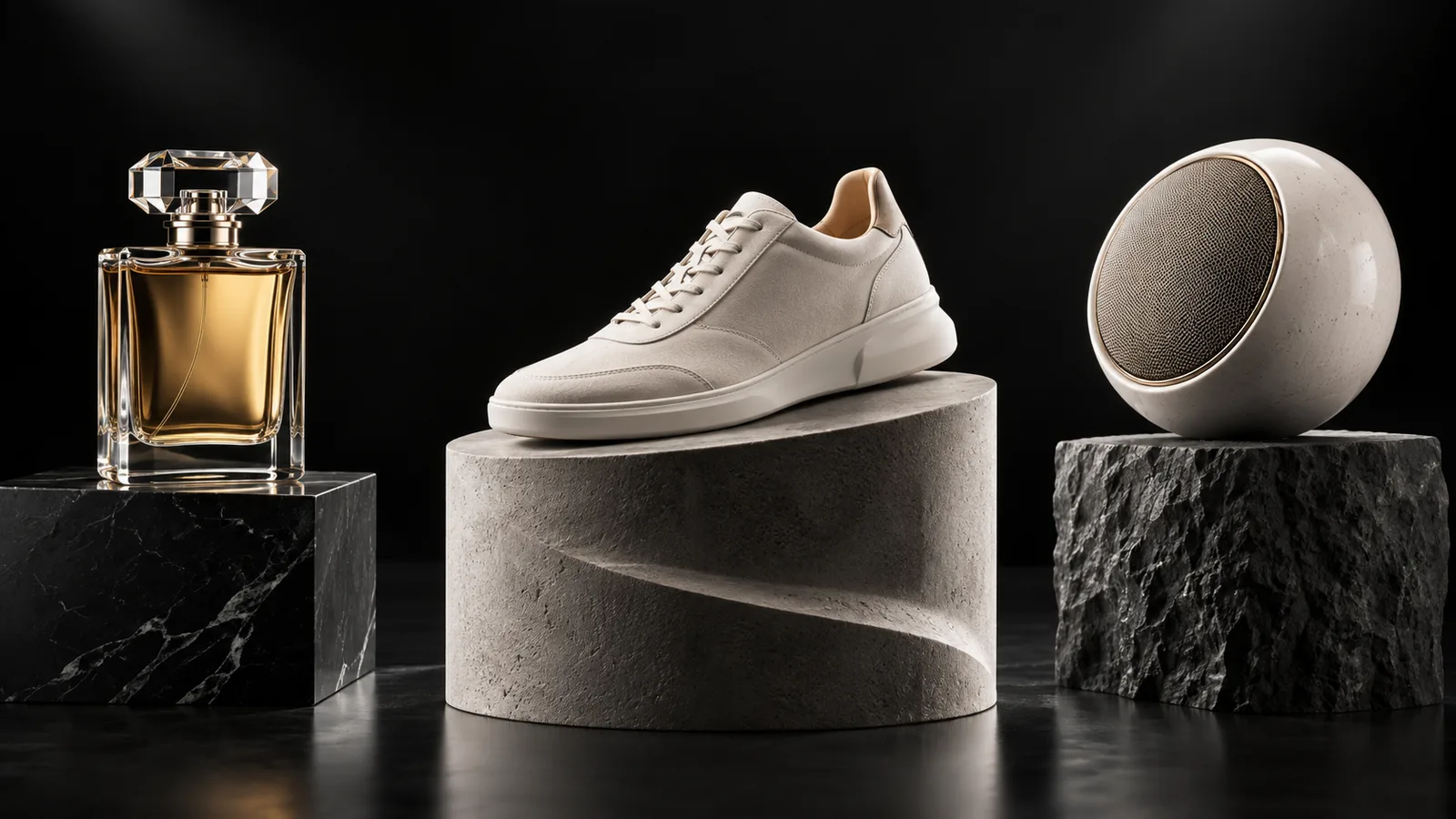
AI Product Image Generator for Packshots and Lifestyle Scenes
Shoppers expect certain product images: a clean packshot, a few angles, and a scene that shows the item in use. Upload a photo of your actual product as a reference, then generate studio shots and lifestyle settings around it.
Made with OpenDream
How it works
- 01
Upload a clean product photo
Shoot the product on a plain surface in even light and upload it as a reference. FLUX.2, Seedream 5 and Nano Banana 2 accept reference images.
- 02
Describe the shot type
Ask for a packshot ('centered on seamless white, soft even light, subtle contact shadow') or a lifestyle scene ('on a bathroom shelf beside folded towels, morning light').
- 03
Check accuracy, then finish
Compare each result with the real product, regenerate if labels or shapes drift, then apply Remove Background or Upscale as needed.
Why create AI product image generator with OpenDream
Reference-based generation
Working from a photo of the real item keeps its shape, color and proportions closer to reality than a written description can.
Studio and lifestyle from one source
Produce the white-background main image and several in-context shots from a single reference.
Clean cutouts
Isolate the product for marketplace listings, composite layouts or banners with the Remove Background tool.
Bundles and color variants
Nano Banana 2 accepts up to 14 reference images, which helps when a scene needs a bundle or several colorways of one item.
Product photography conventions to prompt for
The main listing image is usually the simplest: the product alone, centered, on white or a very light background, filling most of the frame, with soft even light and a small contact shadow so it does not float. Secondary images show scale, detail and use. Plan the whole set before generating so angles and lighting match.
Lighting describes material. Glossy bottles and ceramics need large soft sources that create long, smooth highlights; matte textiles need raking side light to reveal the weave; glass and liquids look best backlit. Naming the material and the light ('amber glass bottle, backlit, clean edge highlights') produces a more convincing product than generic 'studio lighting'.
Lifestyle scenes sell context, so choose props that describe the customer rather than just decorating. A skincare jar beside a folded linen towel and a sprig of eucalyptus says something different from the same jar next to a gym bag. Keep props secondary: slightly out of focus, muted in color, and never larger than the product.
Accuracy matters. Compare every generated image with the real product and regenerate if the shape, color or label changes. Buyers expect what arrives to match the photos, and many marketplaces have rules about truthful representation. Because generated labels can contain spelling errors, it is often safest to keep a real photo as the main image and use generated scenes for secondary shots.
Prompt examples
White-background packshot
Studio packshot of the reference skincare jar centered on a seamless white background, soft even light from two large softboxes, subtle contact shadow beneath, product filling most of the frame, crisp edges, no props
This follows standard marketplace main-image conventions: centered product, plain background and a grounding shadow.
Try this promptBathroom shelf lifestyle
The reference ceramic soap dispenser on a pale travertine bathroom shelf, a folded linen towel and a eucalyptus sprig slightly out of focus behind it, soft morning window light from the left, calm neutral palette, realistic product photography
Muted, secondary props and a stated light direction place the product in context without stealing attention.
Try this promptBacklit glass bottle
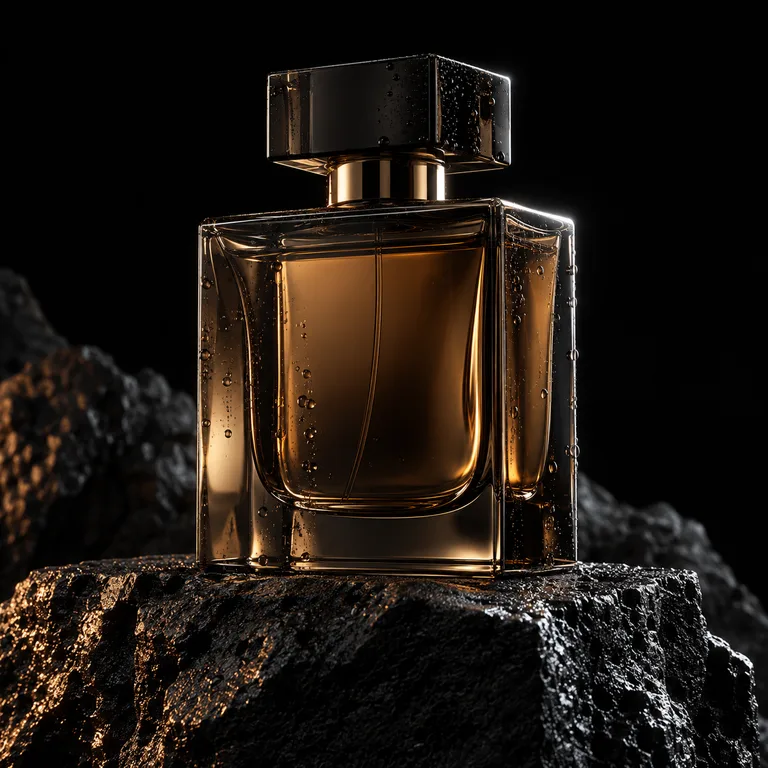
Amber glass perfume bottle from a fictional, unbranded label on a black reflective surface, backlit with a warm rim light, a single water droplet on the glass, deep shadows, high-end product photography
Backlighting shows the color and edges of glass, which is how premium bottles are usually photographed.
Try this promptFlat lay bundle
Top-down flat lay of an unbranded stationery set: notebook, brass pen, washi tape rolls and envelopes arranged on a warm sand-colored paper background, even soft light, small shadows, neat grid spacing
Flat lays make bundles easy to understand at a glance, and even spacing keeps the arrangement looking intentional.
Try this promptOutdoor gear in use
The reference insulated water bottle standing on a granite rock beside a hiking trail, blurred pine forest and mountain ridge behind, late afternoon sun, condensation droplets on the surface, realistic outdoor lifestyle photograph
Showing the product where it is really used communicates its purpose, and condensation hints at what it does.
Try this prompt
Start from a template
Frequently asked questions
- Can I use a photo of my real product?
- Yes, upload it as a reference. FLUX.2, Seedream 5 and Nano Banana 2 accept references, which keeps the output closer to your actual item than text alone.
- How do I get a pure white or transparent background?
- Ask for a seamless white background in the prompt, or run Remove Background on the finished image. GPT Image 2 can also generate on a transparent background.
- Will the label on my product be accurate?
- Not always. Generated text can drift or be misspelled, so check every image. Where the label must be exact, keep your real photo as the main image and use generated scenes as extras.
- Can I use these images in my online store?
- Commercial use is part of every paid plan. Make sure the images represent the product honestly and follow your marketplace's image rules.
Keep exploring
Ready to create?
Pick a plan and you only spend credits on images you actually receive.
Start creating