OpenDream AI
OpenDream AI Gallery: Community Art to Browse and Remix
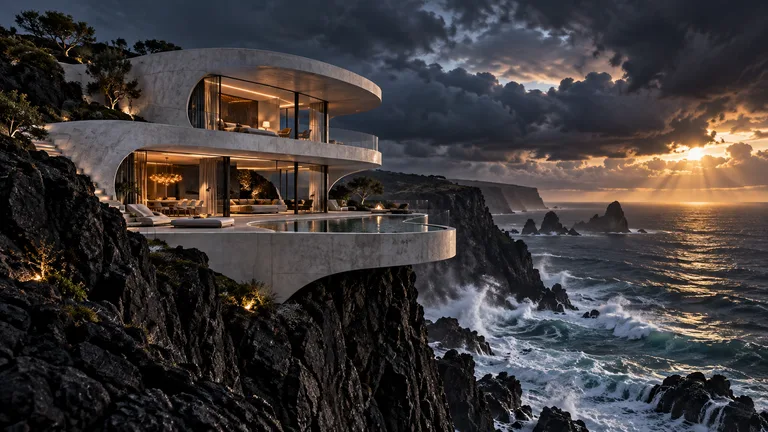
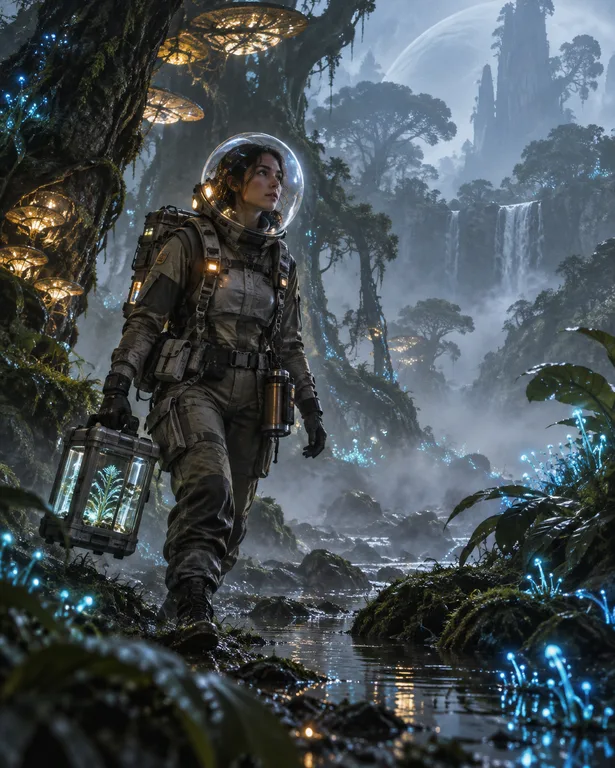
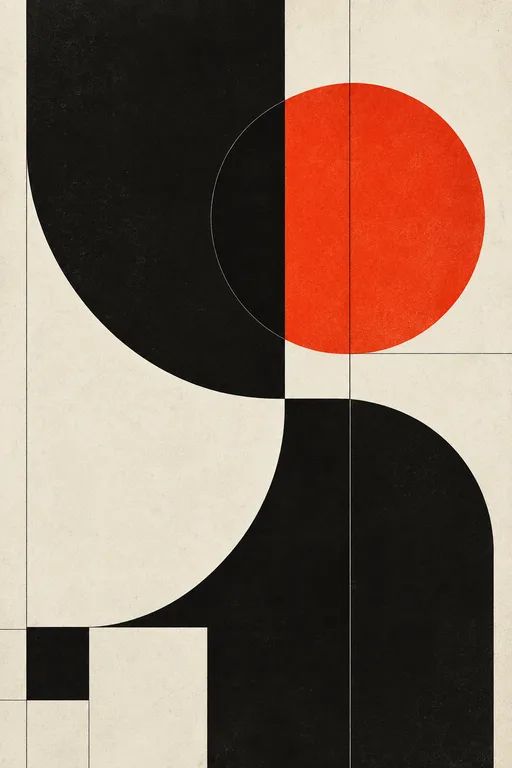
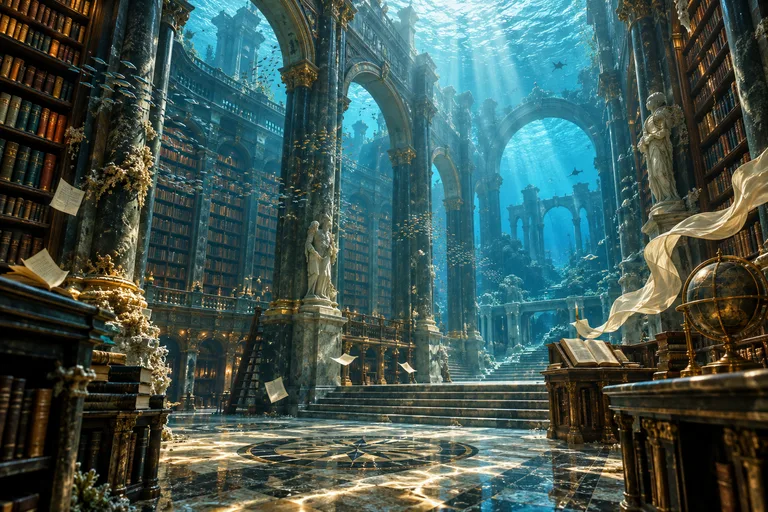
The gallery collects images that people have chosen to publish from their OpenDream AI libraries. Use it to find a direction when you are stuck, see how different styles look in practice, and remix a piece into something of your own.
Made with OpenDream
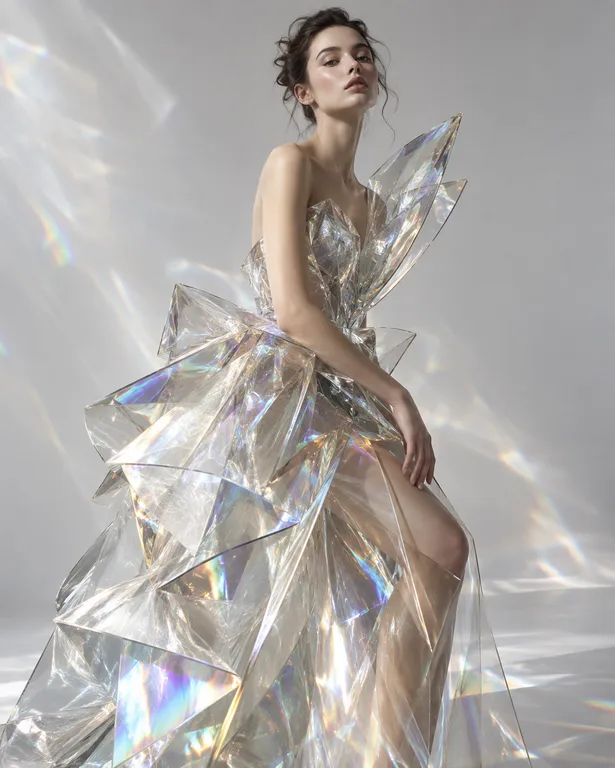
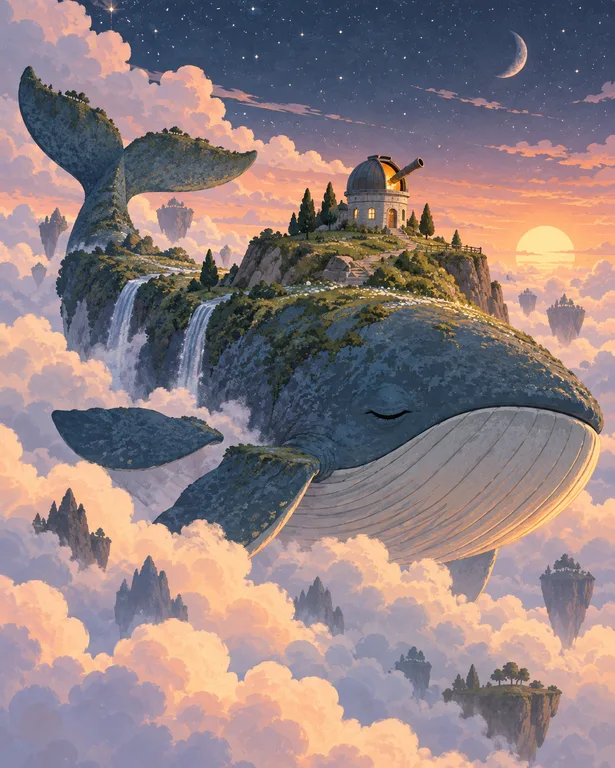

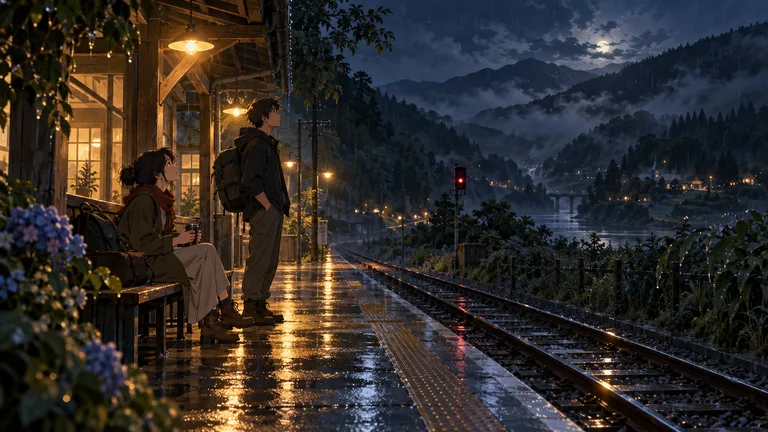
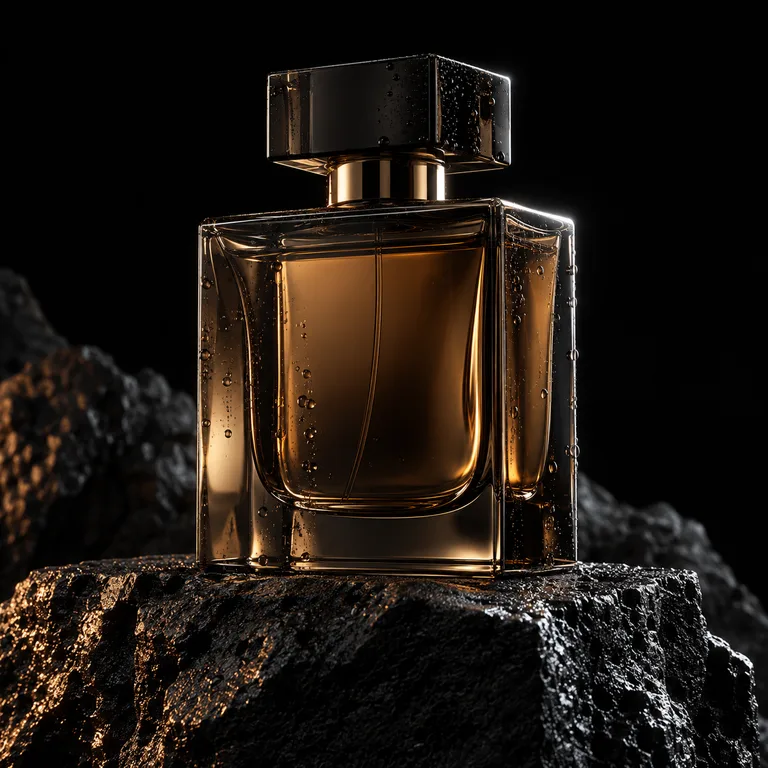
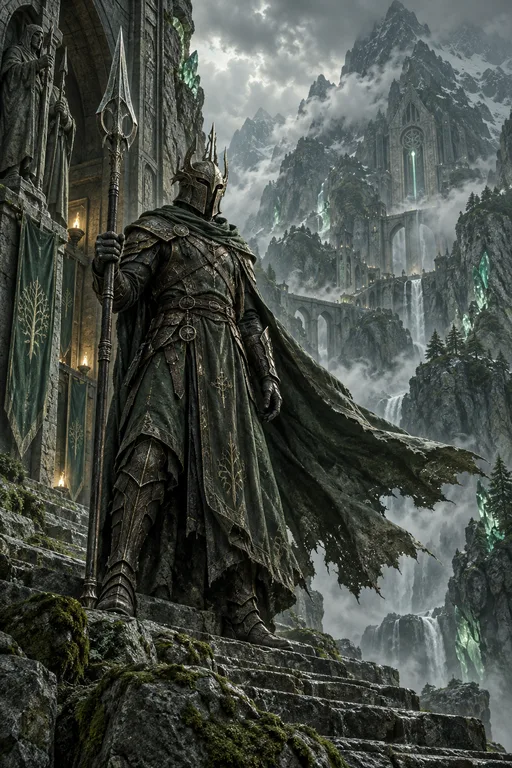
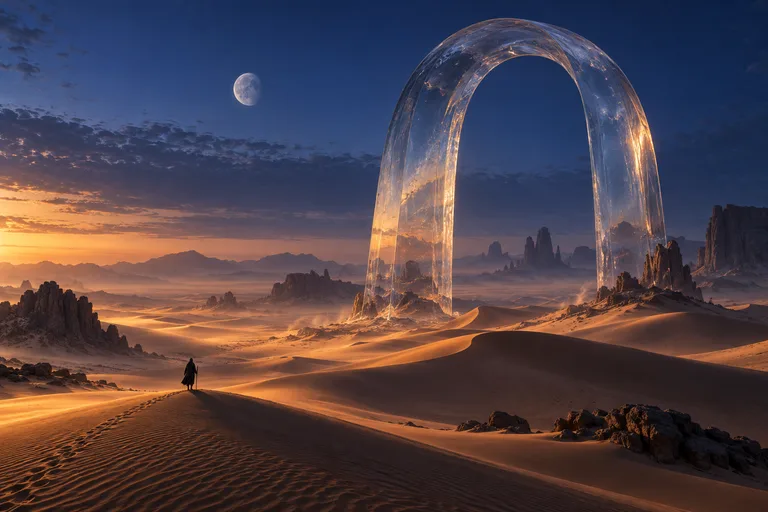
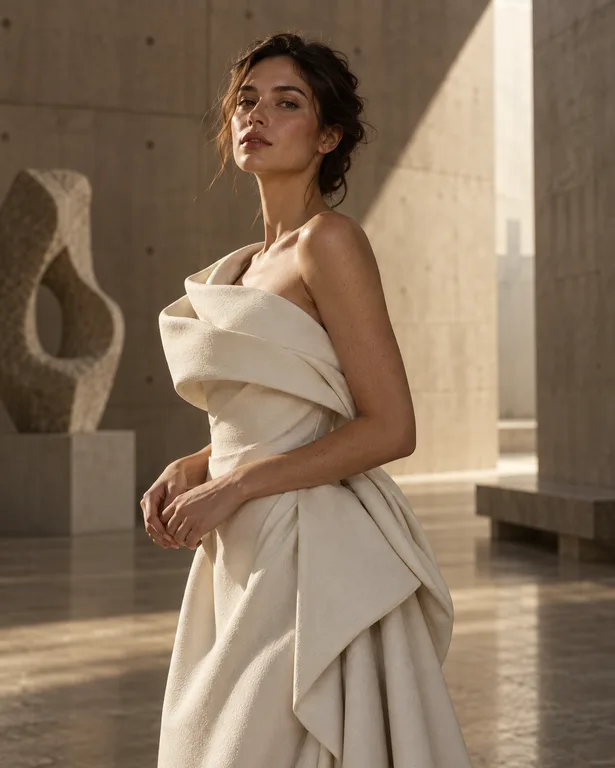
How it works
- 01
Browse by category
Start with a category such as portrait, fantasy, anime-inspired, 3D, architecture or product, and scan for compositions and styles that match what you need.
- 02
Open an image and remix it
Remix loads the image's setup into the studio, where you can change the subject, style or ratio and generate your own variation.
- 03
Publish your own work
Your images are private by default. When you want one in the gallery, publish it explicitly; nothing appears there without that step.
Why create opendream ai gallery with OpenDream
Category browsing
Categories from photography and portraits to design, architecture and characters keep browsing focused when you have a specific kind of image in mind.
Remix as a starting point
Remixing is quicker than writing a prompt from scratch, and changing one element at a time teaches you how a setup works.
Collections and projects
Gather your remixes and results in collections or projects to build a mood board for a piece of work.
Private until published
Work in progress stays in your own library. Publishing is a deliberate choice made image by image.
Getting more out of the gallery
Browsing works best with a question in mind. Instead of scrolling for something impressive, look for a specific answer: how a certain lighting setup looks on a face, how much detail an isometric room can hold, or which palettes suit a fantasy cover. Categories narrow the field so you can compare similar images side by side.
A remix is a learning tool as much as a shortcut. Open an image, remix it and change exactly one thing, such as the subject, the style or the aspect ratio. Seeing what stays the same and what shifts shows which parts of the setup are doing the work, and after a few rounds your own prompts get noticeably stronger.
Treat community images as inspiration rather than assets to copy. Remix to explore a direction, then make it yours with a new subject, composition or palette. That keeps your results original and makes them something you can share with confidence.
Publishing is optional and happens one image at a time. Everything you generate starts out private, so you can experiment freely. When a piece is finished and you are happy for others to see it, publish it to the gallery, where people can find it and remix it in turn.
Prompt examples
Portrait lighting study
Photorealistic portrait of a fictional ceramic artist in her studio, clay-dusted apron, soft window light from the right, shelves of unglazed bowls behind her, 50mm lens, natural skin texture, calm expression
Generate this, then compare it with portraits in the gallery to see how different light directions change the mood.
Try this promptSubject-swap exercise
Isometric 3D render of a tiny bakery cutaway with a stone oven, bread racks and a striped awning, warm morning light, orthographic camera at 30 degrees, stylized clean materials, soft pastel background
Once you have a result, swap 'bakery' for another shop and keep everything else, just as you would when remixing a gallery piece.
Try this promptStyle-swap exercise
Watercolor painting of a quiet canal with moored boats and hanging flower baskets, soft wet-in-wet sky, crisp edges on the bridge, bare paper highlights, limited palette of blue, ochre and rose
Try the same scene in oil painting or pixel art to see how a style preset reshapes one composition.
Try this promptA piece worth publishing
Fantasy landscape of floating islands linked by rope bridges above a sea of clouds, waterfalls spilling into the mist, a small airship for scale, golden evening light, painterly detail, wide 16:9 composition
A finished, well-composed scene like this is the kind of image worth publishing once you are happy with it.
Try this prompt
Start from a template
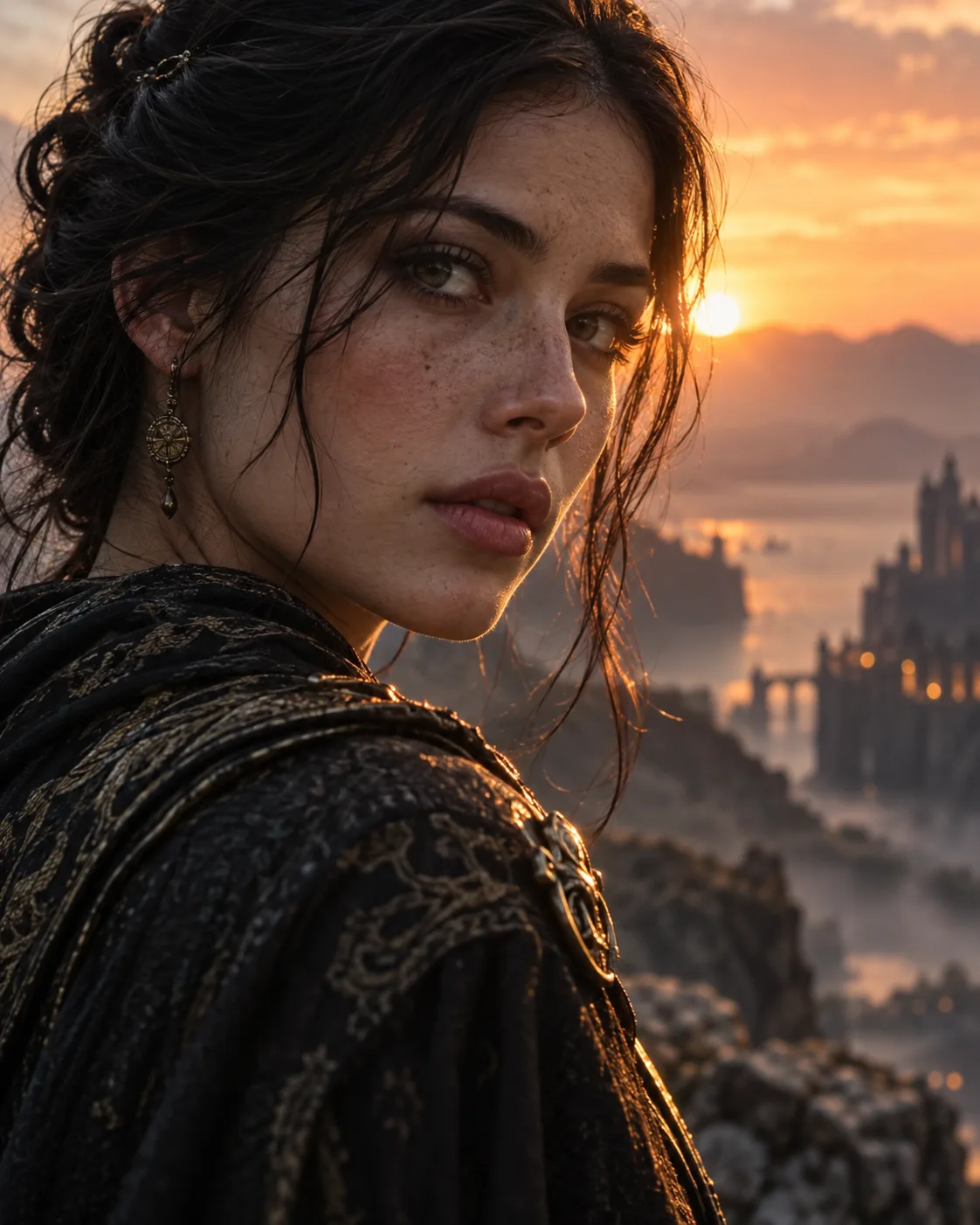
Cinematic Portrait
Filmic close-up portraits with soft rim light and atmospheric haze.
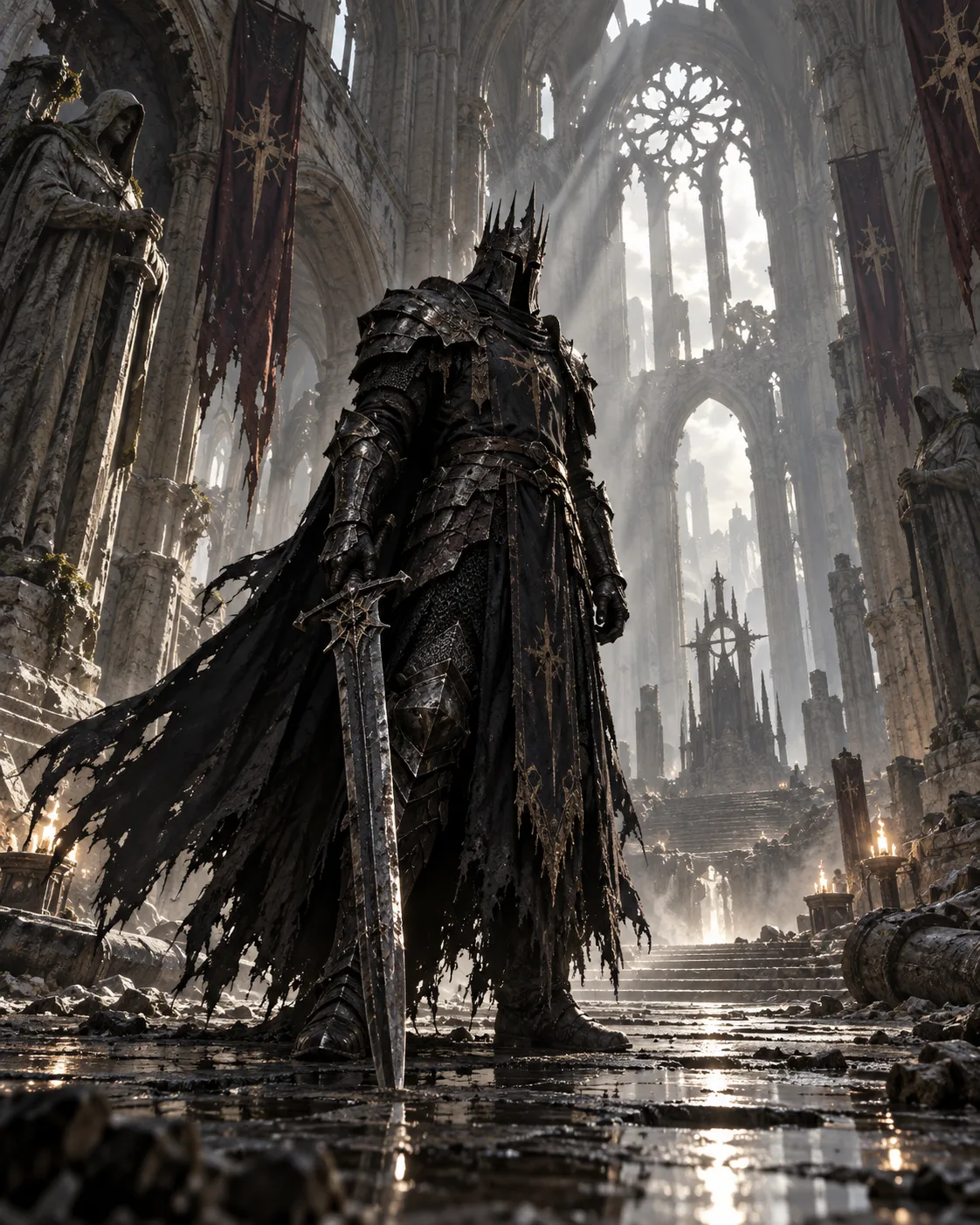
Dark Fantasy Knight
Grounded dark-fantasy warriors in epic, dusty light.
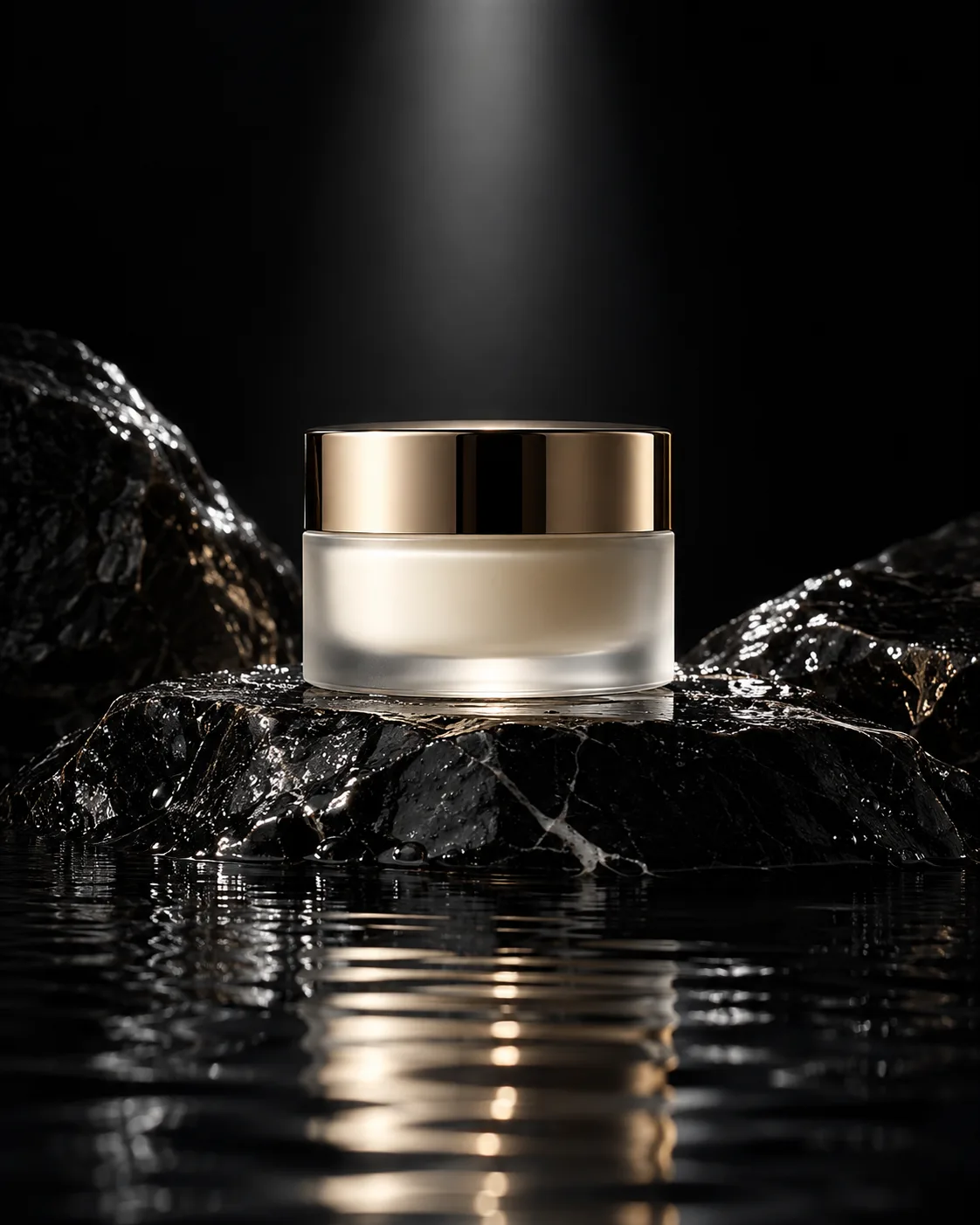
Luxury Product
Premium studio product shots on dark stone.
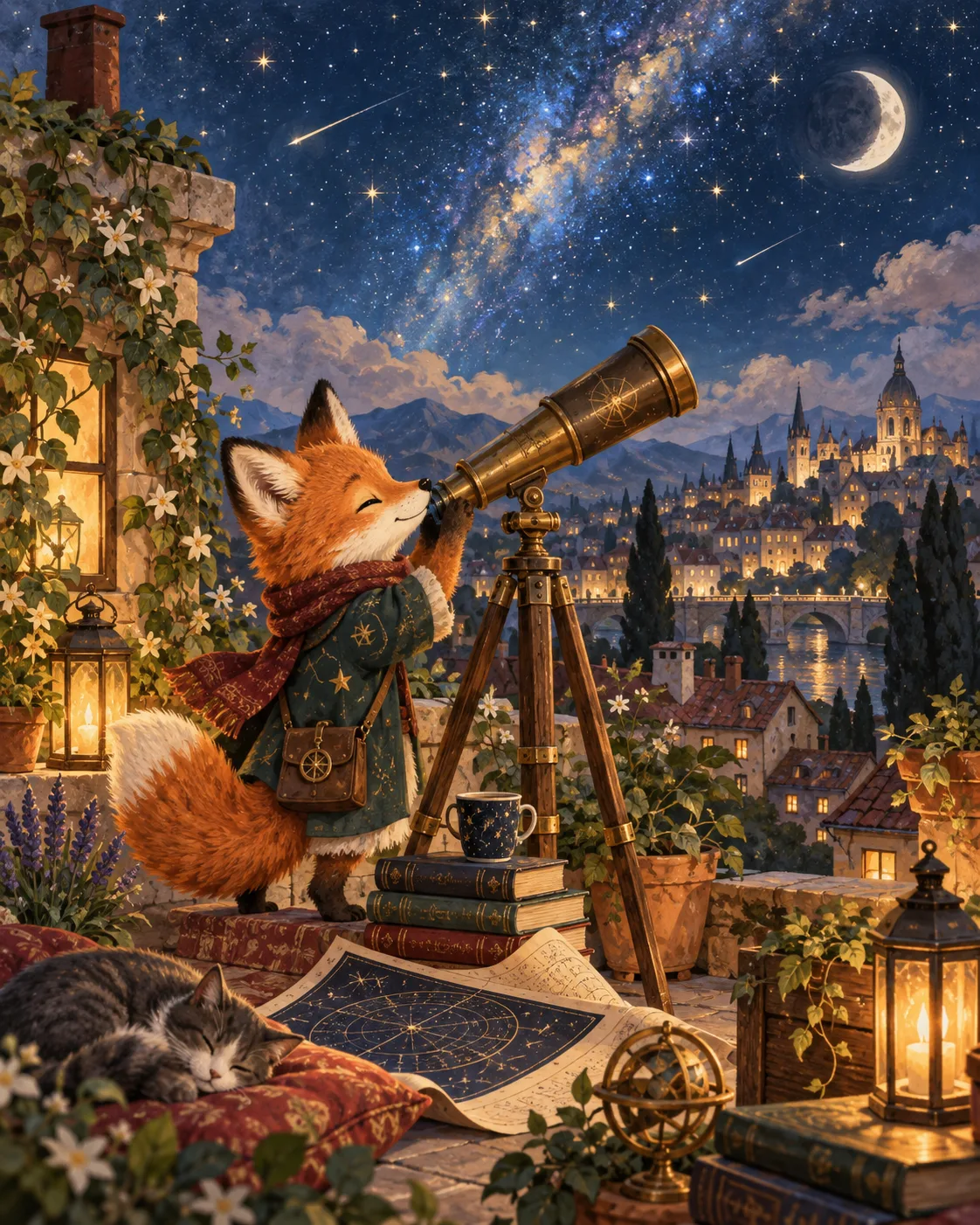
Storybook Illustration
Friendly, sophisticated storybook scenes.
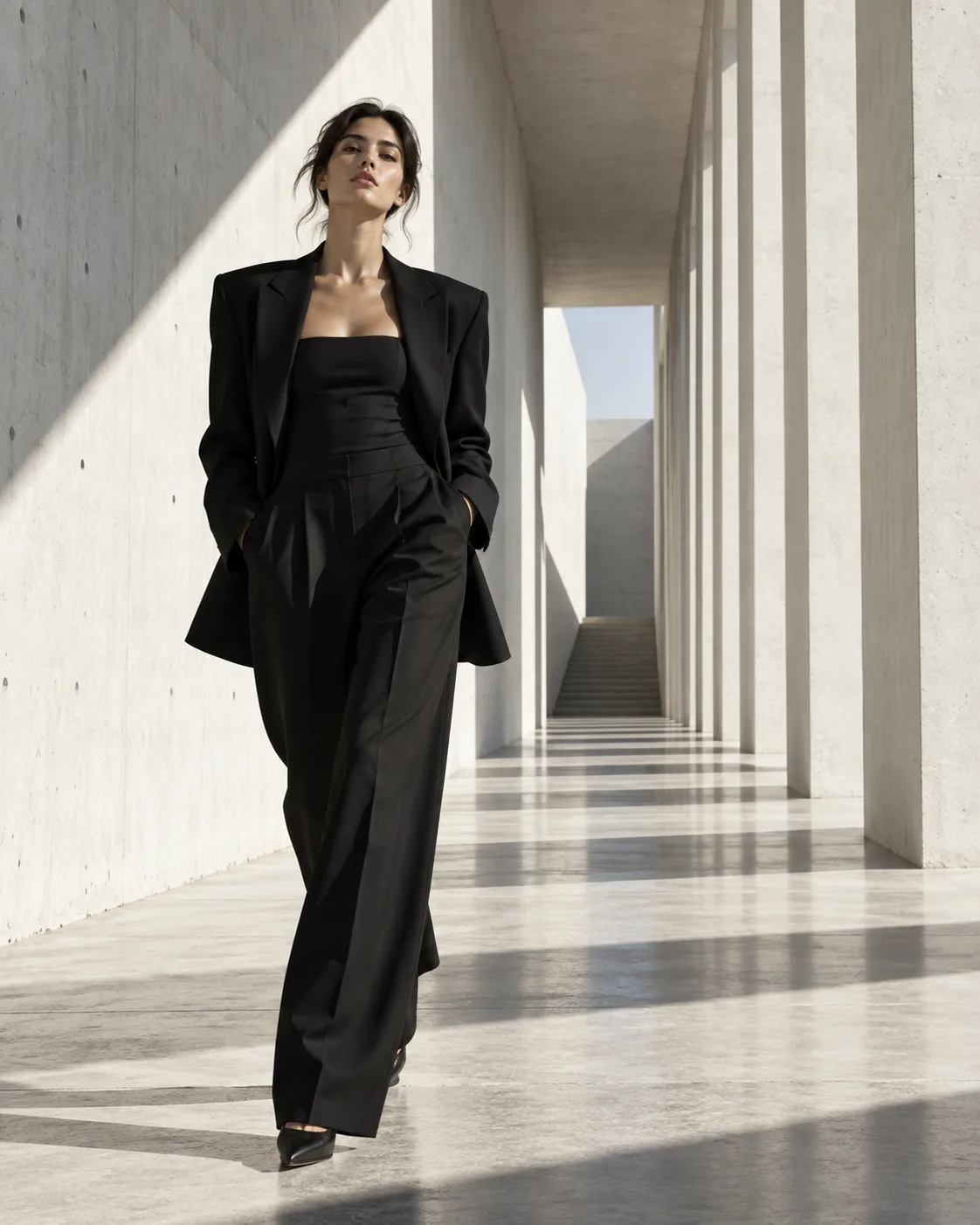
Fashion Campaign
Clean high-fashion campaigns in brutalist spaces.
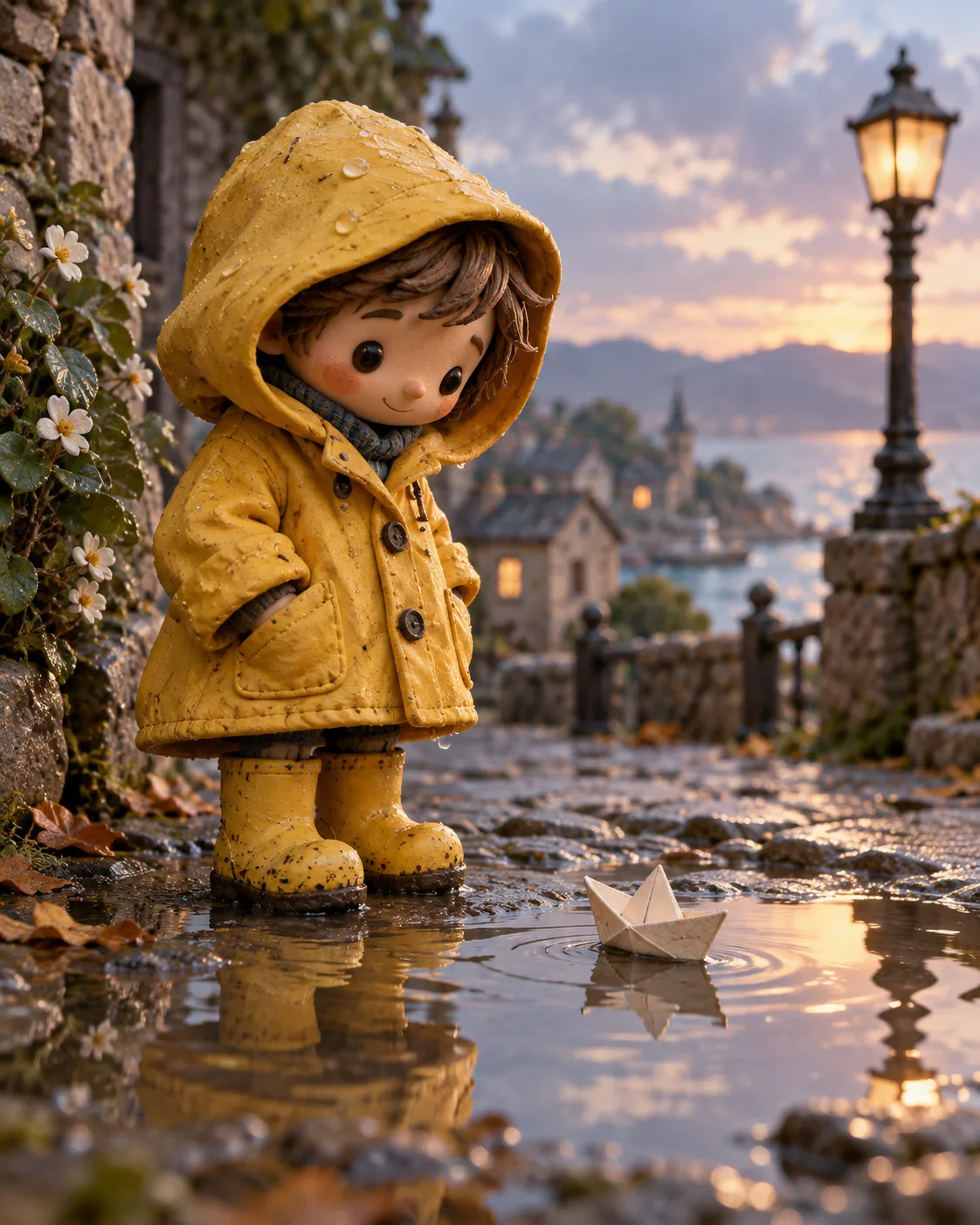
Clay Character
Handcrafted stop-motion clay characters.
Frequently asked questions
- Are my images automatically added to the gallery?
- No. Every image starts private, and it appears in the gallery only after you choose to publish it.
- What does remix do?
- Remix opens a gallery image's setup in the studio so you can generate your own variation. Change the subject, style or ratio to take it somewhere new.
- Can I use gallery images directly in my projects?
- Use them as inspiration. Remix to create an image of your own and use that result; on paid plans, the images you generate can be used commercially.
- Does remixing cost credits?
- Generating from a remix works like any other generation: it uses credits from your plan or a credit pack, charged only when images are delivered.
Keep exploring
Ready to create?
Pick a plan and you only spend credits on images you actually receive.
Start creating