AI art generator
AI 3D Art Generator for Rendered Objects, Rooms and Characters
3D-style images come down to three decisions a render artist makes every day: what surfaces are made of, how they are lit and which kind of renderer is being imitated. Get those right in the prompt and the image reads as a render instead of a painting.
Made with OpenDream

How it works
- 01
Name the materials
Say what each surface is: 'brushed aluminum', 'frosted glass', 'matte clay', 'glossy ceramic'. Materials decide how light behaves, so they matter more than color.
- 02
Set up the lighting
Describe a studio rig like 'large softbox overhead, rim light from behind', or an environment such as 'overcast sky light'. Soft area lights give the clean look of product renders.
- 03
Pick a render style
Ask for a photoreal render, a stylized toy look, clay, low-poly or isometric. Each implies a different level of detail and type of shading.
Why create AI 3d art generator with OpenDream
Isometric rooms and dioramas
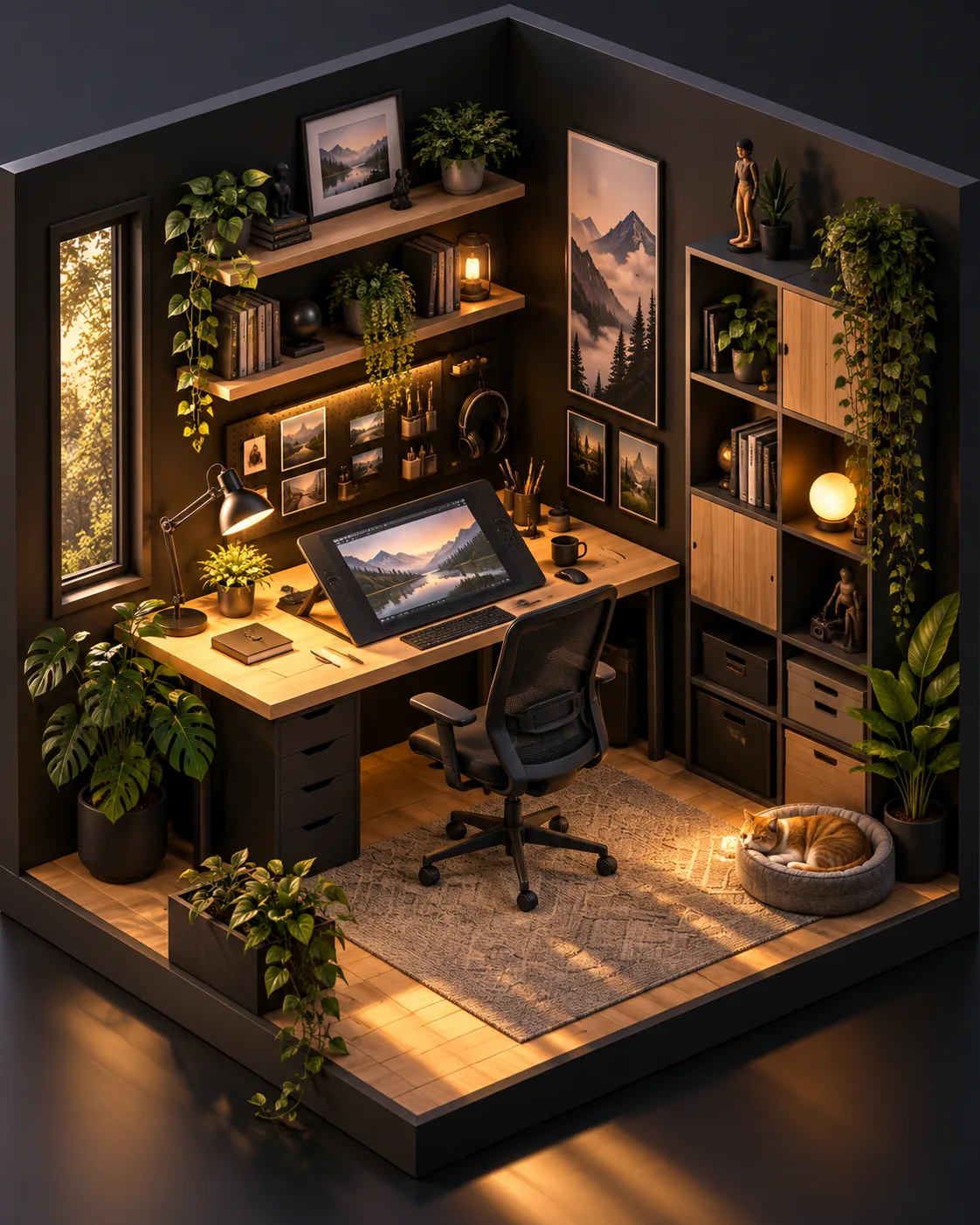
The Isometric Room template builds miniature cutaway rooms at a fixed angle, handy for game menus, blog headers and slides.
Abstract sculptures
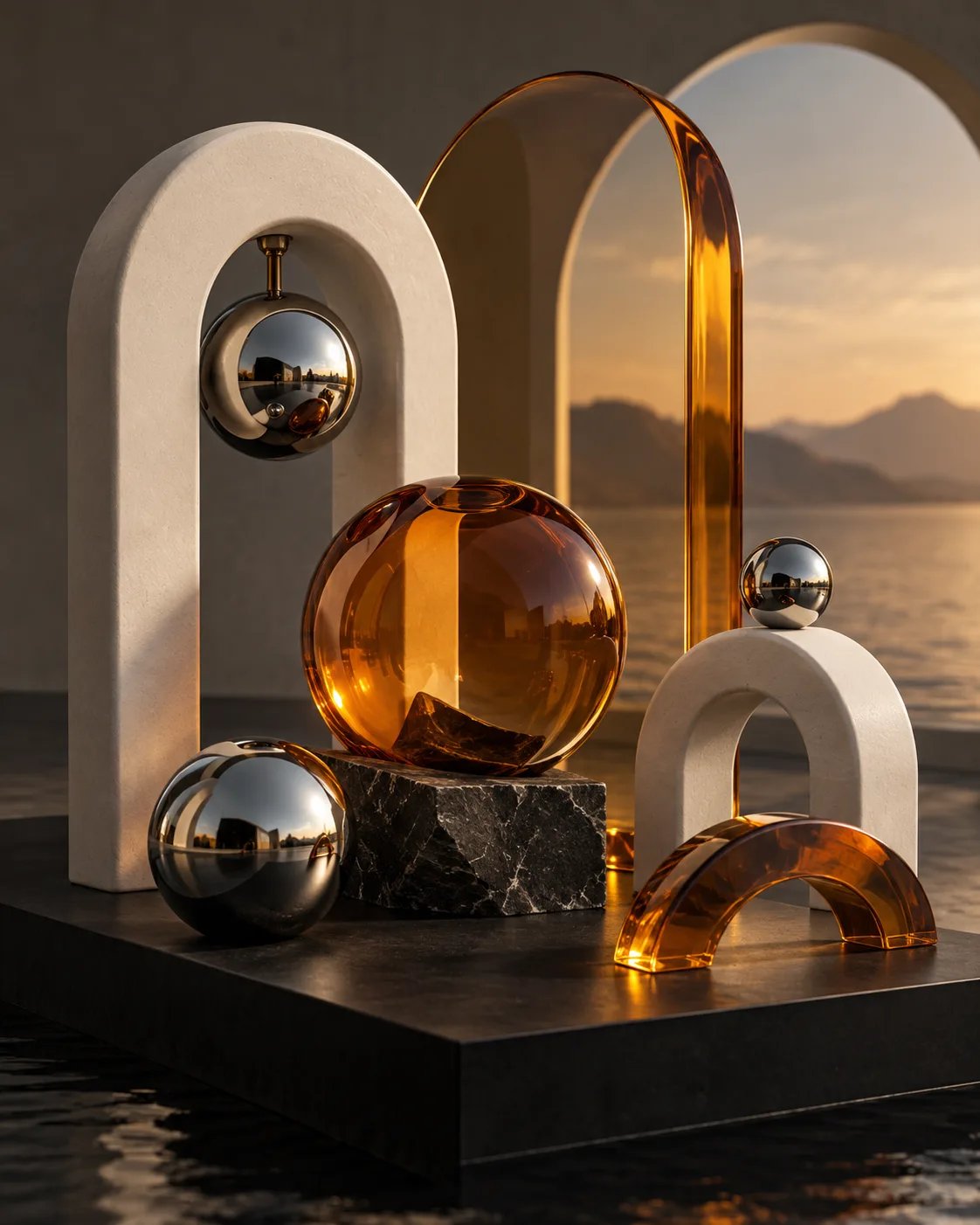
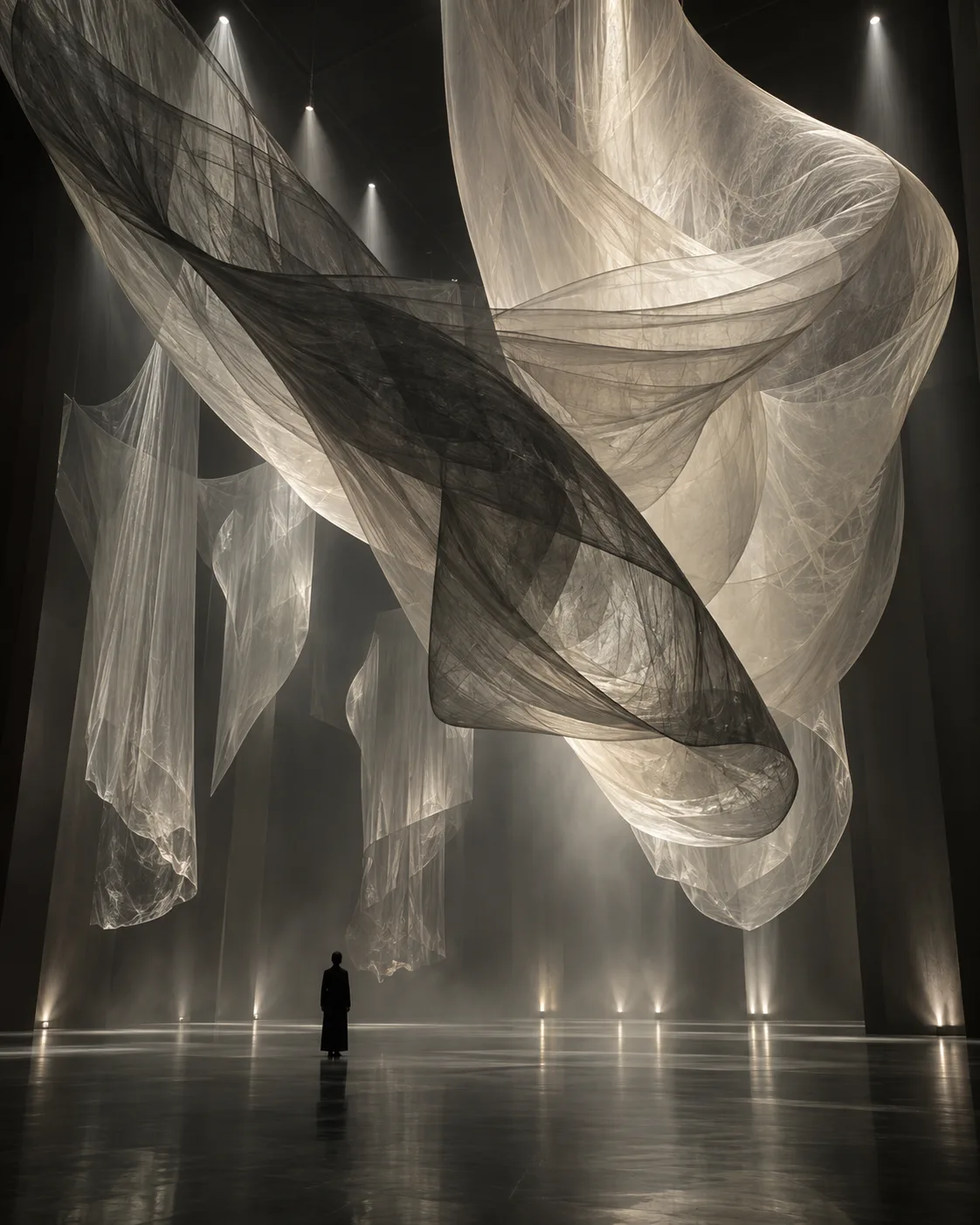
Flowing forms in glass, chrome or marble for backgrounds and album art, starting from the Abstract Sculpture template.
Stylized 3D characters
Toy-like figures with soft subsurface skin, big eyes and chunky proportions, rendered like a still from an animated feature.
Product-style renders
Clean objects on seamless backgrounds for mock-ups and pitch decks, without building a 3D scene.
Thinking like a render artist
In a 3D package every object carries a material with properties such as roughness, reflectivity and translucency. Prompts can mirror this. 'Rough terracotta', 'polished chrome' and 'translucent jade with subsurface glow' each respond to light differently. Pairing one rough and one reflective material in a scene adds contrast and makes the render feel physical.
Render lighting is usually cleaner than photographic lighting. Large soft area lights give smooth gradients across curved surfaces, a rim light separates the object from the background, and an HDR environment adds realistic reflections. Try 'soft studio lighting with a large overhead softbox and a subtle rim light' for product clarity, or 'warm late-afternoon sun through a window' for a lived-in diorama.
Render style sets the level of detail. Photoreal renders need small imperfections such as dust, fingerprints and slightly beveled edges. Stylized renders want exaggerated proportions and simplified textures. Clay renders drop color or use a single tint, which helps you judge form. Isometric scenes need a fixed camera, often phrased as 'isometric view, 30-degree angle, orthographic'.
Camera choices matter as well. Shallow focus with a macro lens makes an object feel miniature, while front-to-back sharpness reads as a technical or catalog render. For clean edges on a finished piece, generate on a plain background, remove it if you need a cutout, and upscale for large displays.
Prompt examples
Isometric reading nook
Isometric 3D render of a cozy reading nook cutaway room, wooden bookshelves, green velvet armchair, small window with rain outside, warm lamp light, soft shadows, orthographic camera at 30 degrees, stylized clean materials, pastel background
Specifying an orthographic isometric camera holds the diorama at the consistent angle this look depends on.
Try this promptGlass and chrome ribbons
Abstract 3D sculpture of intertwined ribbons, one in frosted glass and one in polished chrome, floating above a matte white plinth, large softbox overhead, subtle rim light, soft reflections, seamless light gray background, photoreal render
A translucent and a reflective material side by side show off light behavior and add visual contrast.
Try this promptDeep-sea explorer figure
Stylized 3D render of an original deep-sea explorer character in a chunky brass diving suit with a round helmet, soft subsurface skin on the visible face, satin fabric details, three-point studio lighting, shallow depth of field, pale orange background
Subsurface skin and satin fabric are the material cues behind the soft look of animation-style renders.
Try this promptClay teapot form study
Clay render of a modern ceramic teapot design, single matte off-white material, no color, soft overhead light with ambient occlusion in the crevices, three-quarter view, plain background
Removing color lets you judge form and silhouette before adding real materials in a later version.
Try this promptFloating island diorama
Macro 3D render of a miniature floating island diorama with a tiny lighthouse, grass tufts, rocks and a winding path, tilt-shift shallow depth of field, warm late-afternoon sun, soft clouds below, stylized realistic materials
Shallow focus and a macro description make the scene feel like a small physical model on a desk.
Try this prompt
Start from a template
Frequently asked questions
- Does this create 3D model files?
- No. It creates 2D images that look like 3D renders. You can use them as modeling references, mock-ups or final artwork, but there is no mesh to import into a 3D program.
- How do I get the clean isometric look?
- Start from the Isometric Room template or ask for 'isometric view, orthographic camera, 30-degree angle' with a cutaway room. Keep the object count modest so the scene stays readable.
- Why do my renders look like paintings?
- Painterly words like 'artwork' or 'brushstrokes' pull away from render aesthetics. Use render vocabulary instead: materials, softbox lighting, ambient occlusion, depth of field.
- What resolution can I export?
- Some models output up to 4K. Otherwise, the Upscale tool at 2× or 4× on Topaz handles the smooth surfaces typical of 3D renders well.
Keep exploring
Ready to create?
Pick a plan and you only spend credits on images you actually receive.
Start creating