AI art generator
AI Concept Art Generator for Pre-Production Exploration
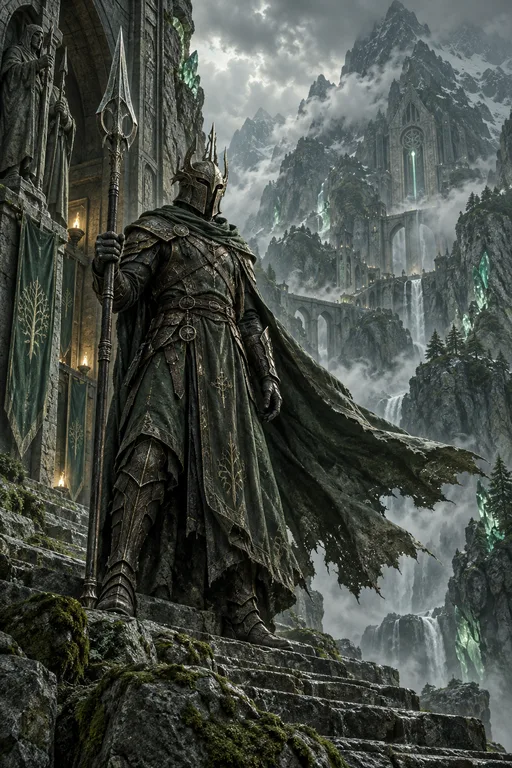
Concept art exists to answer design questions before anyone builds anything: what a place feels like, how a vehicle moves, what belongs in a world. Generation fits the exploration stage, where variety and speed matter more than finish.
Made with OpenDream
How it works
- 01
Frame the design question
Write what you need to decide, not only what to draw: 'a mining outpost that looks improvised from salvaged ship parts'. The constraint gives each variation a reason to differ.
- 02
Explore in controlled batches
Generate up to four options per run depending on your plan, hold the prompt steady and change one variable each round, such as era, material or climate.
- 03
Refine the chosen direction
Use the strongest image as a reference, request specific changes in plain words in the editor, and export it for a paintover or a team review.
Why create AI concept art generator with OpenDream
Environment keyframes
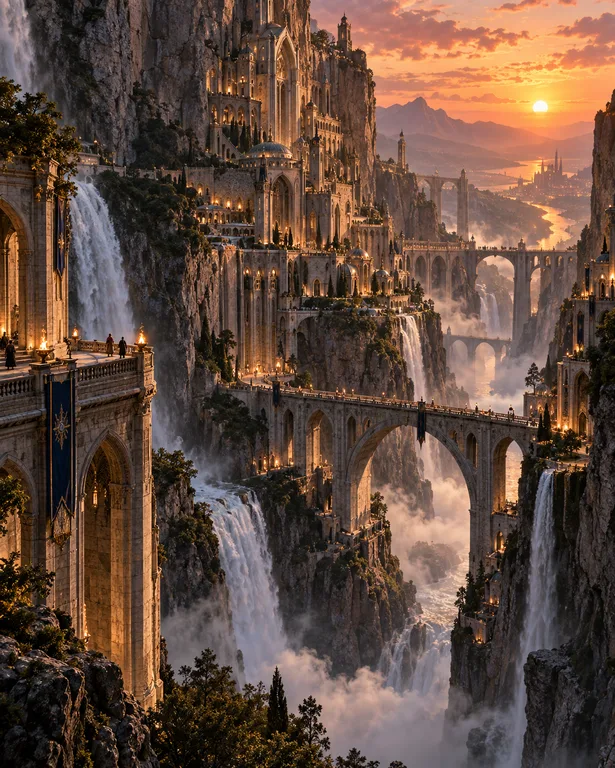
Wide 16:9 or 21:9 establishing shots that set mood, time of day and scale for a level, a film scene or a story location.
Vehicle and machine design
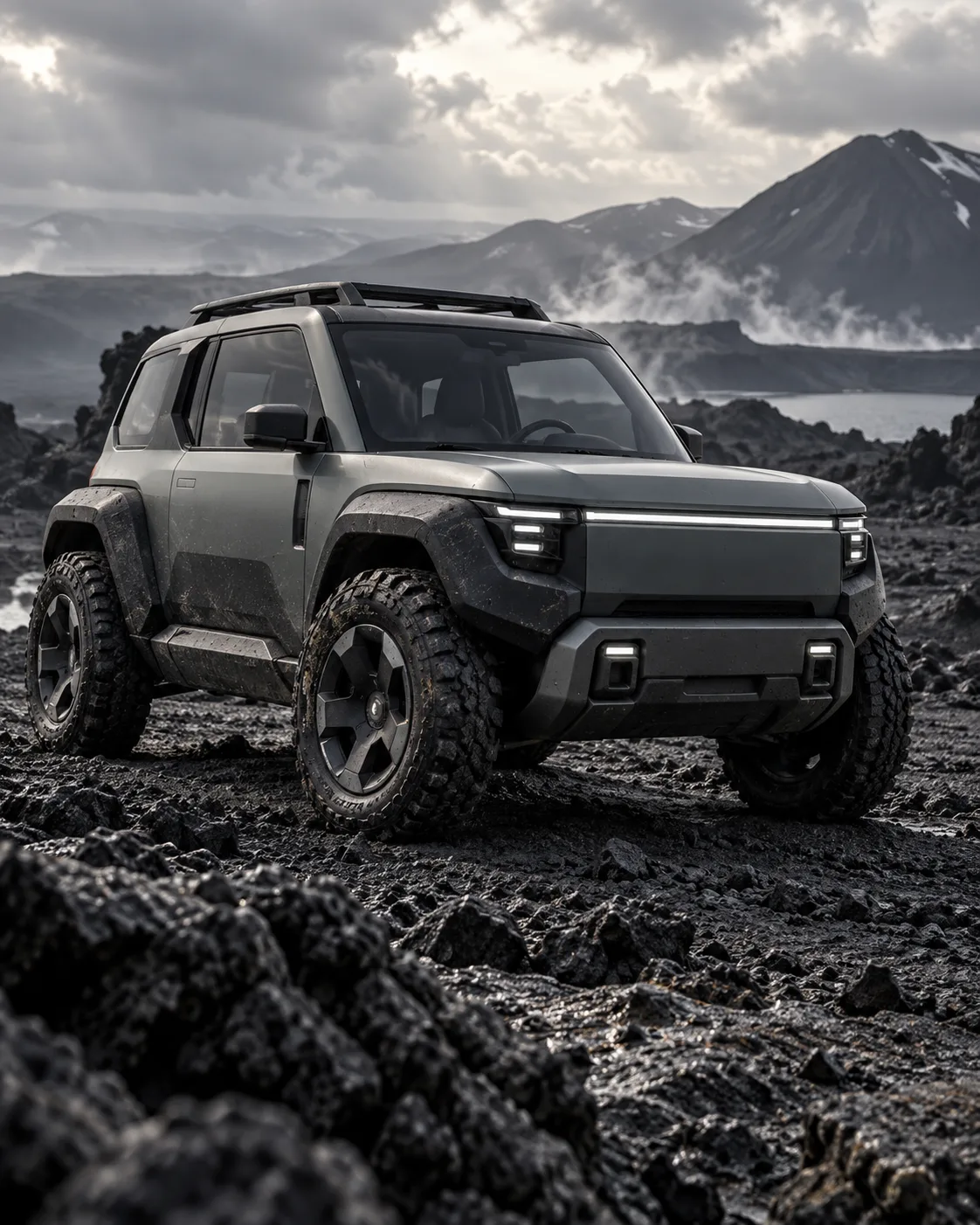
Side and three-quarter views on neutral ground. The Vehicle Concept template starts from a clean industrial-design presentation.
Prop and set dressing ideas
Sheets of furniture, tools or market goods from one culture help a world feel furnished rather than empty.
Mood and lighting studies
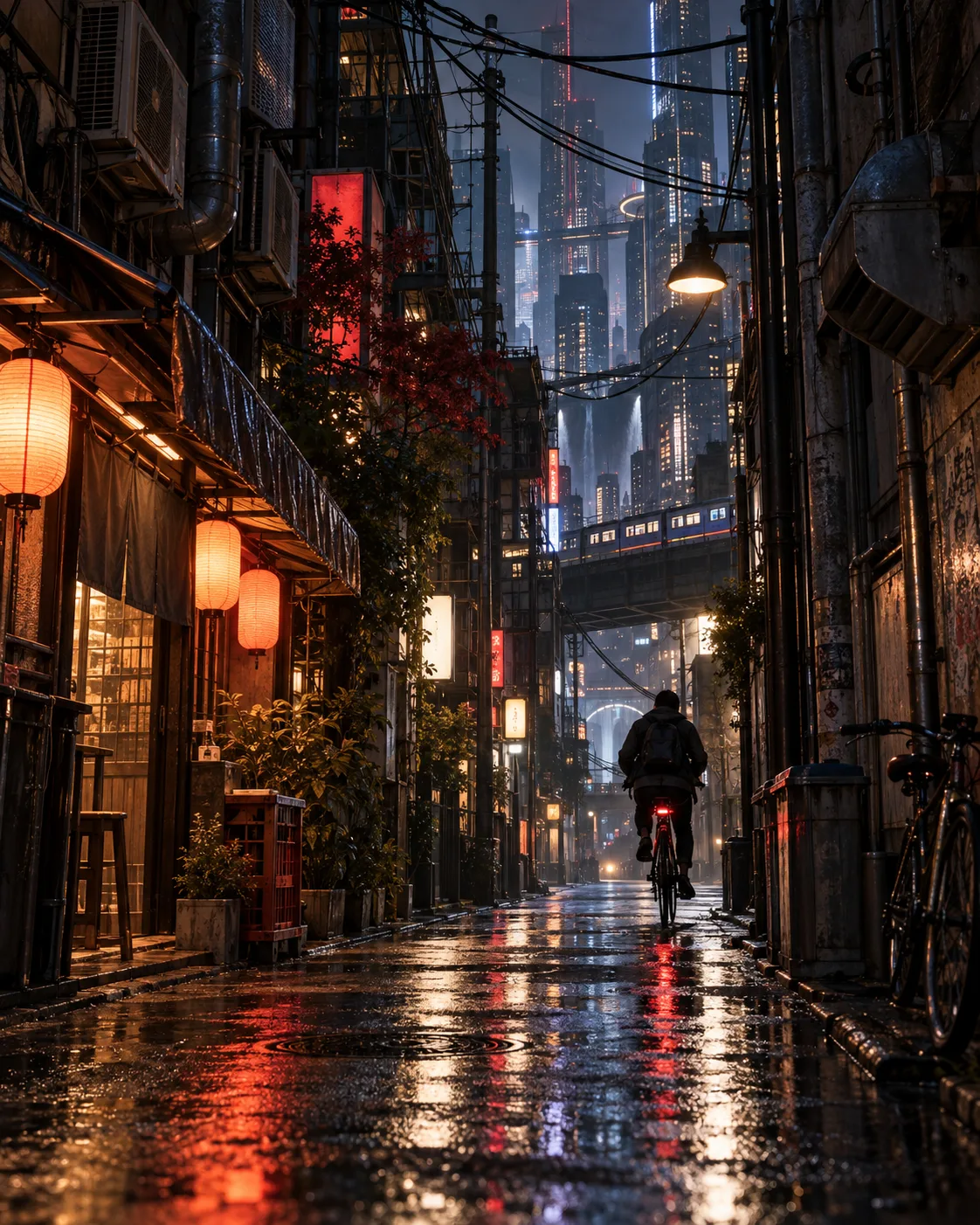
One scene at dawn, noon, storm and night reveals which lighting best supports a story beat.
Using generation inside a real concept art workflow
In studios, concept work moves from thumbnails to rough explorations to a few polished paintings. Generated images fit the middle stage best: quick enough to try many directions and detailed enough to show material and lighting ideas. Treat them as proposals for review rather than final designs, and expect to paint over or redesign whatever does not solve the problem.
Keep variations controlled. If each prompt changes setting, lighting and style at once, you cannot tell which change made a design succeed. Hold everything steady except one axis, for example the building material of a settlement, and compare the batch side by side. The pattern that emerges is the real design insight.
Let function drive form. A vehicle needs a believable way to move, an entrance for its driver and visible places for engines or cargo; an environment needs paths, sightlines and a reason for people to be there. Writing requirements like 'large rear cargo ramp, exposed radiator fins, tracked wheels for mud' into the prompt yields designs that feel engineered rather than decorated.
When presenting to a team, readable beats pretty. Neutral backgrounds for objects, a consistent camera height for environments and a restrained palette let others judge the design itself. Upscale only the images that move forward, not every exploration.
Prompt examples
Salvage mining outpost
Concept art environment of a mining outpost built from salvaged cargo ship hulls on a frozen plateau, catwalks, floodlights, steam vents, small workers for scale, overcast arctic light, painterly keyframe, wide 16:9 composition
The design constraint of salvaged hulls gives the environment a clear idea to explore across variations.
Try this promptSwamp cargo hauler
Vehicle concept design of a swamp cargo hauler, three-quarter view, tracked wheels for mud, large rear cargo ramp, exposed radiator fins, patched olive paint, raised driver cab, neutral gray ground plane, soft studio lighting, industrial design presentation
Listing functional parts produces a vehicle that looks like it could actually operate, not just a styled shape.
Try this promptNight market prop sheet
Prop design sheet for a desert night market: folding stalls, clay lanterns, woven awnings, spice scales, stacked water jars, all sharing one material palette of terracotta, indigo cloth and brass, isolated on a light background, no text
A shared material palette makes the props read as products of one culture.
Try this promptMonastery lighting study
Courtyard of an abandoned mountain monastery as a lighting study, overcast afternoon, flat soft shadows, wet stone, prayer flags moving in the wind, muted palette, matte painting style
Run it again with 'golden sunset' or 'moonlit fog' swapped in to compare moods while the design stays fixed.
Try this promptAlien tidal flat keyframe
Keyframe concept art of an alien tidal flat at low tide, towering hollow coral spires, a research rover leaving tracks in the silt for scale, two moons low on the horizon, pink haze, cinematic wide 21:9 frame
The rover supplies scale and narrative, and the ultra-wide ratio matches how film and game keyframes are presented.
Try this prompt
Start from a template
Frequently asked questions
- Can generated images replace a concept artist?
- They speed up exploration, but design decisions, paintovers and consistency across a production still need an artist's judgment. Most teams treat generated images as rough options to discuss and refine.
- How do I get clean side or three-quarter views?
- Ask for 'side view' or 'three-quarter view' on a 'neutral gray ground plane' with 'soft studio lighting'. Dramatic angles and busy backgrounds make the design itself harder to read.
- Which models suit concept work?
- Smart mode picks a model automatically from your prompt. To compare, run one prompt through FLUX.2, Seedream 5 and Imagen 4 and keep whichever handles your materials and lighting best.
- How do I keep concept work organized and private?
- Group selections in a project or collection to review them together. Everything stays private by default and becomes public only if you publish it.
Keep exploring
Ready to create?
Pick a plan and you only spend credits on images you actually receive.
Start creating