For creators & brands
AI Album Cover Generator for Singles, EPs and Albums
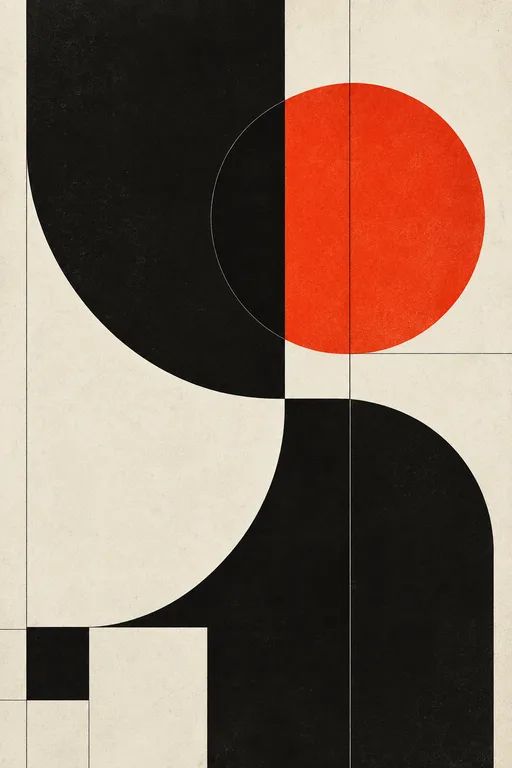
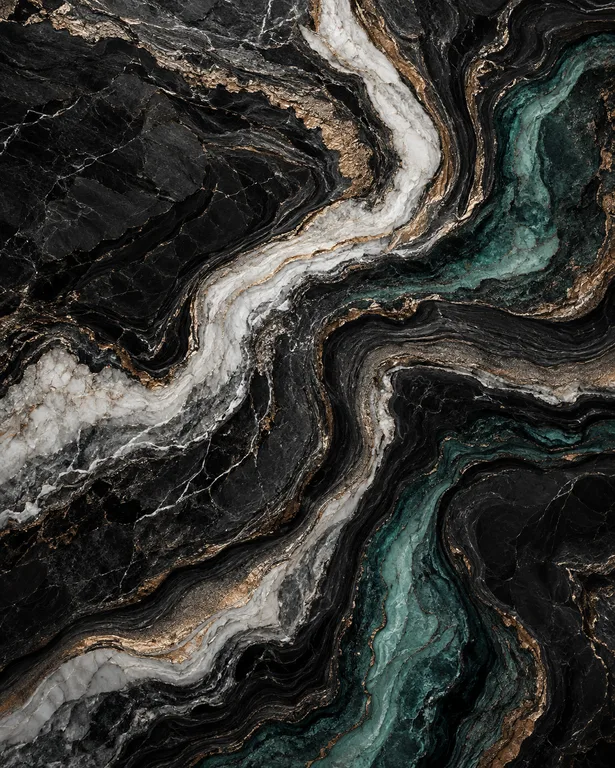
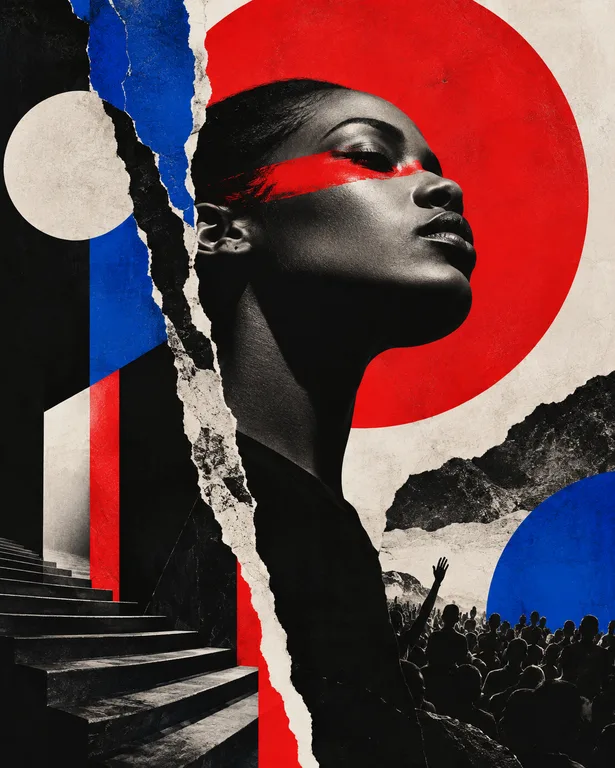
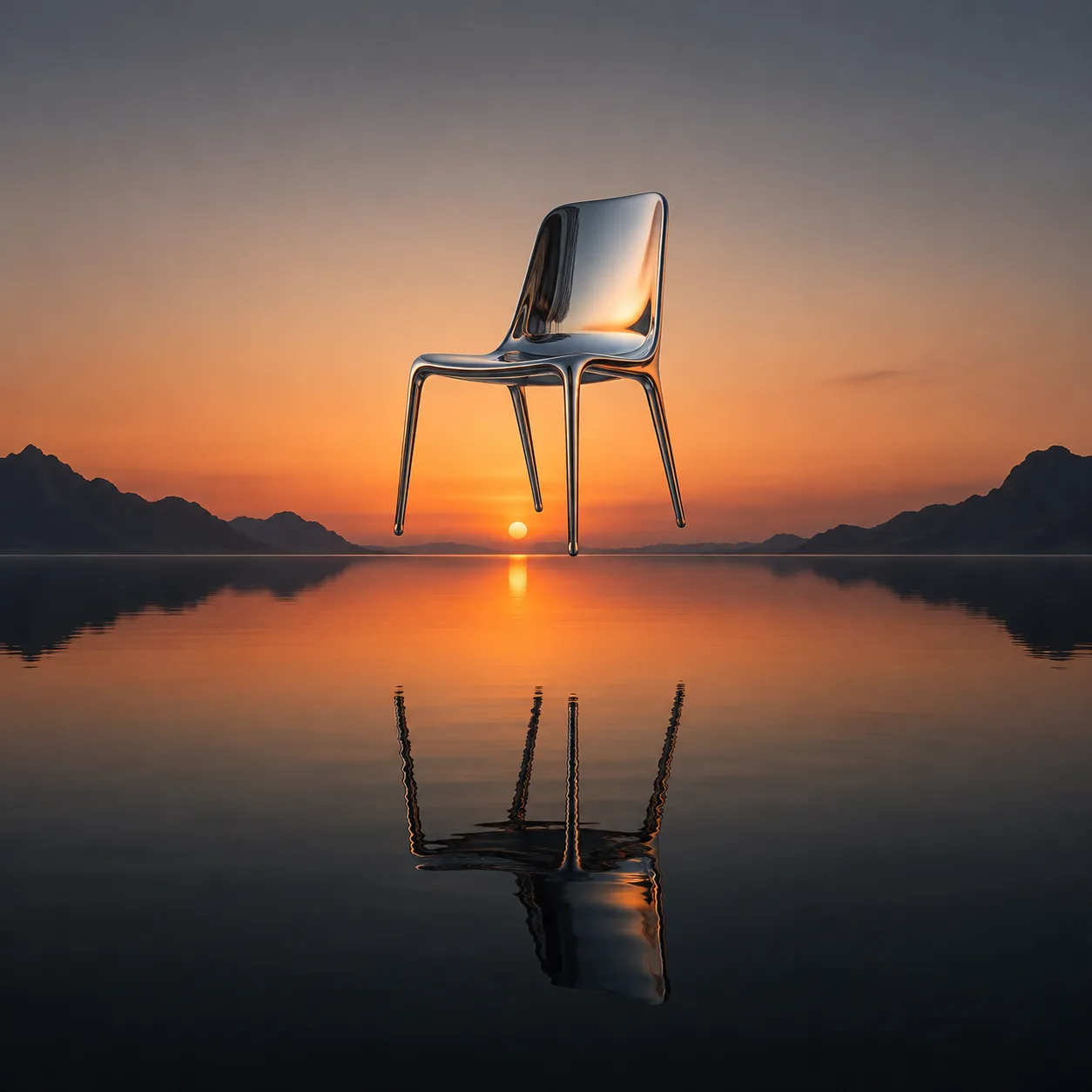
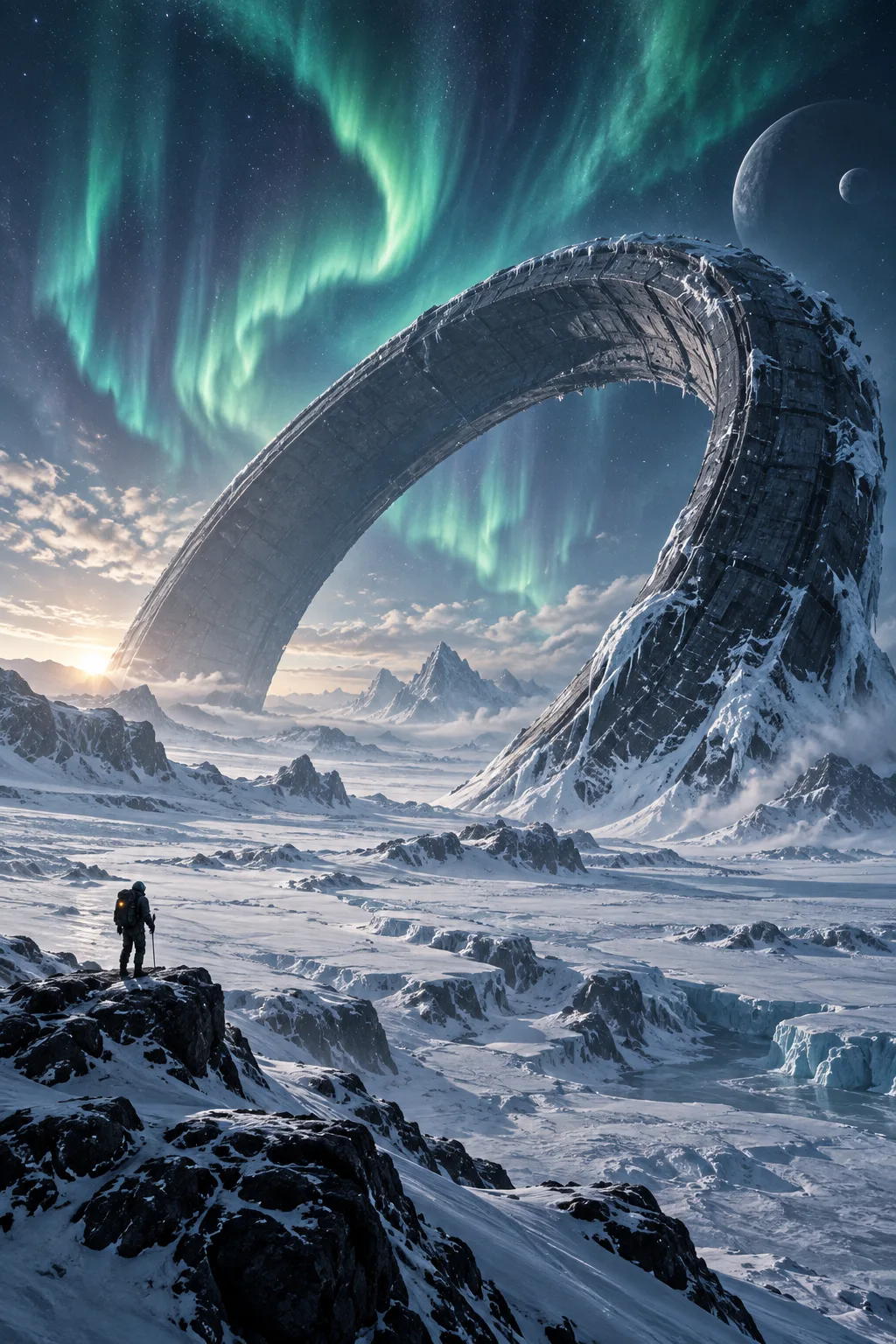
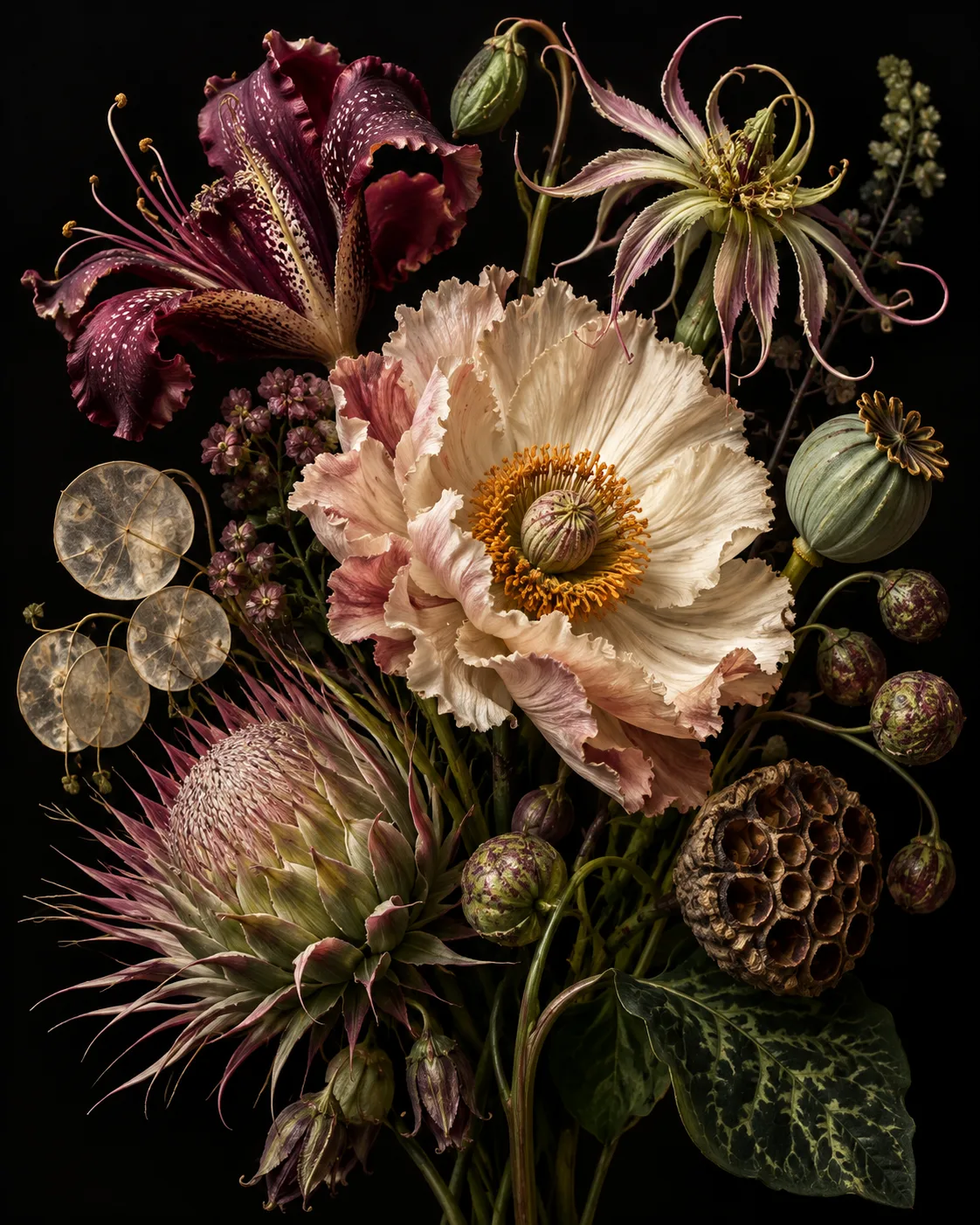
Most listeners first see your cover as a small square on a phone. Generate artwork that captures the sound of the release and still reads at that size, then scale it up for streaming platforms and merch.
Made with OpenDream
How it works
- 01
Translate the sound into visuals
Describe the music's texture as imagery: a hazy, reverb-heavy record might suggest soft focus and faded color, a hard and fast one sharp contrast and saturated red.
- 02
Generate square and bold
Use 1:1 and ask for one strong subject or pattern. Decide whether the artist name belongs on the cover or stays off.
- 03
Upscale to the required size
Look up your distributor's artwork requirements and upscale the final image with Topaz to meet them.
Why create AI album cover generator with OpenDream
Square-first compositions
Artwork generated natively at 1:1 fills the frame without awkward crops.
Mood through style presets
Film still, surreal, retro, paper-cut and cyberpunk presets cover a wide range of musical moods.
Text is optional
Ideogram V3 and GPT Image 2 can place a short artist or release name, though many covers are stronger with no text at all.
Related covers for singles
Share one palette and style line so each single in a campaign looks connected to the album.
Designing covers that hold up small and large
Album art is seen at two extremes: a thumbnail in a playlist and, sometimes, a large vinyl sleeve or poster. Designs that work at both sizes usually have one dominant shape or subject, strong value contrast and a limited palette. Test a favorite result by shrinking it; if it turns to mud, simplify the prompt.
Think about mood rather than literal lyrics. A song about leaving home does not need a suitcase; a long empty road at blue hour, or one lit window in a dark apartment block, carries the feeling without being on the nose. Abstract textures, color fields and surreal still lifes are all strong cover traditions.
Text is optional and often better left off or kept very small. If you include the artist name, keep it to a word or two in quotation marks, specify position and style, and proofread carefully. Many artists add type later in a design tool so the same lettering appears across every release.
Only use imagery you are entitled to use. Leave out real people who have not agreed to appear, other artists' logos and copyrighted characters. Distributors can reject artwork for these reasons, and they publish their own size and content requirements, so read them before uploading.
Prompt examples
Dream pop haze
Square album cover art, a single pale pink cloud hovering low over a still, mirror-like lake at blue hour, heavy soft focus, faded film colors, dreamy and hazy, lots of empty space, no text
Soft focus and faded color turn a reverb-heavy sound into visuals, while one simple shape stays readable when small.
Try this promptElectronic geometry
Square album artwork of a glowing magenta and cyan wireframe sphere suspended in total darkness, fine grid lines, subtle chromatic aberration, retro-futuristic mood, strong contrast, centered composition
A single centered form with high contrast survives thumbnail size and suits synth-driven music.
Try this promptFolk still life
Square cover of a weathered wooden chair in an empty sunlit farmhouse room, a folded quilt on the seat, dust in the air, warm muted analog photograph, quiet and intimate, small title "Low Fields" in plain serif at the bottom
An intimate still life suits acoustic records, and a short quoted title with a stated position is easy for typography models.
Try this promptPunk collage
Square album art in a rough paper collage style, torn black and red paper shapes, photocopy texture, a shouting mouth built from cut-out shapes, high contrast, chaotic but balanced, no real people
Collage and photocopy texture capture a raw sound, and excluding real people keeps the image original.
Try this promptNight drive
Square album cover, view from inside a car at night through a rain-covered windshield, blurred red tail lights and streetlamps ahead, deep teal shadows, cinematic film still look, moody and cool, no text
A point-of-view scene pulls the listener in, and the film-still treatment makes it feel cinematic.
Try this prompt
Start from a template
Frequently asked questions
- What size should album artwork be?
- Album covers are square, so generate at 1:1. Distributors set their own minimum pixel sizes; generate at the highest resolution available and upscale with Topaz to meet their spec.
- Should I put text on the cover?
- It's up to you. If you do, keep it to a short artist or release name and use Ideogram V3 or GPT Image 2. Many artists add type later in a design tool for consistency.
- Can I use the cover on streaming platforms and merch?
- Commercial use is covered on paid plans. Check each distributor's content rules, and keep real people, logos and copyrighted characters out.
- How do I make several single covers that match?
- Reuse the same style and palette description, change only the central subject, and keep the finished covers together in one collection for reference.
Keep exploring
Ready to create?
Pick a plan and you only spend credits on images you actually receive.
Start creating