AI generator
AI Art Maker for People Who Don't Draw
You do not need drawing skills or a vocabulary of art terms to make something you are proud of. Start from a template, swap in your own subject, and learn by adjusting one detail at a time.
Made with OpenDream
How it works
- 01
Pick a template you like
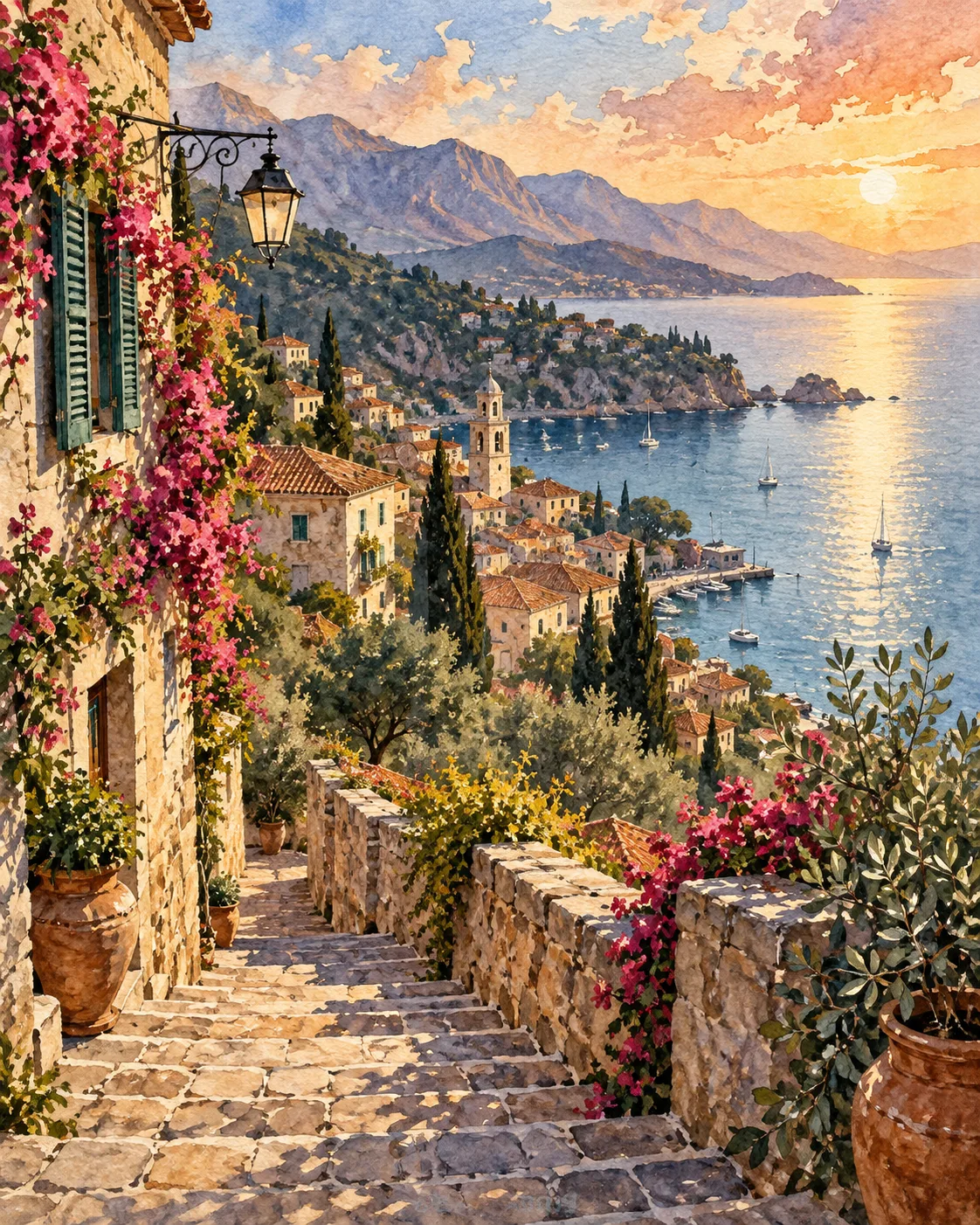
Browse templates and choose one whose look appeals to you, such as a storybook illustration, a clay character or a watercolor village. The prompt is already written for you.
- 02
Swap in your own idea
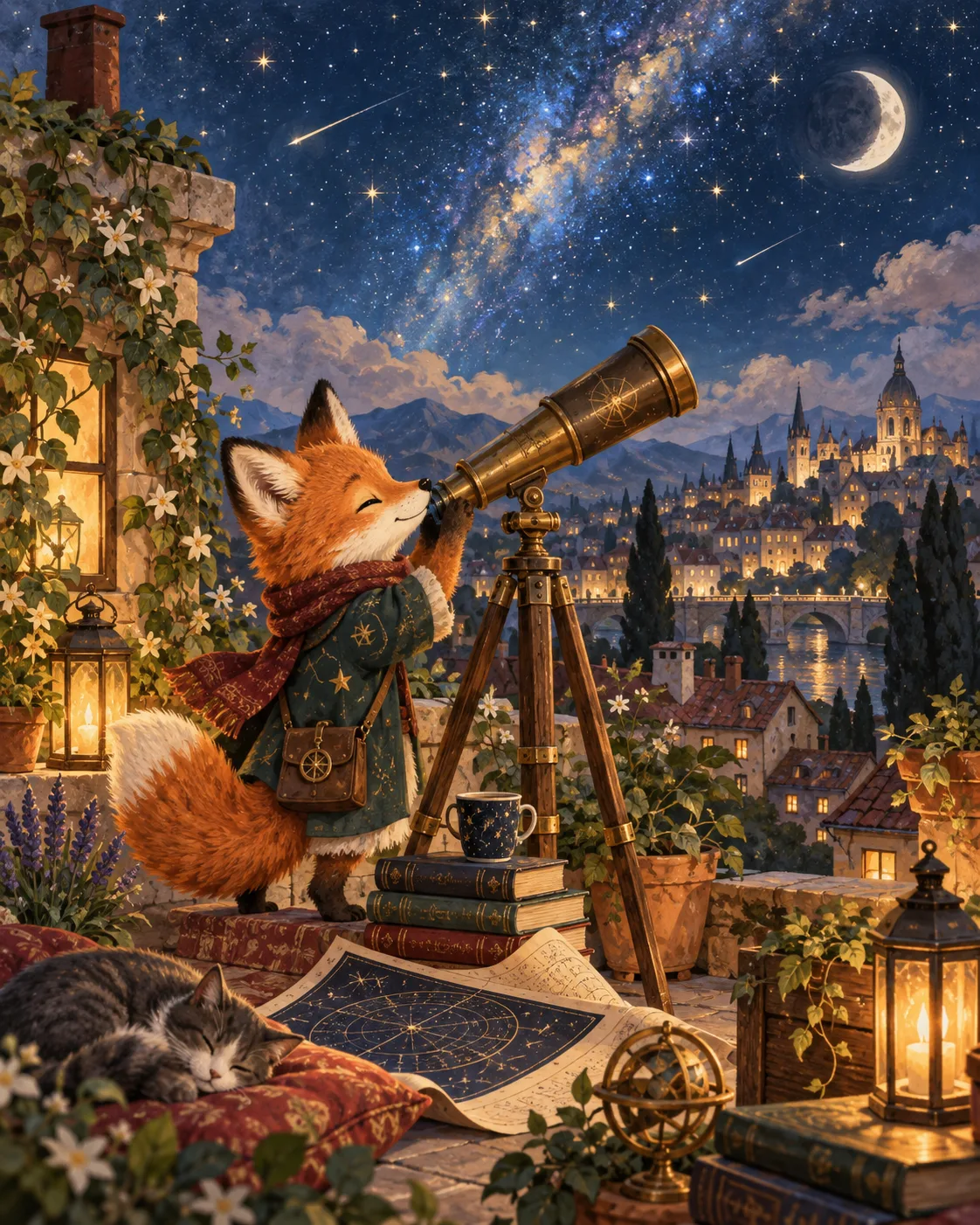
Replace the subject with yours: your dog instead of the template's fox, your street instead of the village. Leave the style words alone on the first try.
- 03
Change one thing, then remix
Try a different color, time of day or mood. When a result feels right, remix it to explore small variations without losing what you like.
Why create AI art maker with OpenDream
Templates as training wheels
Each template is a working prompt with a style already dialed in, so your first images look intentional rather than accidental.
Styles by name, not jargon
Choose presets like watercolor, clay, comic or paper-cut instead of learning technical terms. The preset takes care of the look.
No need to know the models
Smart mode picks a model automatically based on what you ask for, so you never have to compare technical options.
Remix to learn
Remixing shows how small wording changes affect the picture, which is the quickest way to build confidence.
Experiment without an audience
Everything you make is private by default, so nobody sees your early attempts unless you choose to share them.
A beginner's path from first image to your own style
The hardest part of starting is the empty text box. Templates remove it by handing you a prompt that already produces a good result, so you can see what a complete description looks like. Read the template prompt before changing it: you will notice it covers a subject, a setting, some lighting and a style, and that pattern is what you will eventually write yourself.
Make small edits and watch what happens. Change 'at sunset' to 'on a foggy morning' and compare. Change 'watercolor' to 'clay figurine'. Each swap teaches you what one phrase controls. Beginners often rewrite everything at once and then cannot tell why the new picture is better or worse.
Use simple, visual words. You do not need 'chiaroscuro' or 'sfumato'; 'strong light from one side with deep shadows' and 'soft blurry edges' work just as well. Describe what you would see if you were standing inside the picture: colors, weather, what things are made of, how big they are compared with each other.
After a few sessions, look back at the images you saved and notice what they share. Maybe you keep choosing warm colors, rounded shapes or quiet scenes. Write those preferences into a short line you add to every prompt, and you have the beginning of a personal style that no longer depends on a template.
Prompt examples
Your pet as a storybook hero
A small scruffy terrier wearing a red knitted scarf, walking along an autumn forest path with a tiny backpack, soft storybook illustration, warm colors, gentle light filtering through the trees
Swap in your own pet's breed and colors; the rest of the prompt already sets a friendly, finished look.
Try this promptClay baker
A cheerful clay figurine of a baker holding a giant cinnamon bun, rounded shapes, visible fingerprints in the clay, pastel background, soft studio light, playful handmade feeling
Fingerprints and rounded shapes are an easy, non-technical way to get a convincing clay look.
Try this promptWatercolor hometown
A quiet street of small colorful houses on a hill after rain, puddles reflecting the sky, loose watercolor painting with soft edges and paint drips, light blue and peach colors
Everyday words like 'soft edges' and 'paint drips' describe watercolor well without any art vocabulary.
Try this promptPaper-cut owls
A paper-cut picture of a family of owls on a branch under a big full moon, layers of dark blue and silver paper, simple shapes, stars punched out as tiny holes, calm bedtime mood
Explaining how the materials were made, with layers and punched holes, helps the picture feel crafted.
Try this prompt
Start from a template
Frequently asked questions
- Do I need any art experience?
- None. Templates and style presets give you a working starting point, and everything else can be described in everyday language.
- What's the difference between a template and a style?
- A style sets the look, like watercolor or clay. A template is a complete prompt with subject, setting and style already written, which you adapt to your idea.
- How do I get closer to what I imagined?
- Add one concrete detail at a time, such as a color, a time of day or where the subject stands. Then remix the closest result instead of starting over.
- Can I show people what I make?
- Only if you want to. Your work is private by default, and publishing to the gallery is a separate step you take on purpose.
Keep exploring
Ready to create?
Pick a plan and you only spend credits on images you actually receive.
Start creating