For creators & brands
AI Book Cover Generator for Genre-Right Cover Art
Readers judge a book's genre from its cover in a second or two. Generate cover artwork that follows your genre's visual conventions and leaves clean space for the title, then finish the typography yourself or with a designer.
Made with OpenDream
How it works
- 01
Study your genre's covers
Look at recent successful books in your category and note what they share: a figure or an object, warm or cold color, how much empty space, illustrated or photographic.
- 02
Prompt for art plus title space
Describe the central image and reserve space explicitly: 'upper third plain dark sky for the title, lower band clear for the author name'.
- 03
Upscale and set the type
Pick the strongest image, upscale it for print, and place the title and author name in a layout or design tool.
Why create AI book cover generator with OpenDream
Genre-aware compositions
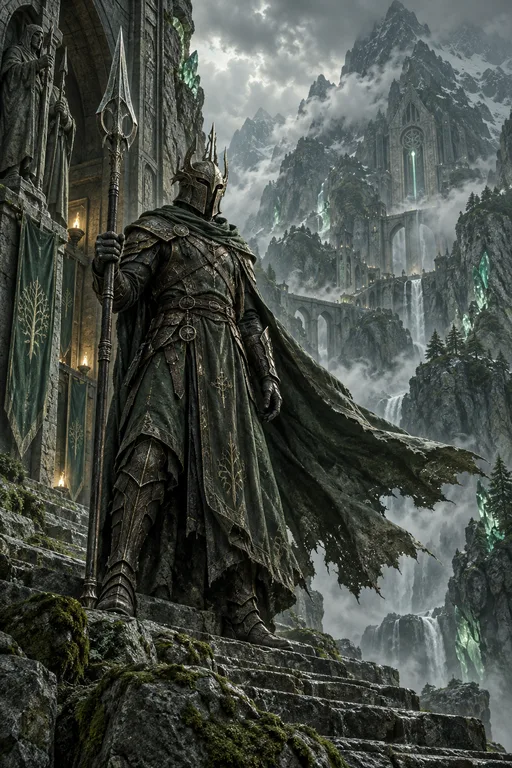
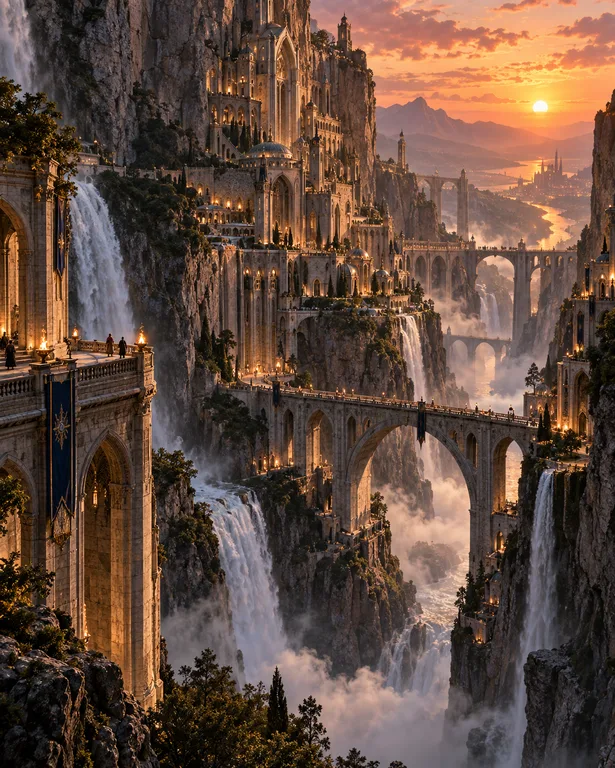
Describe mood and conventions, whether a lone figure for a thriller, an ornate central object for fantasy, or a bright illustrated scene for a cozy mystery.
Room for the title
Prompt for plain sky, dark gradients or quiet texture where the text will go, so artwork and type do not compete.
Resolution for print
Some models generate at up to 4K, and Topaz 4× upscaling adds the resolution printed covers need.
Publishable artwork
Paid plans include commercial use, so the art can appear on a book you sell.
What makes cover art work as a cover
Genre signals come first. Thrillers often use a small, isolated figure in a large cold space; epic fantasy leans on a central object or sweeping landscape; literary fiction tends toward minimal, symbolic imagery; romance and cozy mysteries favor bright illustrated scenes. Matching these cues helps the right readers recognize the book, even if you add your own twist.
The title is part of the composition, so plan for it before generating. Decide where the title and author name will sit, usually the top third and a bottom band, and ask for low-detail areas there: open sky, fog, a dark gradient, a plain wall. Busy art behind type is the most common reason a cover looks amateur.
Thumbnails matter as much as print. Online stores show covers small, so one strong silhouette with high contrast beats intricate detail. Look at your chosen image shrunk to the size of a postage stamp; if you cannot tell what it shows, simplify the prompt.
For print, generate at the highest resolution available and upscale before layout, since a larger source keeps edges crisp on paper. The artwork covers the front only: the spine and back need to be extended or designed separately to fit your printer's template, and plain edges in the art make that much easier.
Prompt examples
Thriller: isolated figure
Book cover art for a psychological thriller, a lone figure in a dark coat standing on an empty frozen lake at dusk, tiny in the frame, cold blue and grey palette, heavy fog, upper third plain dark sky for the title, lower band clear for the author name
Scale and emptiness create tension, and the reserved areas make typography easy to place.
Try this promptFantasy: central object
Epic fantasy book cover art, an ancient silver key wrapped in ivy floating above a stormy sea, glowing runes along the key, painterly detailed style, rich teal and gold palette, dark gradient at the top for the title
A central symbolic object is a strong fantasy convention and stays clear at thumbnail size.
Try this promptLiterary fiction: minimal
Minimal literary fiction cover art, a single red pear on a white windowsill casting a long soft shadow, muted off-white background, lots of empty space, quiet and symbolic, subtle paper texture
Minimal covers depend on one resonant object and generous negative space for elegant type.
Try this promptCozy mystery: illustrated
Cozy mystery book cover illustration, a small seaside bookshop at night with warm glowing windows, a black cat on the doorstep beside a teacup, flat whimsical illustration style, navy and warm yellow, open sky at the top for the title
A bright illustrated scene with a pet or small clue signals the subgenre immediately.
Try this promptScience fiction: scale
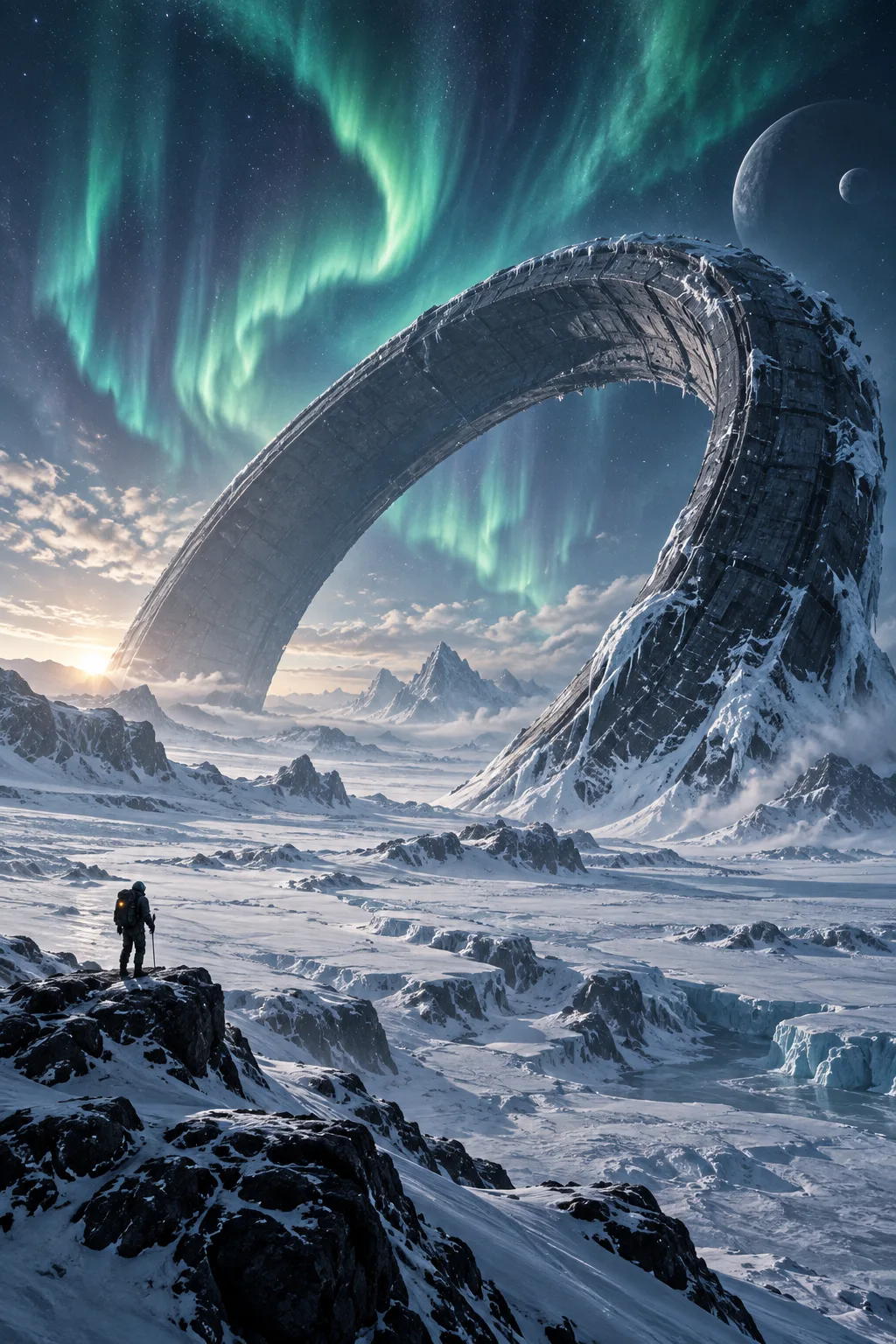
Science fiction book cover art, a vast ring-shaped space station orbiting a gas giant, a tiny shuttle approaching, cinematic light from a distant sun, deep violet and orange palette, clean black space in the upper third for the title
A tiny craft against an enormous structure communicates scale, and black space gives the title maximum contrast.
Try this prompt
Start from a template

Frequently asked questions
- Can the AI put my title on the cover?
- Short titles can be generated with Ideogram V3 or GPT Image 2, but for a finished cover, set the title and author name yourself in a design tool for exact spelling, font control and easy revisions.
- What size and ratio should a book cover be?
- Most covers are close to 2:3. Generate at the highest resolution available, upscale with Topaz 4×, and crop to your printer's or store's exact dimensions.
- Does it create the spine and back cover?
- No. You get a single front image. Design or extend the spine and back separately, and keep plain edges in the artwork to make that easier.
- Can I sell a book with an AI-generated cover?
- Paid plans allow commercial use. Some stores and publishers ask authors to disclose AI-generated content, so check their current rules.
Keep exploring
Ready to create?
Pick a plan and you only spend credits on images you actually receive.
Start creating