AI art generator
AI Fantasy Art Generator for Epic Worlds and Creatures
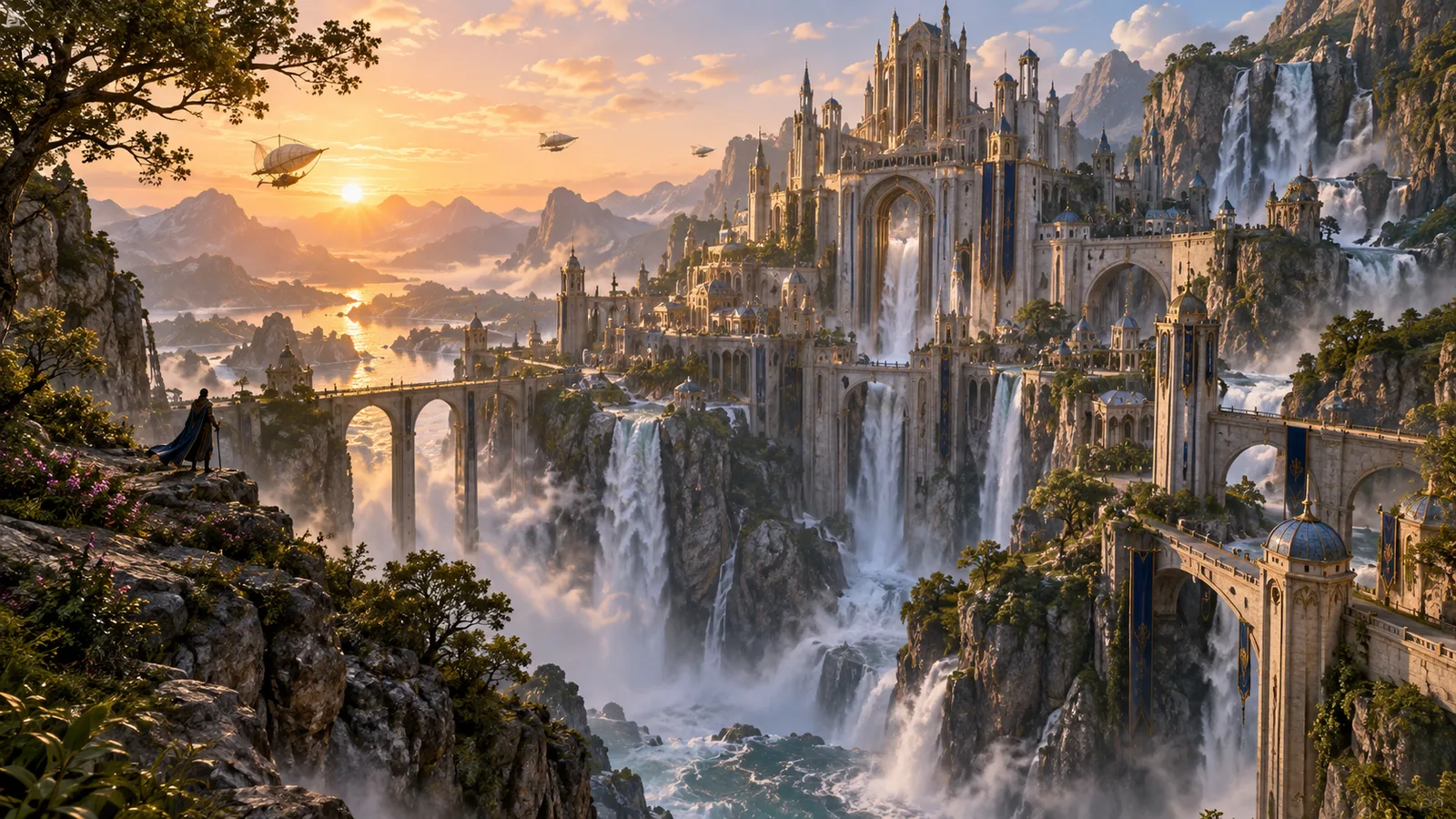
Fantasy art asks viewers to believe in things that do not exist, so scale, light and atmosphere have to work harder than in any other genre. Use this page to build castles, creatures and magic scenes that feel grounded enough to step into.
Made with OpenDream
How it works
- 01
Anchor the scale
Include something with a known size, like a lone rider, a doorway or a tree line. Without it, a dragon or a citadel has no sense of how big it is.
- 02
Decide where the magic light comes from
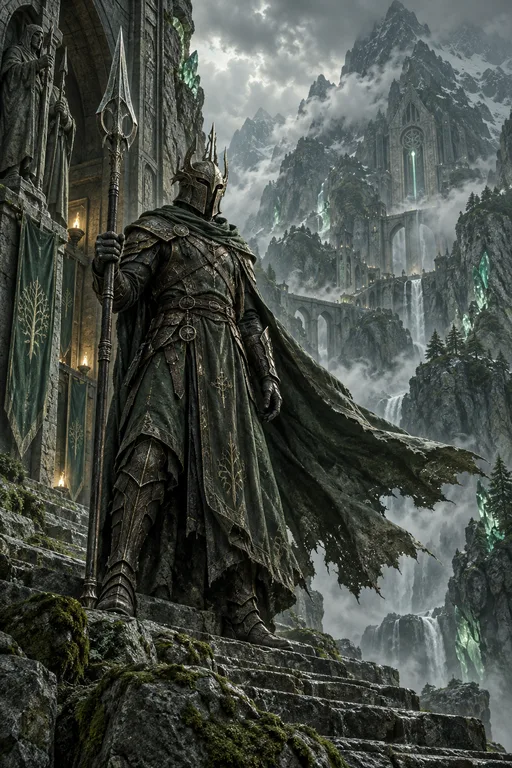
Glowing runes, a crystal or a spell should behave as a real light source that tints nearby surfaces. Say what it lights and which color it casts.
- 03
Layer the atmosphere
Describe foreground, middle ground and background separately, with mist or dust between them. Distant forms fading toward the sky color create convincing depth.
Why create AI fantasy art generator with OpenDream
Book and game covers
Vertical 2:3 compositions with open sky at the top, where a title can go later in a layout tool.
Tabletop maps and locations
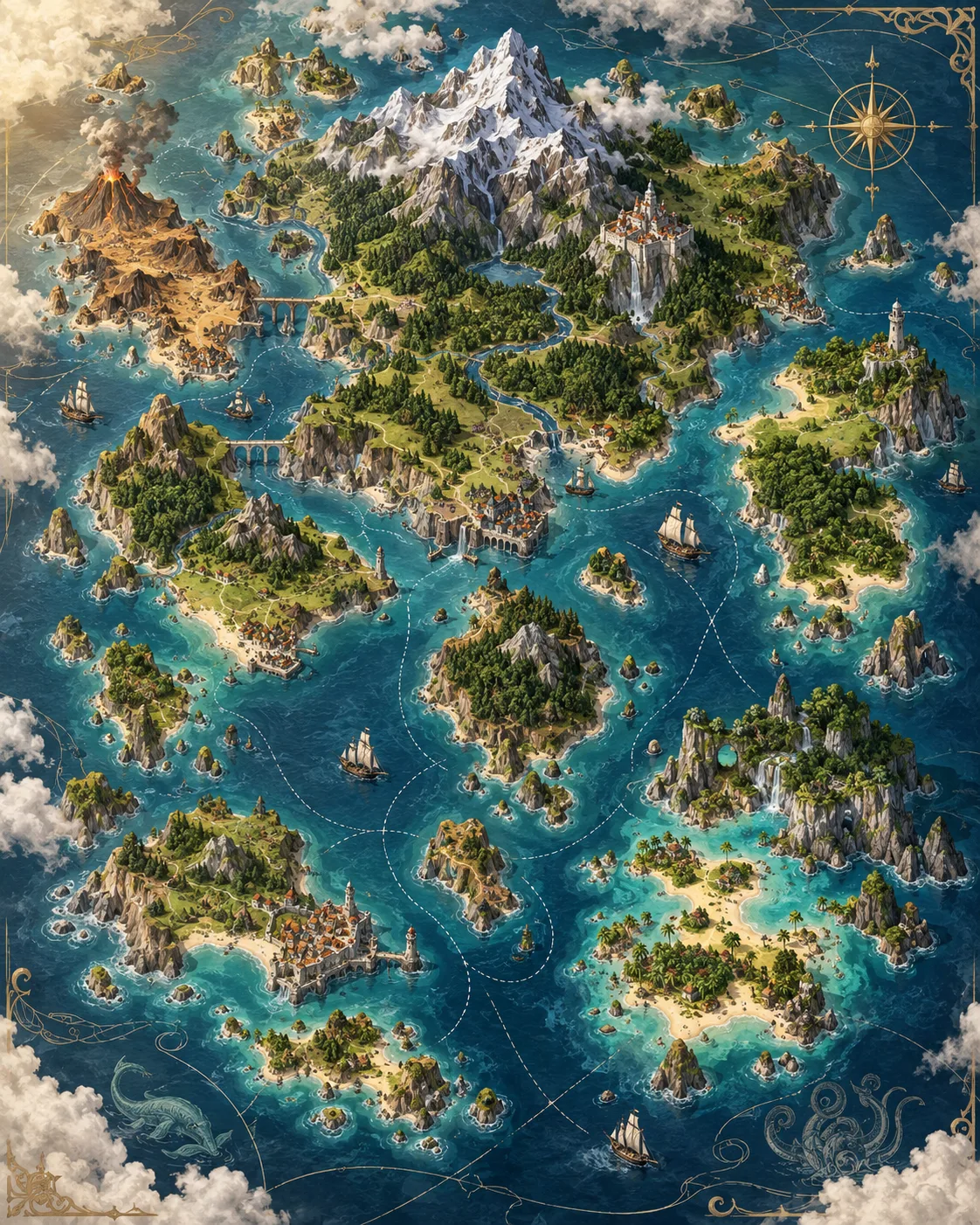
The Fantasy Map template produces overhead region maps, and matching location art can follow for each landmark.
Creature design
Base anatomy on real animals and combine them deliberately: a heron's legs, a lizard's hide, an owl's face. Hybrids assembled from real parts look more plausible.
Dark fantasy moods
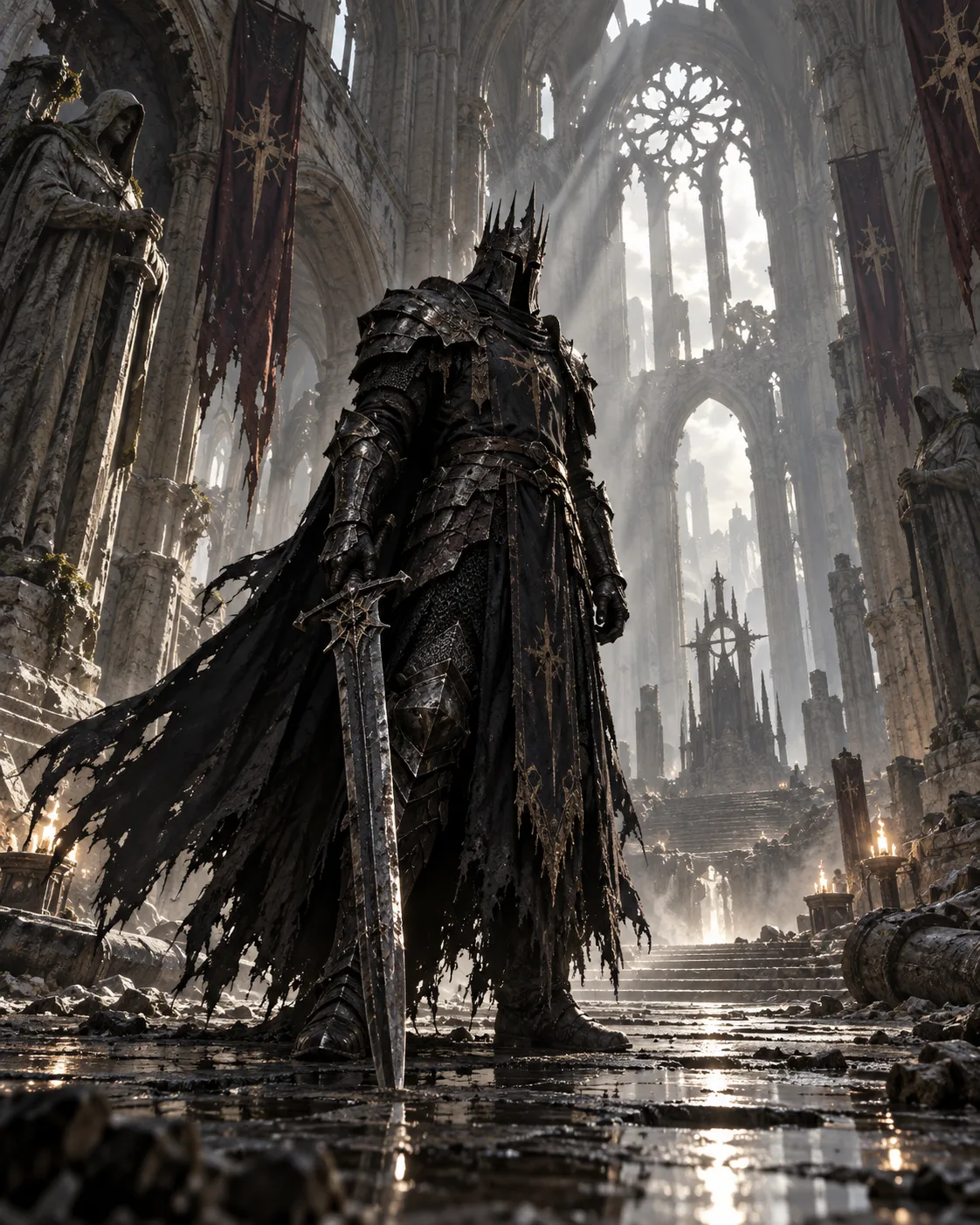
The Dark Fantasy Knight template sets up cold light, heavy armor and a desaturated palette for grim settings.
Making the impossible look believable
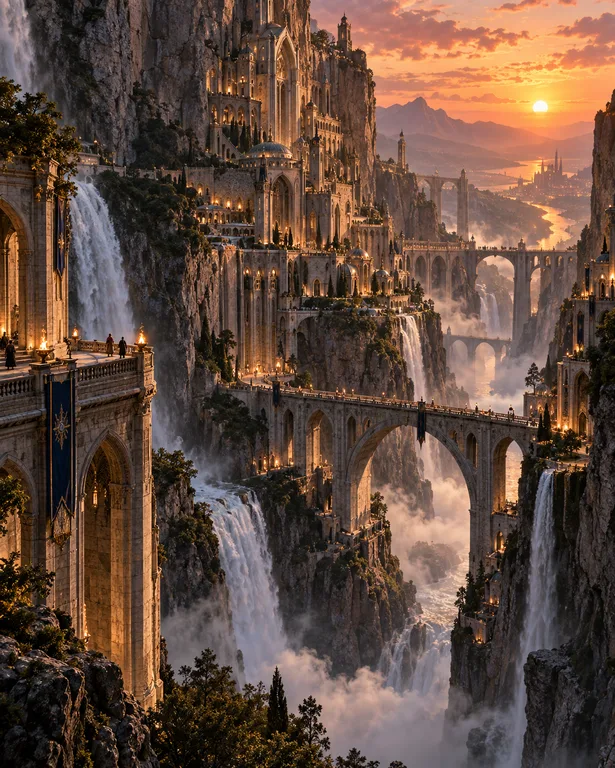
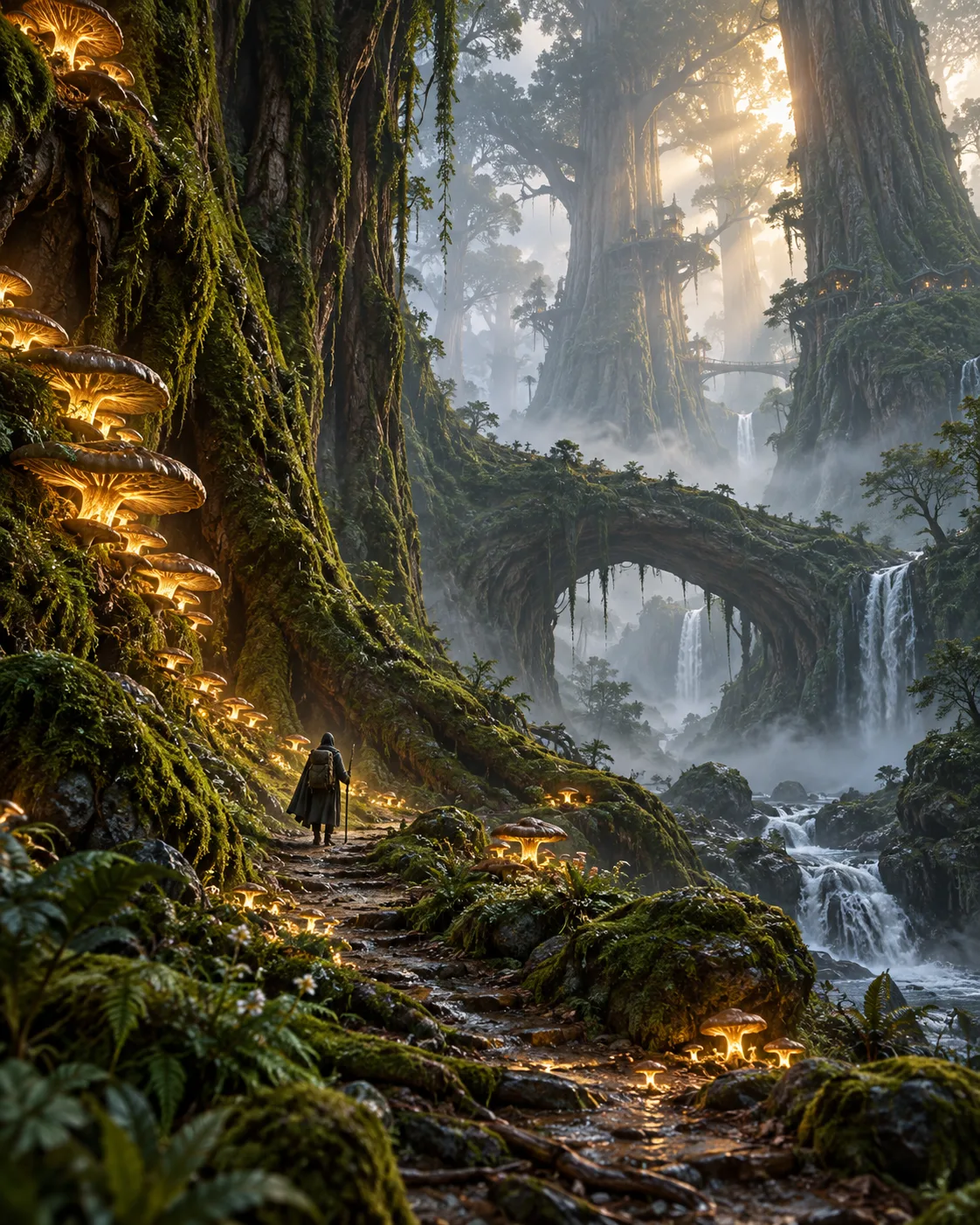
Classic fantasy painting borrows heavily from landscape painting. Distant mountains are lighter and bluer than near ones, detail drops off with distance, and shafts of light through haze give volume to the air. Put those observations into a prompt, for instance 'distant peaks fading into pale blue haze, crisp detail only in the foreground', and an invented scene gains the depth of a real vista.
Scale is the second lever. Giants, towers and dragons only feel huge next to something small. A single figure on a bridge, birds circling a spire or a caravan at the foot of a cliff sets the ruler for the whole picture. Place that reference object on purpose and say where it sits in the frame, because models otherwise tend to size everything alike.
Magic reads best when it behaves like light. A glowing sword should throw color onto the armor holding it and the ground beneath; a portal should rim-light the figures in front of it. Choose one dominant magical color and let the rest of the palette stay natural, or the image becomes a light show with no focal point.
For series work, such as a novel cover and its chapter headers, keep palette, light direction and rendering style in a saved project and reuse your strongest establishing image as a reference. That keeps a world visually coherent across many pieces.
Prompt examples
Cliffside citadel
Epic fantasy landscape of a white stone citadel carved into a sea cliff, a lone rider on the winding road below for scale, storm clouds breaking with shafts of light, distant peaks fading into blue haze, painterly foreground detail, wide cinematic composition
The rider sets the scale and the fading peaks create depth, so the citadel reads as enormous.
Try this promptForest guardian creature
An original forest guardian creature with a stag's antlers covered in moss, an owl-like face and long heron legs, standing in a misty birch forest at dawn, pale gold light through the trees, realistic animal anatomy, fantasy painting style
Combining named real animal parts gives the creature believable anatomy instead of a vague monster.
Try this promptRune-lit forge
Dwarven forge deep underground, a smith hammering a blade that glows with blue runes, the rune light tinting the anvil and his leather apron blue while orange furnace light fills the background, sparks, smoke, dramatic chiaroscuro
Two named light sources in different colors create contrast, and the magic affects nearby surfaces the way real light would.
Try this promptSunken library
Interior of a flooded ancient library, shelves rising into darkness, a small rowboat with a lantern drifting between them, reflections on still water, floating pages, cool green light from a crack in the ceiling, quiet atmospheric fantasy art
A quiet scene with one warm light inside a cool environment gives a strong focal point without any action.
Try this promptSleeping dragon cover
Vertical fantasy book cover artwork of a cloaked traveler on a stone bridge facing a colossal sleeping dragon curled around a mountain, dawn light, mist in the valley, empty sky in the upper third for a title, no text
Reserving empty sky and asking for no text leaves clean space for typography you set yourself.
Try this prompt
Start from a template
Frequently asked questions
- Can I use fantasy art as a book or game cover?
- Yes, on a paid plan, since those include commercial use. Generate at the final cover ratio, keep space for the title and add typography in a layout tool, because generated lettering is unreliable for long titles.
- How do I get a consistent world across several images?
- Save a project with your style, palette and ratio, and reuse your best establishing shot as a reference image. Describe recurring landmarks with the same wording every time.
- Why do my creatures look like generic monsters?
- Vague prompts produce averaged results. Name the real animals you are borrowing from, describe skin or feather texture and give the creature a behavior, such as grazing, nesting or hunting.
- Is a fantasy map possible?
- The Fantasy Map template gives an overhead, hand-drawn map look. Model-generated place names are usually unreadable, so leave labels out and letter them yourself.
Keep exploring
Ready to create?
Pick a plan and you only spend credits on images you actually receive.
Start creating