For creators & brands
AI Fashion Generator for Garment and Campaign Concepts
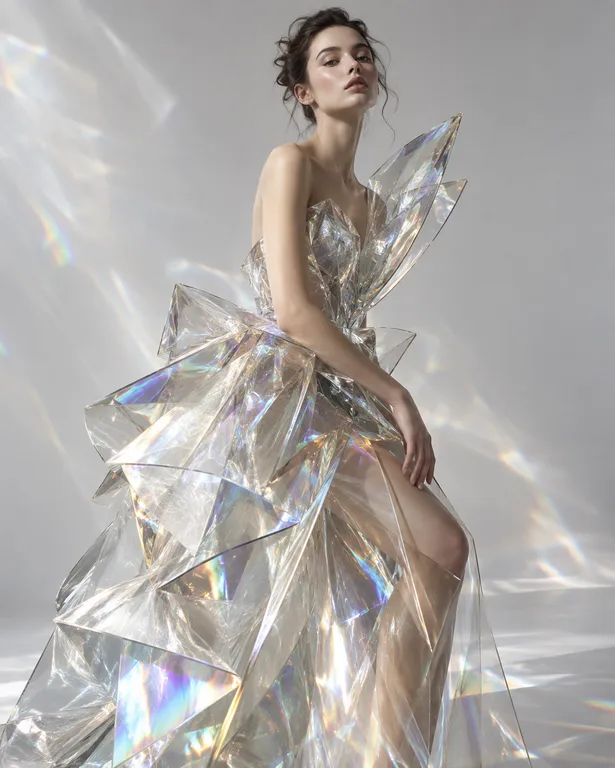
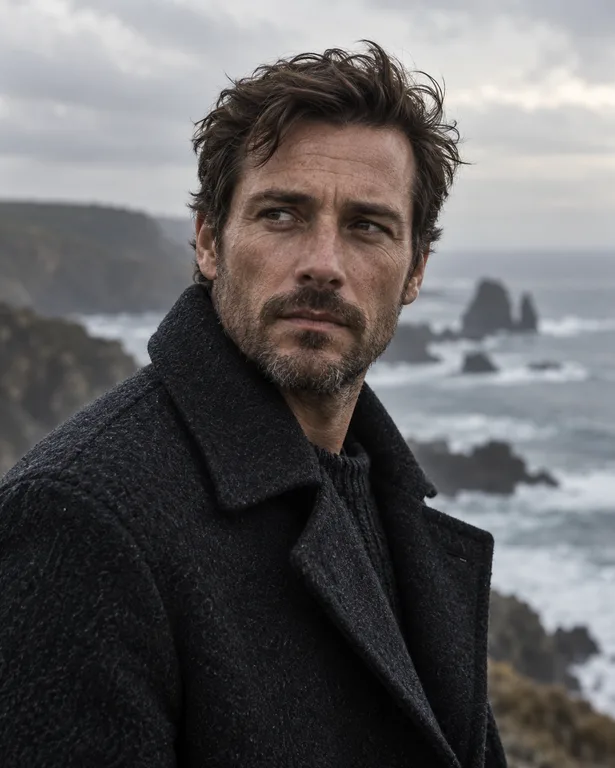
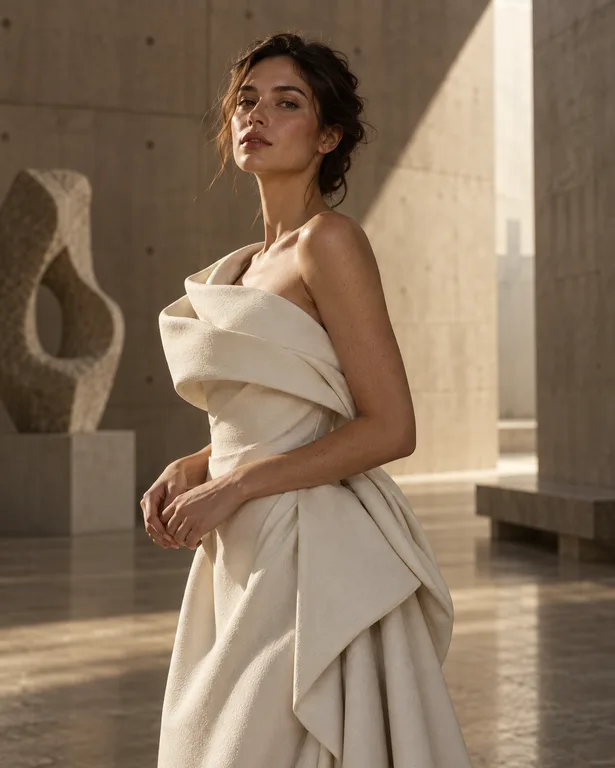
Fashion starts with images long before the first sample: silhouettes, fabric pairings, color stories and campaign moods. Visualize those ideas quickly, then carry the strongest into sketches, patterns and fittings.
Made with OpenDream
How it works
- 01
Describe the garment precisely
Name the silhouette, fabric and details: 'oversized double-breasted wool coat, dropped shoulders, raw hem, oatmeal color'.
- 02
Set the presentation
Choose a flat lay, a studio lookbook shot or an editorial campaign scene, with a ratio such as 3:4 or 2:3 for full-length looks.
- 03
Iterate on one variable
Change the fabric, color or styling in each round, and gather directions in a project to review as a mood board.
Why create AI fashion generator with OpenDream
Silhouette and fabric exploration
See how a design reads in denim versus waxed cotton, or cropped versus long, before committing to materials.
Lookbook and campaign styles
Fashion editorial and campaign templates give polished presentation for pitch decks and internal reviews.
Restyle your own sketches
Upload sketches or garment photos as references with FLUX.2, Seedream 5 or Nano Banana 2 to restyle them or place them in new scenes.
Collections as mood boards
Save looks into collections to assemble color stories and seasonal boards.
Fashion vocabulary that improves results
Garment terms carry a lot of information. 'Dropped shoulder', 'bias-cut', 'A-line', 'boxy', 'cropped', 'raw hem', 'French seams' and 'patch pockets' all translate into visible shapes. Use the words a pattern cutter would use rather than 'nice jacket', and put the main garment first so it gets the most attention.
Fabric shows itself through how it behaves in light and motion. Silk and satin give sharp, liquid highlights; wool has a soft matte surface; denim shows twill texture and fading at the seams; technical nylon has a slight sheen and crisp folds. Pair the fabric with the right light, raking for texture or soft for drape, so the material reads correctly.
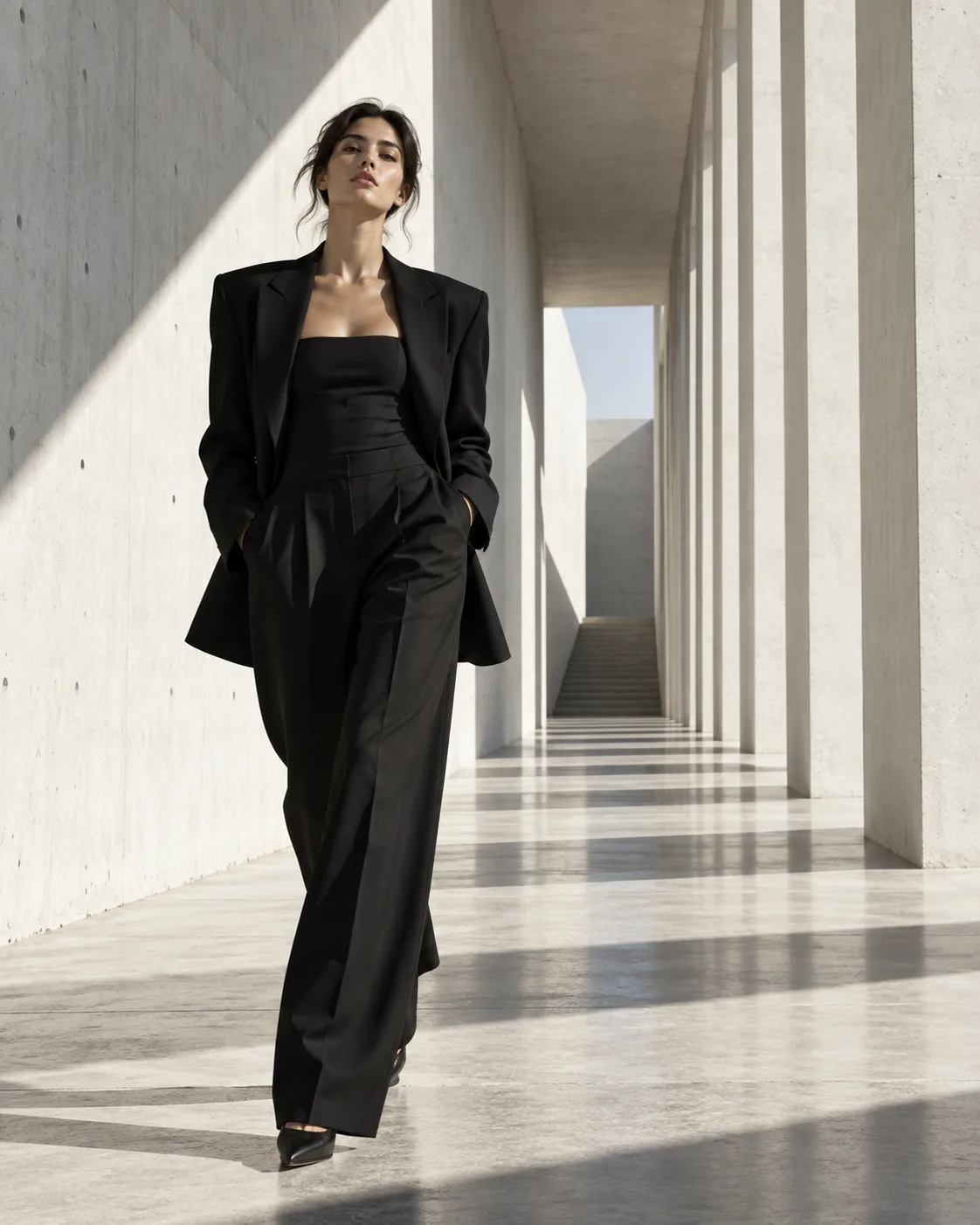
Presentation changes how a design is judged. A flat lay shows construction and proportion; a studio shot on a plain backdrop focuses on fit; an editorial location adds story and mood. For internal reviews, generate the same look in two presentations so you can assess both the garment and its styling.
Treat generated images as concept material, not specifications. Seams, closures and proportions may not be physically consistent, so move promising ideas into technical sketches before sampling. Keep campaign concepts fictional or tied to your own label, and avoid real designers' logos, signature prints or the faces of real models.
Prompt examples
Outerwear concept
Studio lookbook photo of an oversized double-breasted wool coat with dropped shoulders and a raw hem in oatmeal, worn over a black knit turtleneck and wide charcoal trousers, plain warm grey backdrop, soft even light, full-length shot, fictional label
Precise construction terms and a neutral backdrop keep attention on silhouette and proportion.
Try this promptFabric comparison flat lay
Top-down flat lay of the same cropped utility jacket shown in three fabrics side by side: indigo denim, olive waxed cotton and black technical nylon, patch pockets and snap closures visible, even soft light, clean white background
A side-by-side flat lay makes fabric choices easy to compare in one image.
Try this promptDesert editorial
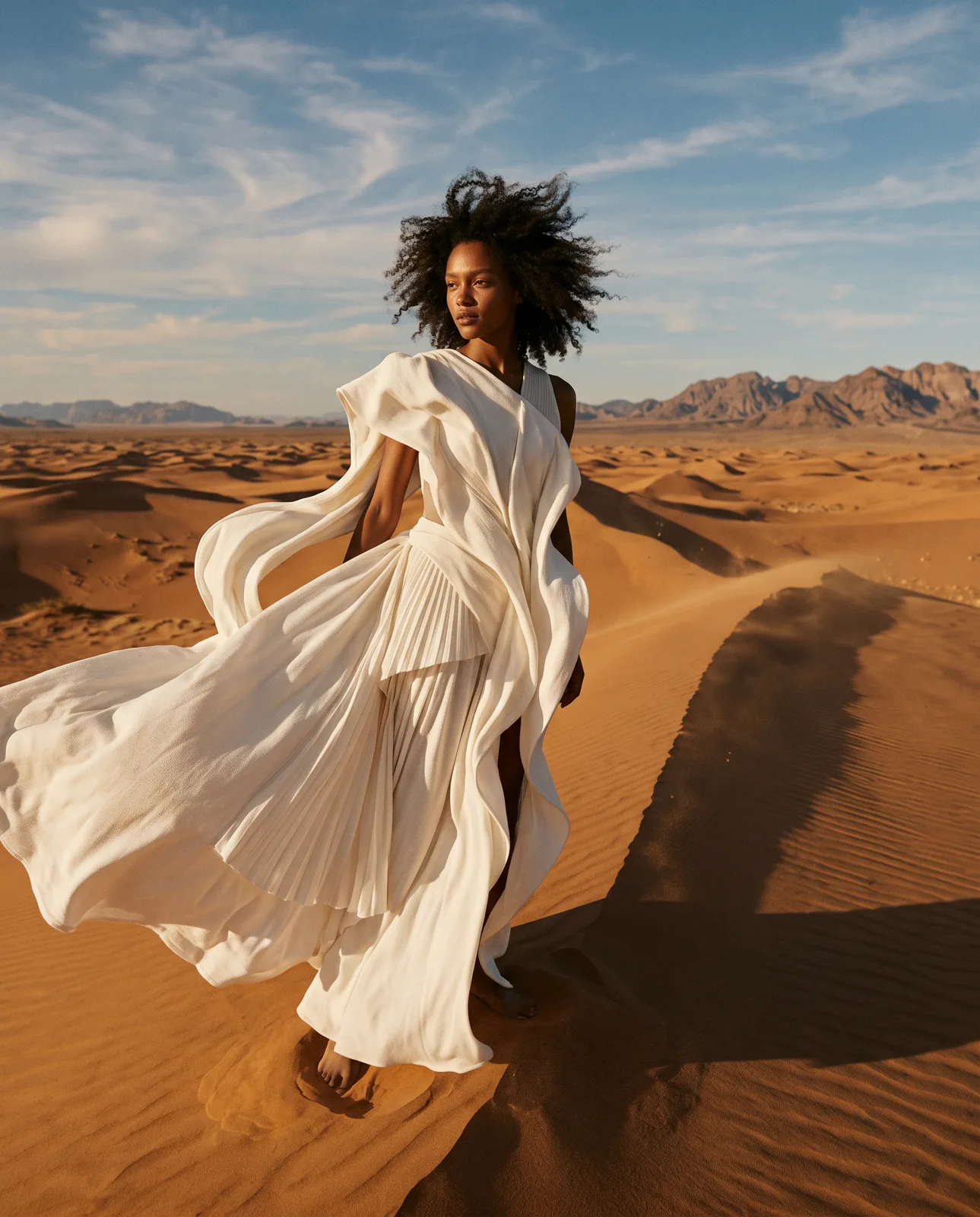
Fashion editorial photograph of a model in a flowing rust-colored silk maxi dress walking across pale sand dunes at golden hour, fabric caught mid-motion in the wind, long shadows, warm film tones, campaign for a fictional designer
Movement and low sun reveal how silk drapes and catches light, which is the point of an editorial shot.
Try this promptStreetwear capsule
Three-look streetwear capsule for a fictional label, models standing in a row against a concrete wall: a boxy sage hoodie, stone cargo trousers and a burnt orange quilted vest, overcast daylight, candid street style photography
Showing several looks together tests whether the color story holds up as a collection.
Try this promptAccessory detail
Close-up concept of a structured leather top-handle bag in deep burgundy with brass hardware and contrast stitching, resting on a travertine plinth, soft directional studio light, unbranded, luxury editorial style
Detail-level prompts that mention hardware and stitching help evaluate craftsmanship ideas for accessories.
Try this prompt
Start from a template
Frequently asked questions
- Can generated designs become real garments?
- Use them as concept imagery. Details like seams and closures are not always buildable, so turn strong ideas into technical sketches and patterns before sampling.
- Can I restyle my own sketches or samples?
- Yes. Upload them as reference images with FLUX.2, Seedream 5 or Nano Banana 2 and describe the fabric, color or setting you want.
- Can I use the images in a lookbook or campaign?
- Paid plans let you use generations commercially. Keep the brand fictional or your own, and avoid real logos, signature prints and the likeness of real models.
- Which ratio suits fashion images?
- 3:4 and 2:3 fit full-length looks and lookbook pages, 4:5 works for social posts, and 1:1 suits accessories and flat lays.
Keep exploring
Ready to create?
Pick a plan and you only spend credits on images you actually receive.
Start creating