AI generator
AI Photo Generator for Photorealistic Results
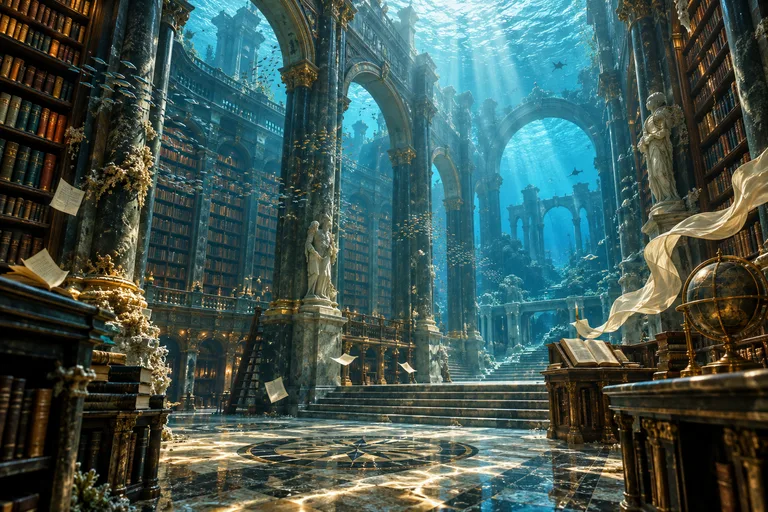
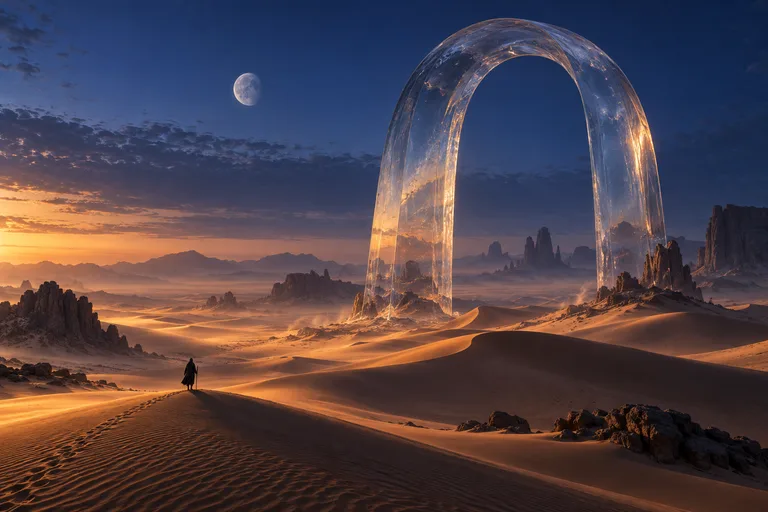
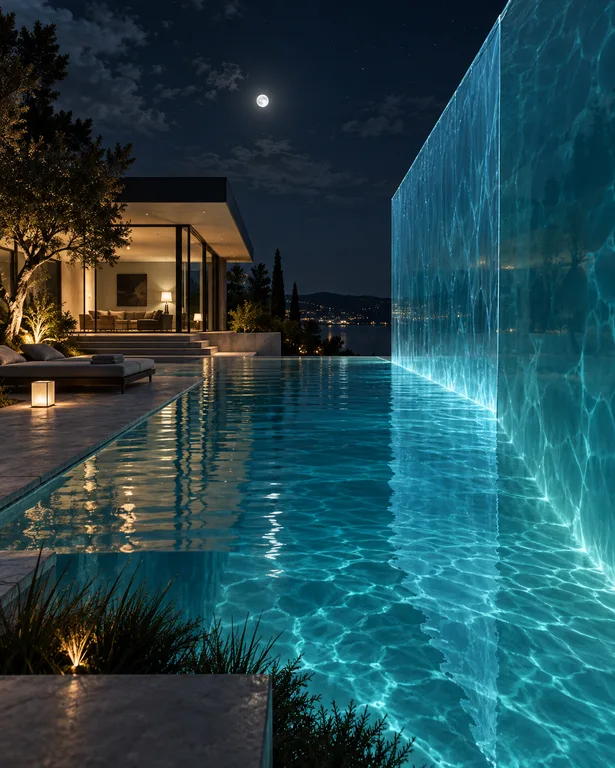
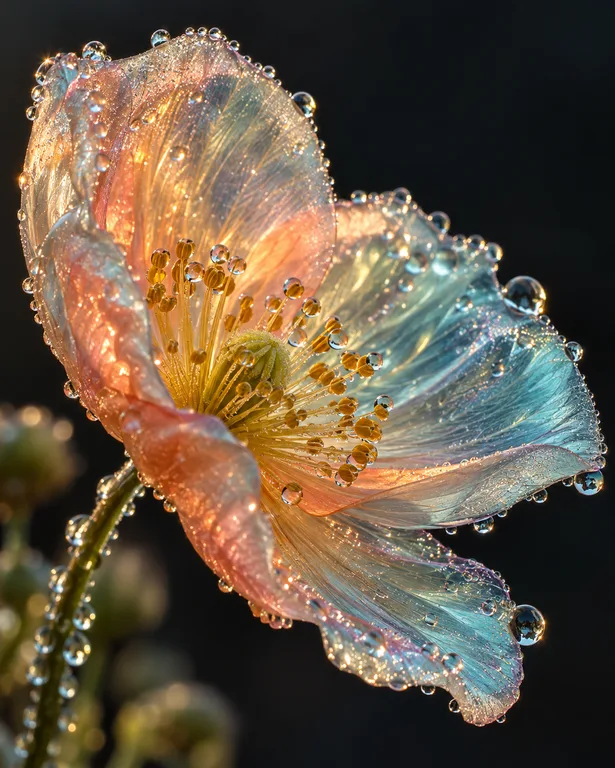
Photorealism depends as much on the prompt as on the model: it has to think like a photographer. Describe the lens, the light and the moment, and the photoreal models produce pictures that hold up to a second look.
Made with OpenDream
How it works
- 01
Choose a camera setup
Decide the shot and lens: a 35mm street scene, an 85mm portrait with a blurred background, or a 24mm wide interior. Lens language shapes perspective and depth of field.
- 02
Name the light source
Real photos are lit by something. Write 'overcast daylight', 'single softbox from the left' or 'streetlights and neon signs at night'.
- 03
Add imperfection, then compare
Mention natural texture such as skin pores, fabric creases, dust or slight motion blur. Keep the result that looks captured rather than rendered.
Why create AI photo generator with OpenDream
Photoreal intent
The photoreal intent tells Smart mode to prioritize realism when it chooses a model. You can also pick Imagen 4 or another model directly.
Camera-native aspect ratios
3:2 matches most camera sensors, 4:5 suits portrait crops and 16:9 gives a cinematic frame. Using the ratio a photographer would choose makes images feel more authentic.
Large output
Some models output up to 4K, and Topaz upscaling at 2× or 4× adds size for prints and large displays.
Specific scenes instead of stock
Generate believable, specific moments for articles and presentations, such as a lived-in kitchen, a rainy commute or a workshop, without trawling through generic library photos.
Thinking like a photographer in your prompts
Focal length changes the whole character of a photo. Wide lenses (16–24mm) exaggerate depth and suit interiors and landscapes; normal lenses (35–50mm) feel like human vision and suit street and documentary scenes; short telephotos (85–135mm) compress backgrounds and flatter faces. Naming a focal length and an aperture such as f/1.8 or f/8 gives the model a concrete target for perspective and blur.
Light is what makes a generated photo convincing. Pick one dominant source and describe its quality: hard noon sun with crisp shadows, soft north-window light, the orange glow of a sodium streetlight. Mixed light, such as cool daylight from a window meeting warm tungsten lamps indoors, adds realism because real rooms rarely have a single color temperature.
Perfect pictures look fake. Real photographs have slightly uneven skin, flyaway hairs, creased clothes, dust on surfaces and a little noise in the shadows. Asking for these details, together with an ordinary moment rather than a posed one, moves the image away from the glossy, airbrushed finish that gives synthetic photos away.
Use realism responsibly. Do not generate lifelike images of real people, or scenes presented as documentation of real events. For commercial work, avoid real brand logos and recognizable private individuals, and be open about AI-generated imagery where your audience would expect to know.
Prompt examples
Street portrait at 85mm
Candid street portrait of a woman in her sixties laughing at a market stall, 85mm lens at f/2, soft overcast light, blurred fruit crates behind her, natural skin texture with fine wrinkles, muted color film look
Focal length and aperture set the background blur, and naming skin texture avoids an airbrushed finish.
Try this promptKitchen at golden hour
A lived-in home kitchen at golden hour, low sun through a window casting long stripes of light across a wooden table, half-eaten bread, crumbs, a chipped enamel mug, 35mm lens, slight film grain
Small signs of use, like crumbs and chips, make an interior read as photographed rather than rendered.
Try this promptNight street in mixed light
Rain-soaked city street at night, a cyclist passing through puddles that reflect red and teal shop lights, slight motion blur on the wheels, 28mm lens, high ISO grain, documentary photograph
Motion blur and high-ISO noise are photographic side effects that signal realism.
Try this promptMacro dew
Macro photograph of morning dew on a spider web strung between dry grass stems, backlit by low sun, tiny droplets acting as lenses, creamy out-of-focus meadow background, 100mm macro lens
Macro prompts need a lens, a backlight and a subject small enough to justify extreme detail.
Try this promptWorkshop documentary
A carpenter's hands planing a long oak board in a dusty workshop, wood shavings curling off the blade, single window light from the right, 50mm lens, shallow depth of field, honest documentary style
Framing on hands and material keeps the focus on texture, which photoreal models render convincingly.
Try this prompt
Start from a template
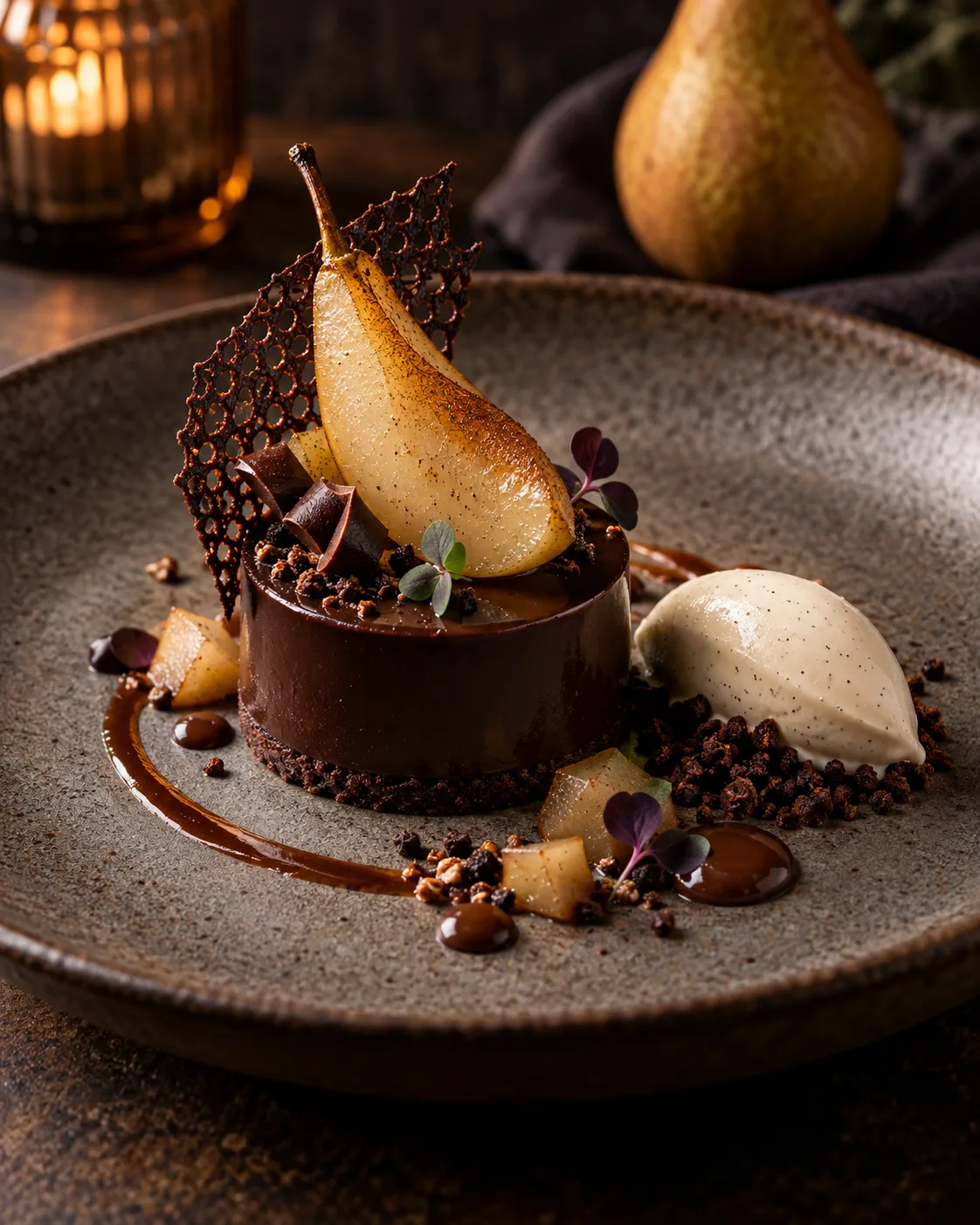
Frequently asked questions
- Which model is best for photorealism?
- Start with the photoreal intent in Smart mode. Imagen 4, Nano Banana 2 and Seedream 5 are all worth comparing on the same prompt, as results vary by subject.
- Why do my photos look too smooth or plastic?
- Add real-world texture and imperfection, drop quality buzzwords, and describe a specific light source. Ordinary moments look more real than posed perfection.
- Can I generate photos of real people?
- Please don't create realistic images of real people, including public figures, or images meant to pass as genuine documentation. Fictional people and scenes are the intended use.
- What resolution can I get?
- Certain models output as large as 4K. For prints, you can also run Upscale with Topaz at 2× or 4×.
Keep exploring
Ready to create?
Pick a plan and you only spend credits on images you actually receive.
Start creating