AI art generator
AI Illustration Generator for Editorial and Storybook Work
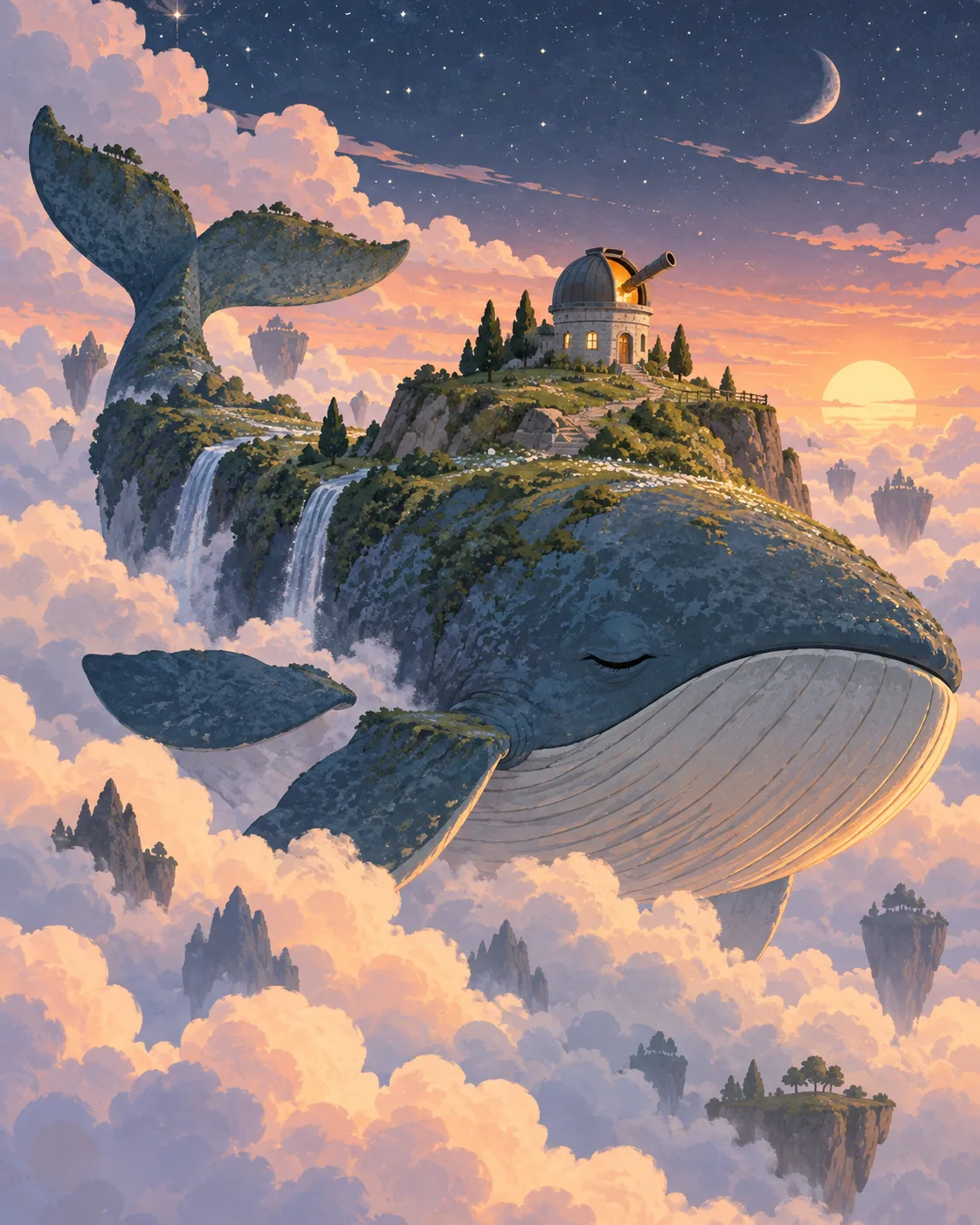
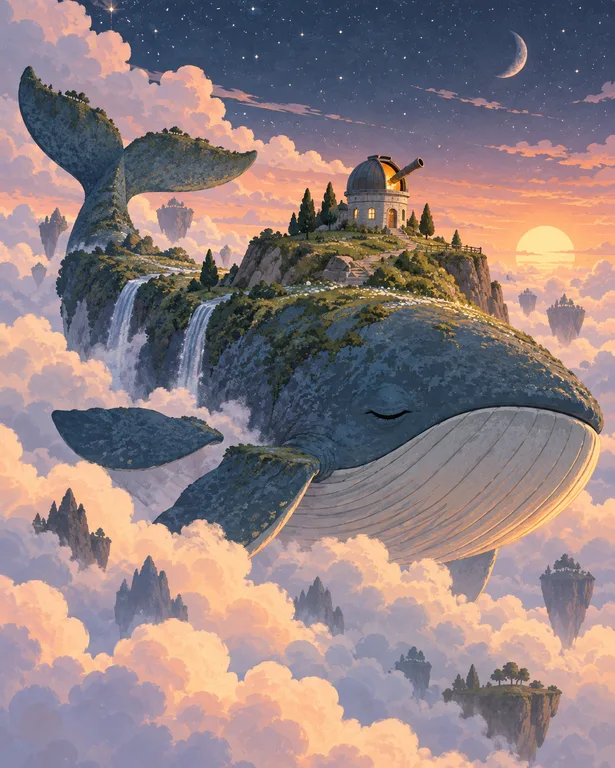
Illustration serves a text: a magazine feature, a picture book spread, a newsletter header. That relationship changes how you prompt, because the image has to leave room for words, carry an idea at a glance and match the pieces around it.
Made with OpenDream

How it works
- 01
Start from the text
Sum up the article or page in one sentence and illustrate the idea, not the literal headline. A piece about burnout might become a candle burning at both ends in a tidy office.
- 02
Choose a medium and palette
Gouache, colored pencil, flat vector and cut paper each suit different audiences. Four or five colors are plenty for an image that has to sit beside type.
- 03
Leave room for layout
Tell the model where text will go, such as 'empty space on the left third', and generate at the ratio of the actual page or banner.
Why create AI illustration generator with OpenDream
Editorial spots and headers
Conceptual images for articles and newsletters, built around one visual metaphor that still reads at thumbnail size.
Picture book spreads
The Storybook Illustration template starts from soft, warm book art. Use 3:2 or 16:9 for double-page spreads and 3:4 for single pages.
Recurring characters in a series
Supply your main character sheet as a reference image on every page; references help keep a character consistent from spread to spread.
Spot illustrations
Small isolated objects on white for chapter openers, menus or how-to guides; the Remove Background tool turns them into transparent cutouts for layout.
Illustrating ideas, not just subjects
Editorial illustrators are hired to find a visual metaphor. A story about data privacy becomes a house with glass walls; a story about slow travel becomes a snail carrying a suitcase. Before prompting, jot down three possible metaphors and generate each one. The strongest idea usually beats the most polished rendering.
Picture book work adds continuity. The same child, dog or house must appear on every spread with matching proportions and colors. Build a small character sheet first, keep palette and medium identical in every prompt, and attach the sheet as reference images. Plan page turns too: a wide establishing spread, then closer moments, then a wide finale.
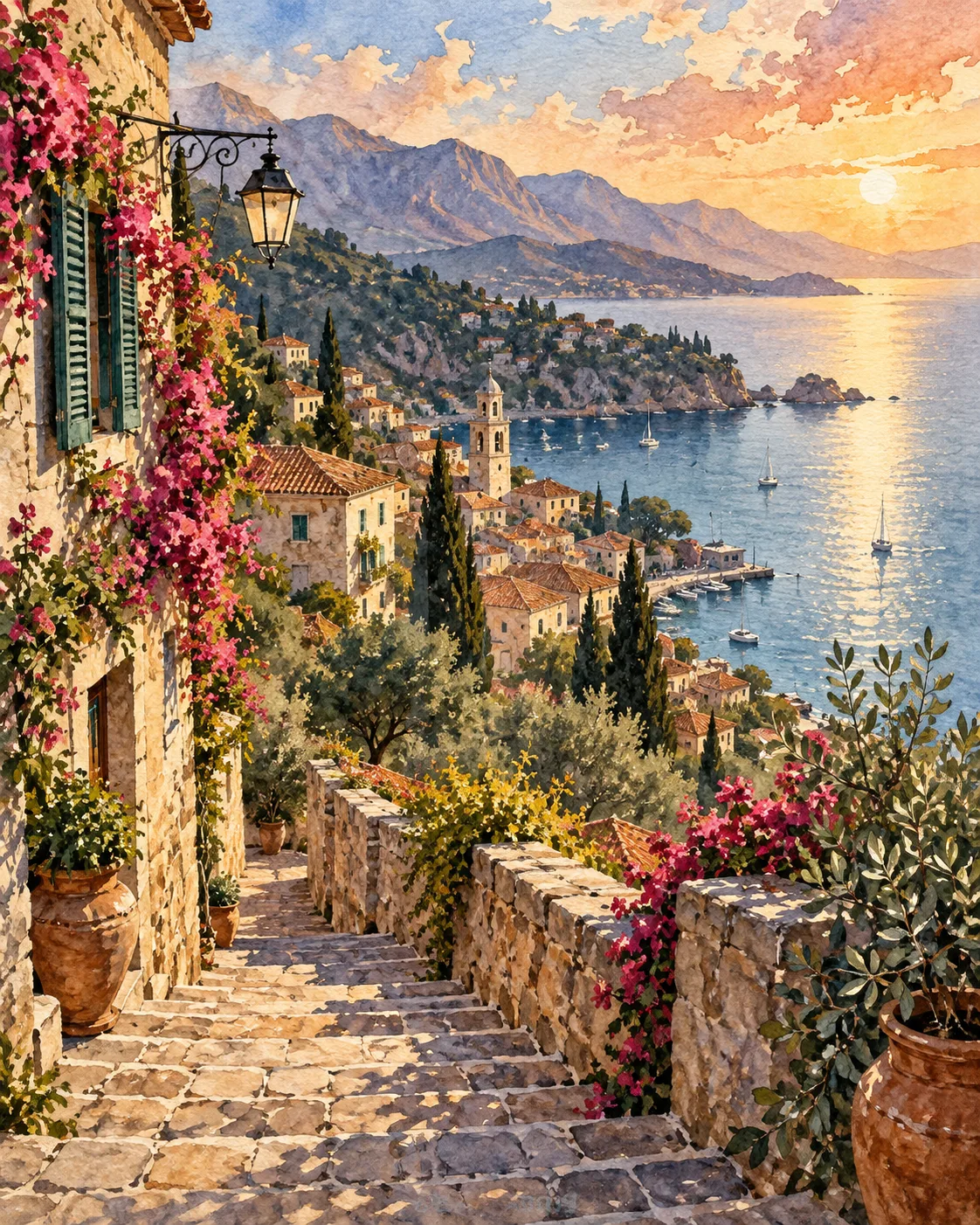
Medium sets the emotional register. Gouache and colored pencil feel warm and handmade, flat vector shapes feel modern and clear, and cut paper or collage feels playful and tactile. Mention visible texture, such as 'grainy pencil shading' or 'dry brush edges', so the result does not collapse into a smooth digital finish.
Keep text out of the generated image. Books and magazines set type separately, and generated letters are often garbled. Ask for 'no text', reserve blank areas where the headline or story copy will sit, and handle typography in your layout software.
Prompt examples
Burnout editorial metaphor
Conceptual editorial illustration for an article about burnout: a tall candle melting at both ends on a tidy office desk, flat gouache texture, muted teal and warm orange palette, simple shapes, generous empty space on the left for a headline, no text
One clear metaphor plus reserved space works at both thumbnail and full-page size.
Try this promptFox and badger spread
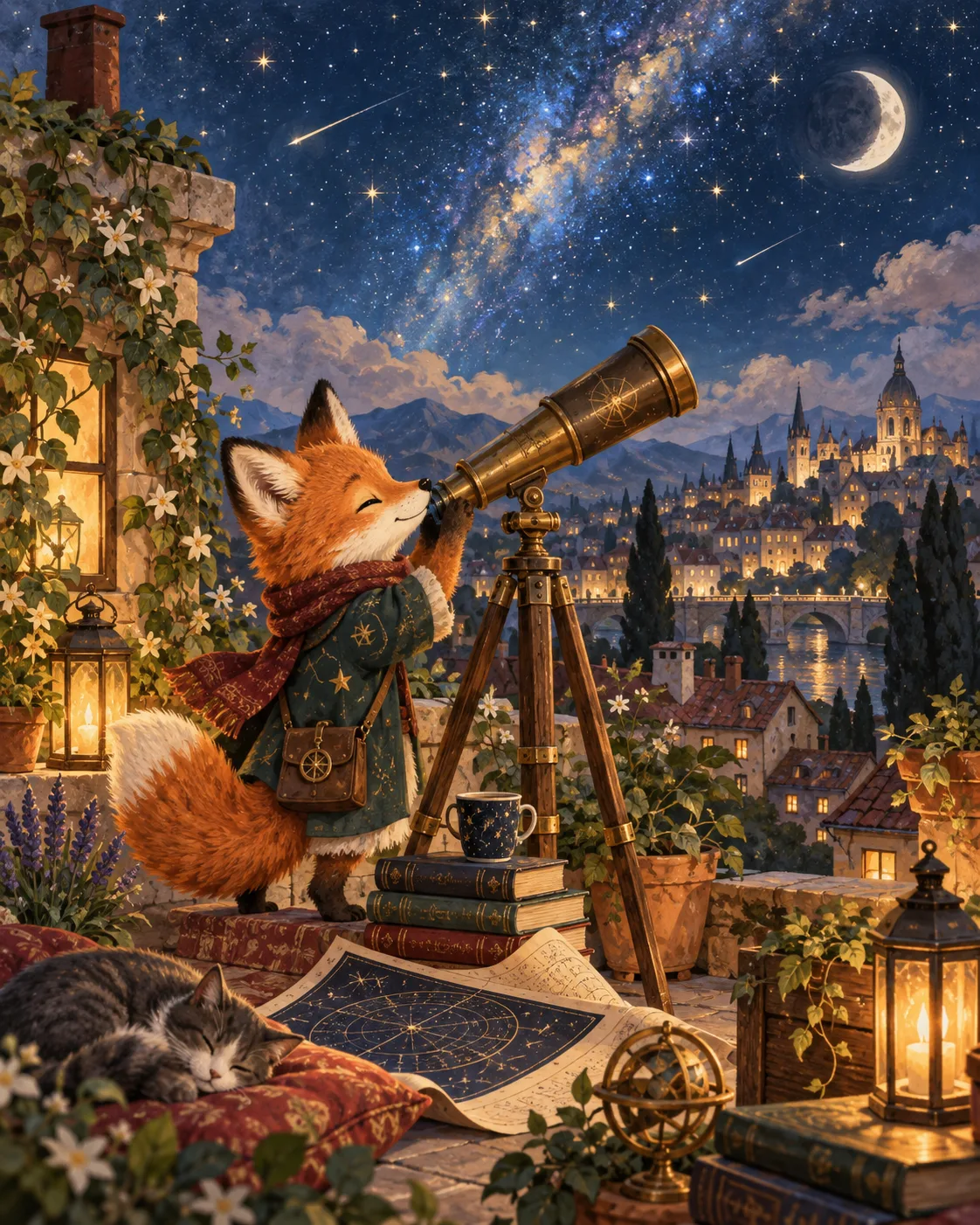
Picture book double-page spread of a small fox and an old badger sharing tea under a giant mushroom on a rainy afternoon, soft colored pencil and watercolor texture, warm cozy palette, room for text in the upper sky, gentle storybook style
Animal characters and a text-safe sky match how picture book spreads are actually laid out.
Try this promptGardening newsletter header
Wide flat vector illustration for a gardening newsletter header: hands planting seedlings in raised beds, a watering can and blank seed packets, limited palette of sage, cream, terracotta and charcoal, clean shapes, subtle paper grain
A restricted palette makes the header easy to match to the newsletter's own brand colors.
Try this promptKitchen tool spot set
Set of six small spot illustrations of kitchen tools on a white background: whisk, rolling pin, copper pot, wooden spoon, grater, measuring cups, loose ink lines with flat color fills, consistent line weight, evenly spaced
Matching line weight across items makes them usable together as a set in a menu or recipe guide.
Try this promptLighthouse chapter opener
Vertical chapter opener illustration of a lighthouse keeper reading by lamplight at the top of a spiral staircase, cut paper collage style with layered shadows, deep navy and mustard palette, calm mood, empty space at the bottom
Cut paper texture gives a tactile, handmade feel that sets the illustration apart from photographic content.
Try this prompt
Start from a template
Frequently asked questions
- Can I use these illustrations in a published book?
- Commercial use comes with paid plans. For a book, generate at the trim ratio, upscale final pages for print and keep a record of prompts and references so you can reproduce the look for later editions.
- How do I keep a character the same across a picture book?
- Create a character sheet first and include it as reference images on every page. Keep medium, palette and character description word-for-word identical, then fix small differences with the editor.
- Why does the model put text in my illustration?
- Words like 'poster', 'cover' or 'sign' invite lettering. Add 'no text' and describe the area you want left empty instead.
- How is illustration different from comic art here?
- Illustration is a single image supporting a text, like an article or a book page. Comic art tells a story across panels with inked line art, which the comic generator page covers.
Keep exploring
Ready to create?
Pick a plan and you only spend credits on images you actually receive.
Start creating