AI art generator
AI Oil Painting Generator for Classical and Modern Canvases
Oil paint is thick, slow and layered, and the look of a canvas comes from those physical qualities. This page shows how to describe brushwork, surface and light so generated paintings feel built up on canvas rather than smoothed on a screen.
Made with OpenDream
How it works
- 01
Choose a painting approach
Decide between smooth classical glazing, loose alla prima brushwork or heavy impasto. Each yields a very different surface, so name the one you want.
- 02
Describe light like a painter
Oil excels at contrast: a single window, candlelight or low evening sun with deep shadows. Mention the shadow color too, such as warm umber or cool blue-gray.
- 03
Show the canvas
Ask for 'visible canvas weave', 'thick brushstrokes catching light' or 'palette-knife texture'. Surface detail separates paint from a smooth digital image.
Why create AI oil painting generator with OpenDream
Still life
Fruit, glassware, flowers and fabric in classic arrangements, a natural fit for glazes and reflected light.
Portraits of fictional sitters
Formal or relaxed portraits in a traditional painted manner for book covers, games or home decor.
Landscapes and seascapes
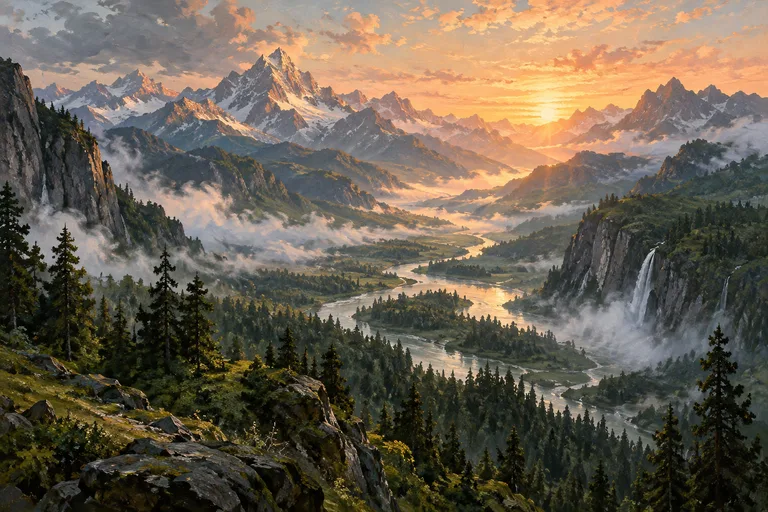
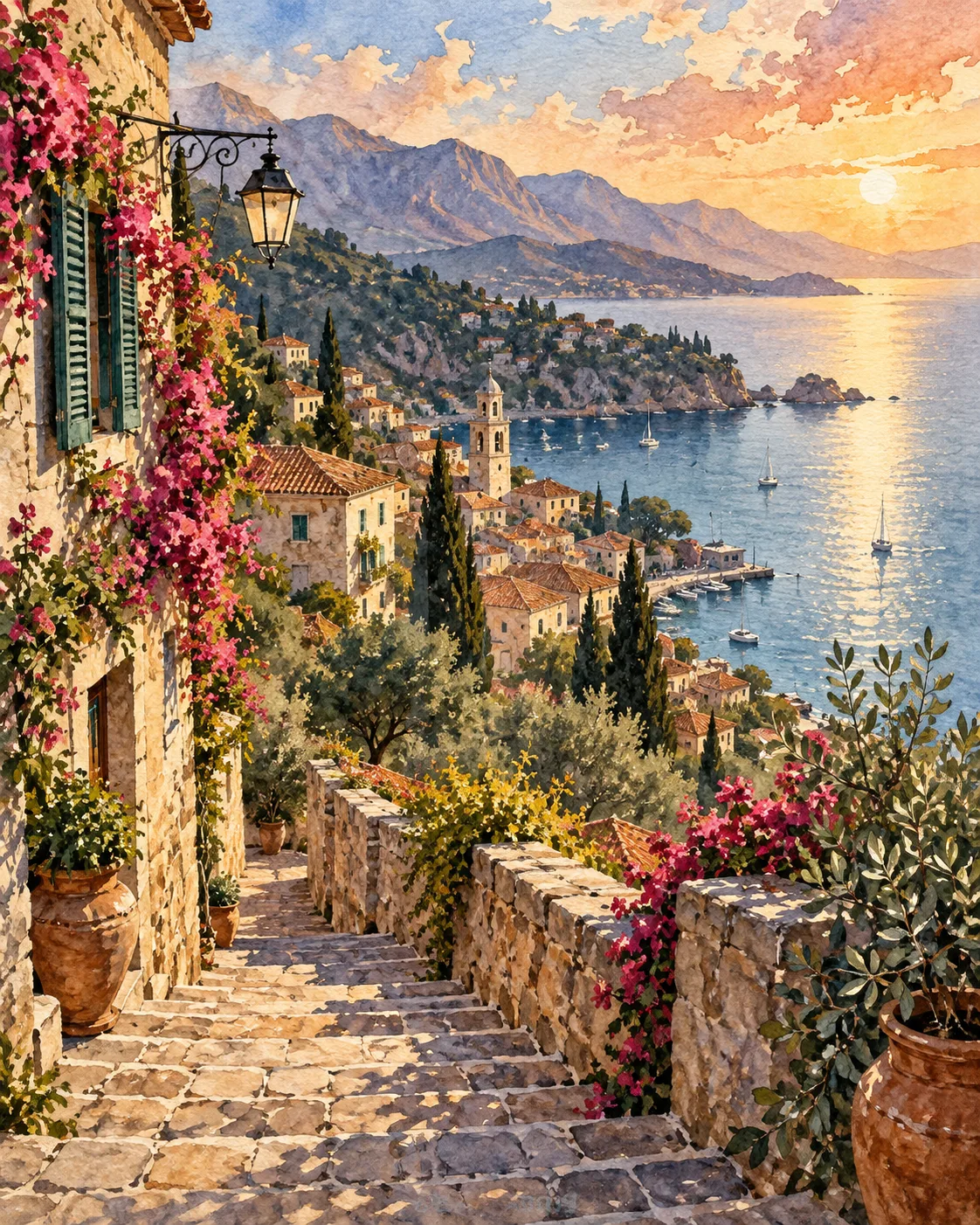
Plein-air style scenes with broken color, crashing waves or golden fields.
Photo to painting
Upload your own photo as a reference and request an oil treatment, keeping the composition while the medium changes.
Brushwork, glazing and light in oil painting
Painters broadly work in two ways. Classical glazing builds an image over a monochrome underpainting with thin, transparent color layers, giving luminous skin and deep shadows. Alla prima, or direct painting, lays color down in single confident strokes and leaves visible marks and fresh edges. Naming the approach steers texture, finish and mood more reliably than naming a historical period.
Impasto, paint applied thickly enough to stand off the canvas, catches real light and casts tiny shadows. Writing 'thick impasto on the brightest areas, thin paint in the shadows' mirrors how painters actually handle the medium: heavy in the lights, thin in the darks. That contrast gives depth even in a flat reproduction.
Chiaroscuro, a strong contrast of light and dark, suits oil especially well. Describe one main light source, where it lands and the temperature of the shadows. Warm light with cool shadows, or the reverse, adds richness. Traditional portrait backgrounds are often dark and softly brushed so the lit face comes forward.
Keep art-history references general, such as 'classical realist' or 'impressionist broken color', and avoid naming individual living painters. For canvas prints or posters, upscale the final image so brushstroke texture holds up at large size.
Prompt examples
Candlelit still life
Oil painting still life of pears, a pewter jug and a half-filled glass of red wine on a linen cloth, single candle light from the left, deep warm umber background, smooth classical glazing, luminous highlights on the glass, visible canvas weave
One light source and a glazing approach produce the rich contrast associated with traditional still life.
Try this promptStormy wheat field
Alla prima oil painting of a wheat field under a stormy sky, loose confident brushstrokes, broken color in the clouds, a single red-roofed barn, thick impasto on the brightest wheat, thin paint in the shadows, plein-air feel
Heavy paint in the lights and thin paint in the darks copies how landscape painters really build a canvas.
Try this promptVelvet portrait
Classical oil portrait of a fictional elderly woman in a dark velvet dress with a lace collar, seated three-quarter view, soft north window light, cool gray-green shadows, dark softly brushed background, smooth glazed skin, fine canvas texture
Cool shadows against warm skin tones create depth and keep the portrait from looking flat.
Try this promptSunset seascape
Oil painting seascape of heavy waves crashing against dark rocks at sunset, palette-knife texture in the foam, glowing orange light through the wave crest, cool blue-violet shadows, dramatic sky, textured canvas
Palette-knife marks suit foam and rock, and the backlit wave crest gives a clear focal point.
Try this promptModern kitchen interior
Contemporary oil painting of a quiet kitchen in morning light, loose brushwork, flattened perspective, bold color blocks of teal, mustard and coral, visible brush marks, simplified forms, a vase of tulips on the table
Modern oil styles lean on bold color blocks and simplified forms instead of classical detail.
Try this prompt
Start from a template
Frequently asked questions
- Can I turn a photo into an oil painting?
- Yes. Upload the photo as a reference and describe the approach, such as 'loose alla prima oil painting with visible brushstrokes'. The composition carries over while the surface changes.
- Can I print the paintings on canvas?
- You can. Run the Upscale tool first, then print at a ratio that matches the canvas, such as 4:5 or 3:4. If you plan to sell prints, you need a paid plan, which covers commercial use.
- Can I ask for the style of a famous painter?
- Refer to movements and techniques, like impressionist broken color or classical glazing, rather than named living artists. Technique words also give you finer control over the result.
- Why do my paintings look too smooth?
- Add surface language: impasto, visible brushstrokes, palette-knife texture and canvas weave. Words like 'hyperdetailed' or 'sharp' pull toward a digital finish.
Keep exploring
Ready to create?
Pick a plan and you only spend credits on images you actually receive.
Start creating